Show the product. Tell a clearer story.
Use your actual screen recordings in the Editor. Add titles, supporting visuals, and short clips without asking an image model to invent your interface.
- Upload actual product screenshots and recordings
- Add titles and your own audio to explain each step
- Export versions for the feed, a story, or a product launch
INSIDE THE WORKSPACE
From the brief
to the final timeline.
Bring the final cut together.
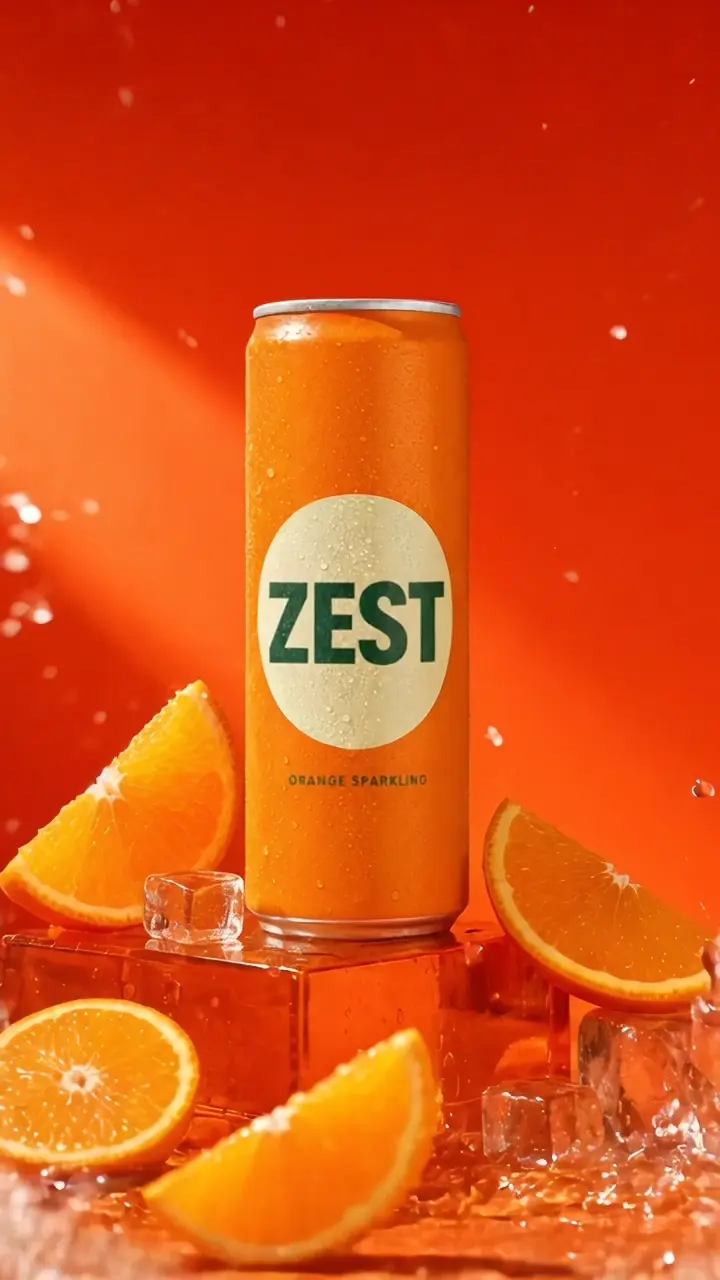
Actual ZEST campaign project · Play the Editor demo
Arrange assets, trim clips, add titles and audio. Export the version your next placement needs.
Explore the Editor ↗Questions, answered
Use real captures when demonstrating how your product works. AI can help with supporting campaign imagery, while the Editor combines those visuals with your real interface.
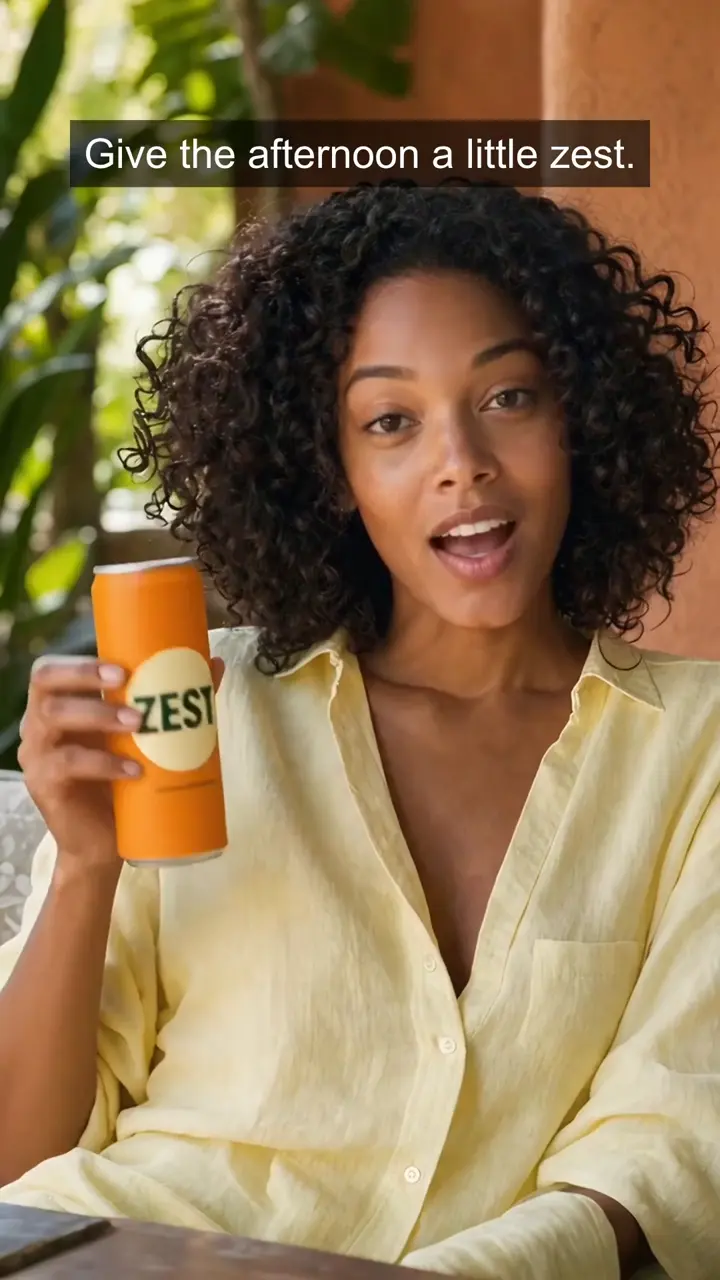
Make your next campaign stand out.
Your product, your message, your next ad. Start with an image and build the story in Mozify.