A scene worth building around.
Give your ad a product close-up, an inviting setting or an opening moment. Start with the shot your story needs.
MOZIFY / AI VIDEO
Create product reveals, atmospheric scenes and scroll-stopping moments from a written brief. Direct the subject, the camera and the sound, then bring the best takes into your ad.
Give your ad a product close-up, an inviting setting or an opening moment. Start with the shot your story needs.
Shape the motion with a prompt: a slow reveal, a camera orbit, morning light or a close-up pour. Model settings control duration and resolution.
Use generated clips alongside your own footage. Add a headline, adjust the sequence and export from the Video Editor.
REAL OUTPUTS / SAMPLE CAMPAIGNS
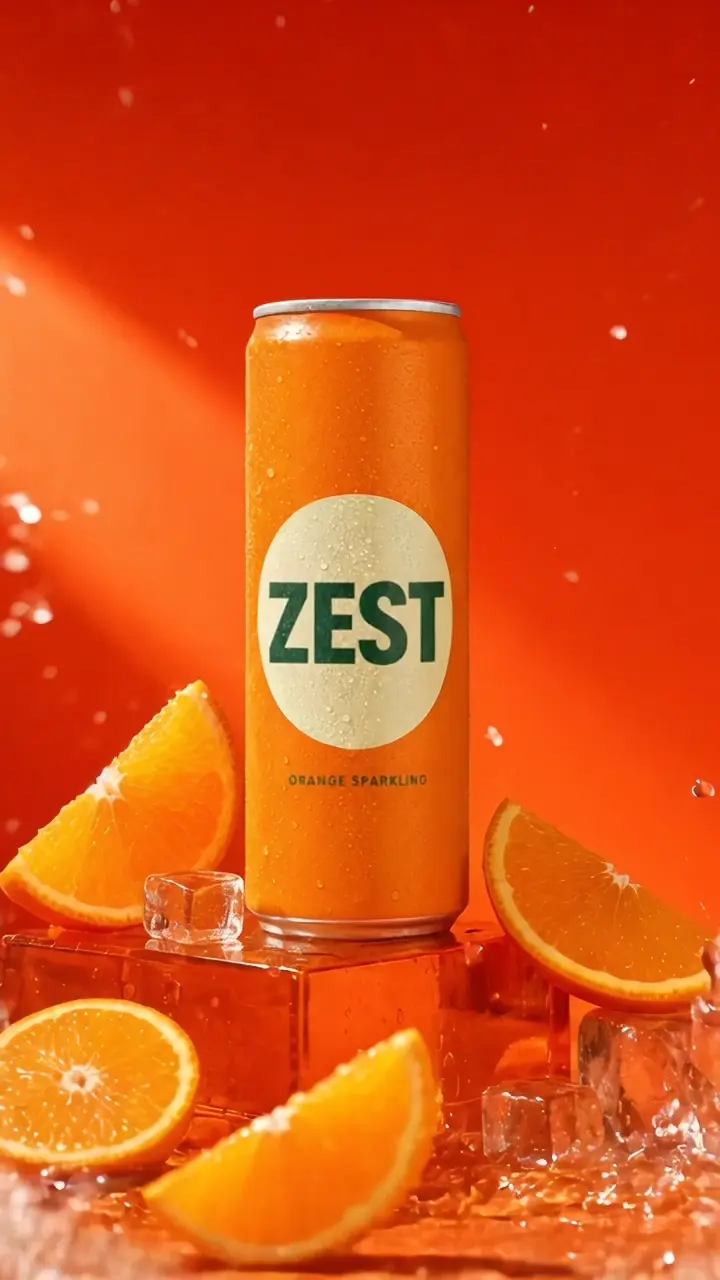
Food & drink · Seedance 2.5
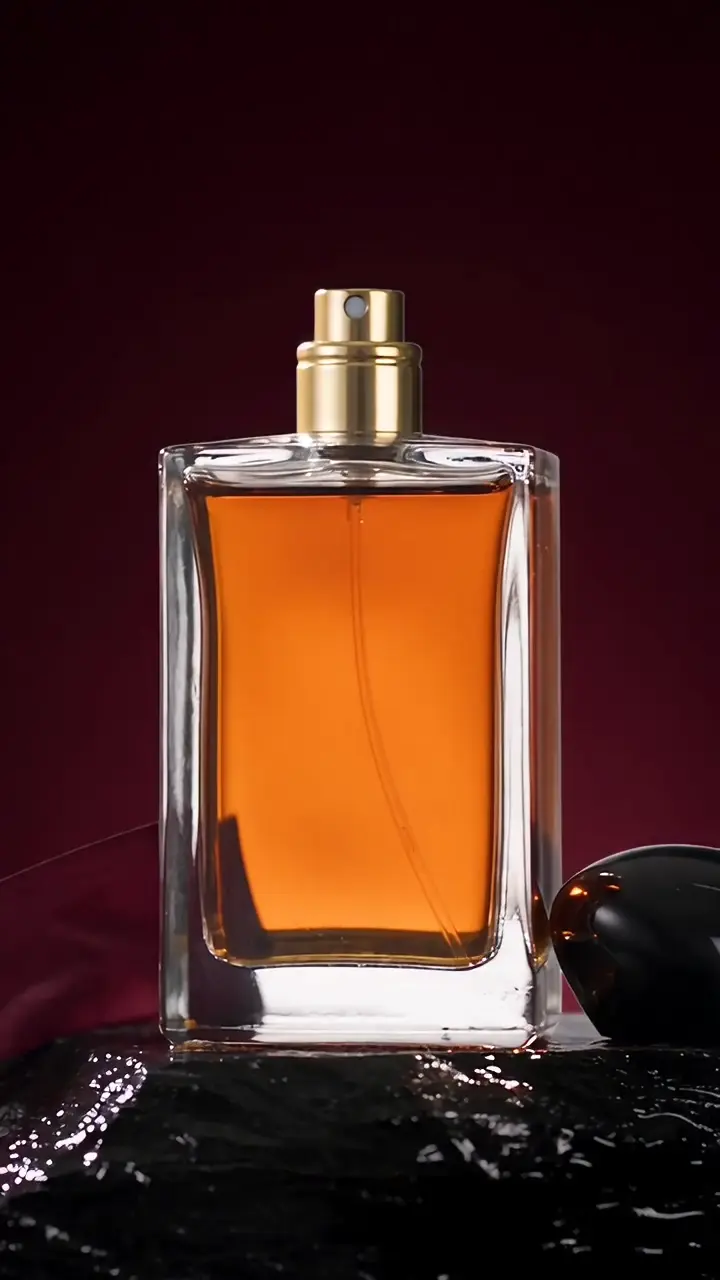
Product reveal · Seedance 2.5
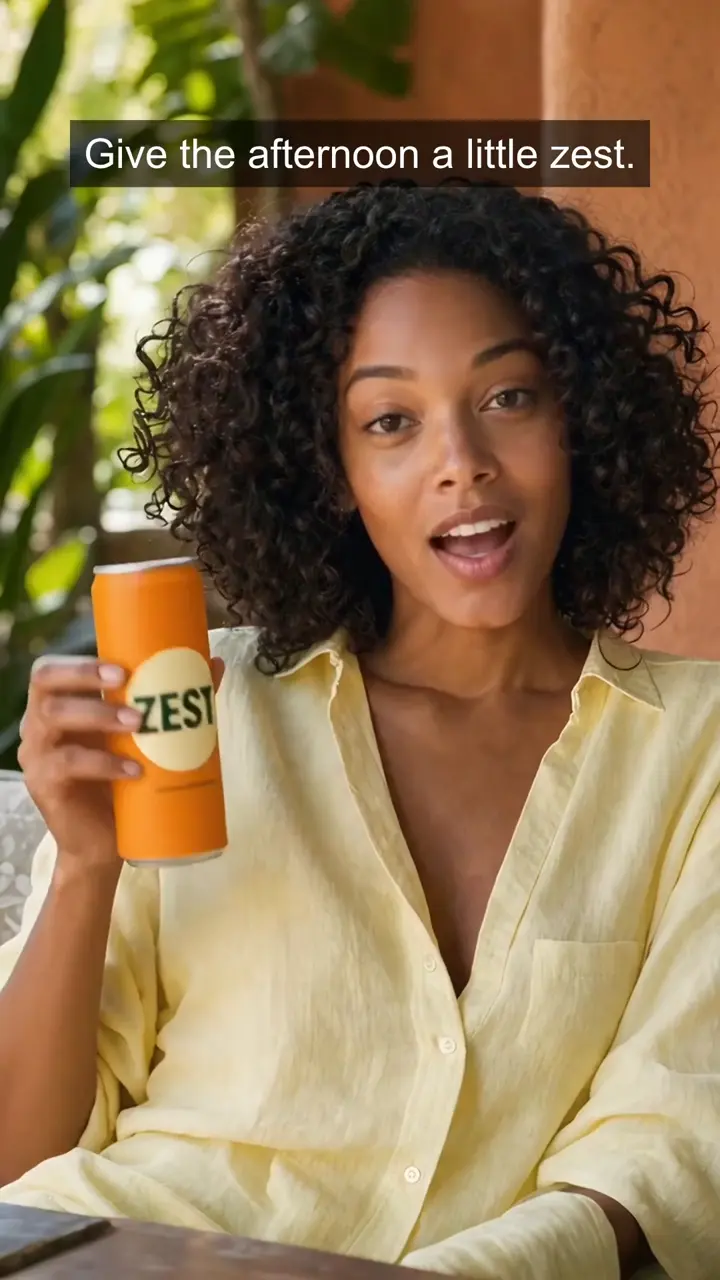
Brand film · Seedance 2.5
Created from text prompts through Mozify. Open a clip to watch with sound. These are fictional campaign concepts, not customer results.
FROM THE FIRST STEP
Name the subject, action, setting and camera movement. Keep the idea focused enough for the chosen duration.
Select a model, aspect ratio and duration. Enable generated audio where supported and review the credit quote.
Review playback and sound, save the result in Assets, then assemble the final sequence in the Editor.
BUILT AROUND YOUR WORK
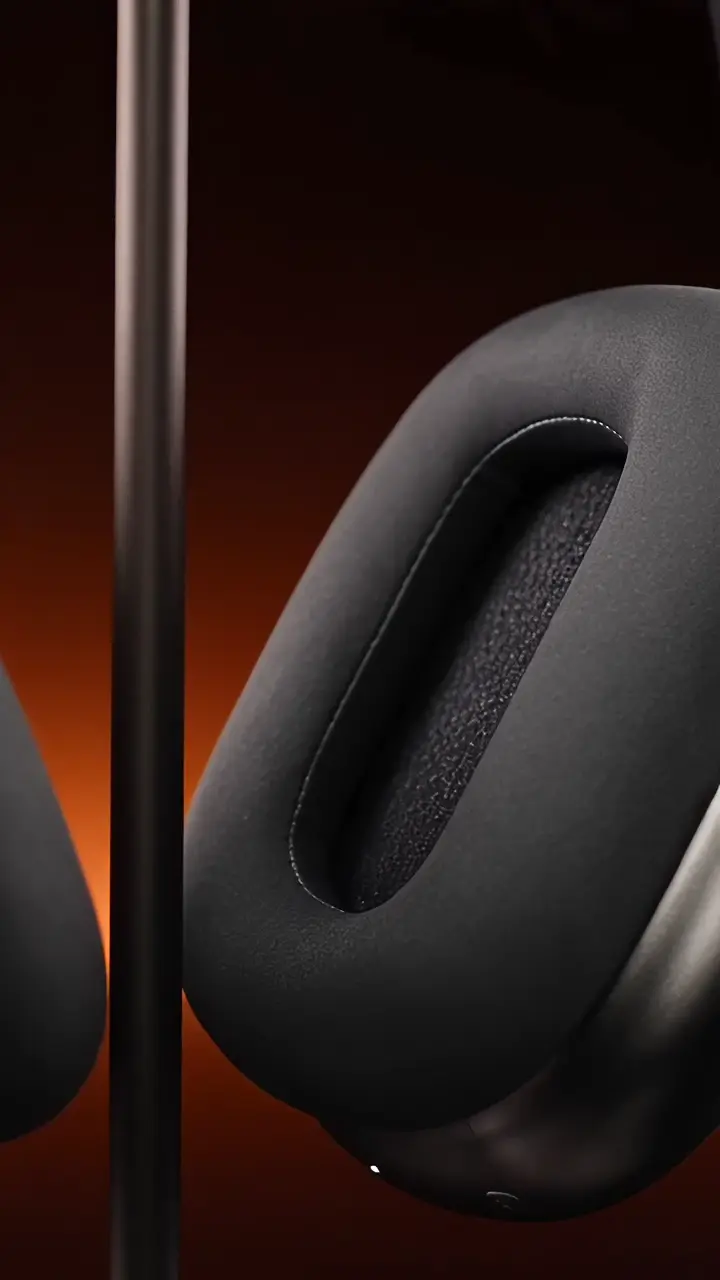
Build a strong opening around shape, texture and detail.
Create the mood and setting that support your campaign.
Fill a gap in your edit with a shot made for the brief.
No. Text-to-video starts from a prompt. If product appearance is central to the shot, reference-to-video gives you a way to begin with an existing image instead.
Your product, your message, your next ad. Start with an image and build the story in Mozify.