
 VIDEO MODEL / MINIMAX
Describe where the camera starts
Name the first visible detail before describing the wider scene that the move should reveal.
An orange-jacketed cyclist follows a gravel road to a lake overlook. A tracking view, wheel detail and final pause give this 15-second film a beginning, movement and destination.
Explore free, no card required. A paid plan is required to generate and export.
An orange-jacketed cyclist follows a gravel road to a lake overlook. A tracking view, wheel detail and final pause give this 15-second film a beginning, movement and destination.
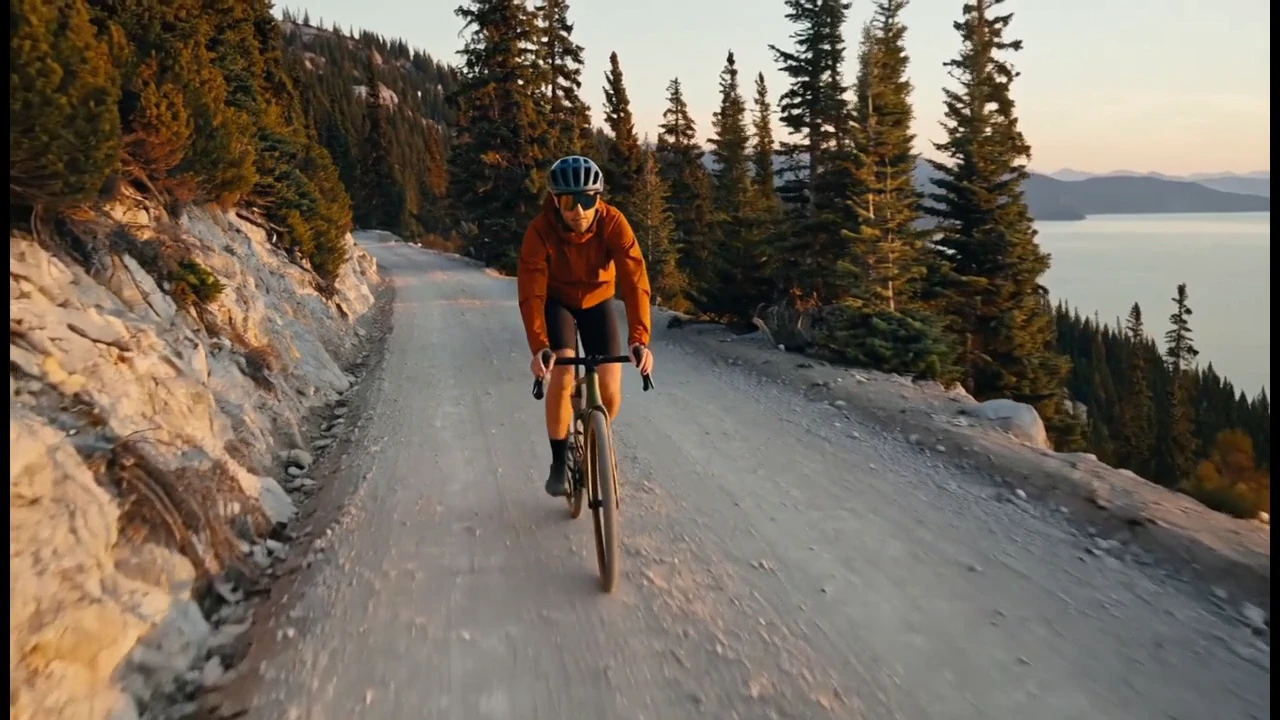
The opening tracks the rider on the gravel road, with the lake visible through the trees.
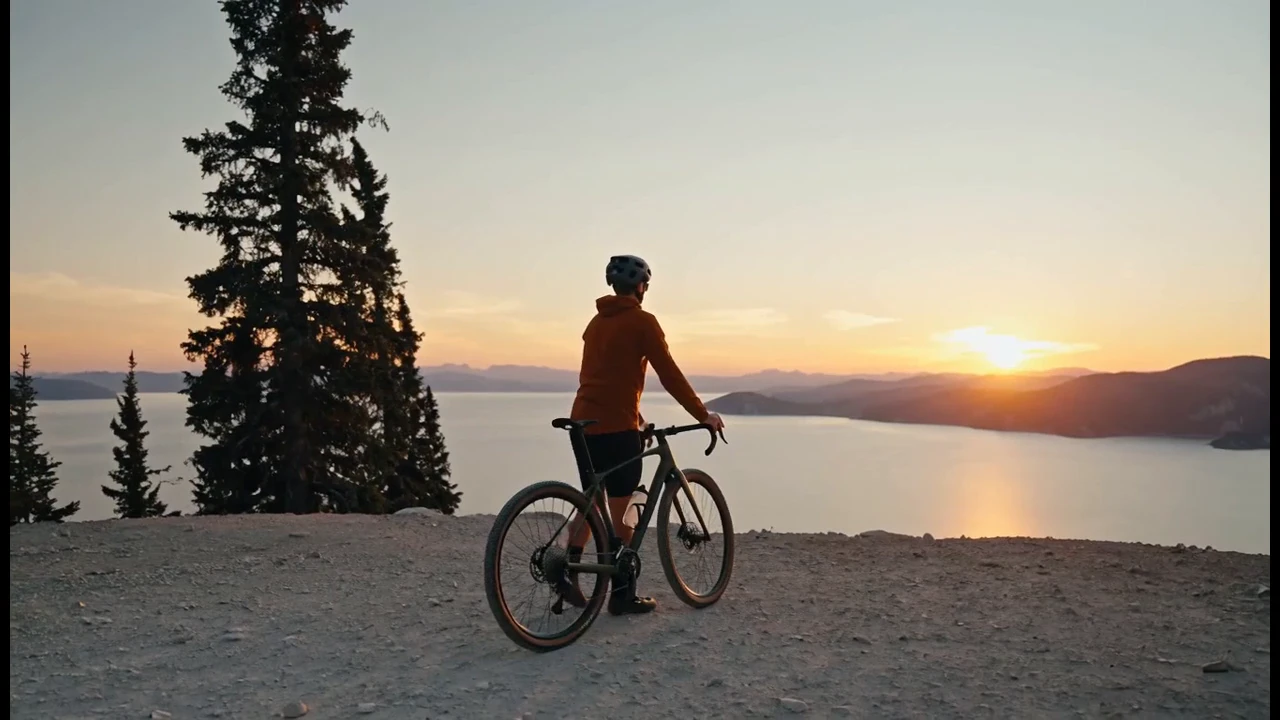
The closing view gives the rider and the audience a pause beside the water.
An orange-jacketed cyclist follows a gravel road to a lake overlook. A tracking view, wheel detail and final pause give this 15-second film a beginning, movement and destination.
Shot 1 A complete 15-second cinematic outdoor story. An adult cyclist in a burnt-orange windbreaker and matte navy helmet rides a gravel bicycle along a wide safe ridge path at golden hour. Opening wide establishes pine forest and the distant lake; middle low tracking shot follows spinning wheels through fine dust with correct wheel rotation and believable contact; ending the cyclist slows safely at a viewpoint, puts one foot down and looks across the lake. Finish on a stable expansive composition held for two seconds. Same bicycle, clothes and person throughout. Natural movement, no dangerous stunts, no aerial impossible motion, no text or logos. Sound direction if supported: tires on gravel, gentle wind and understated original guitar music. Narration added in the edit Some roads lead somewhere. Others bring you back to yourself. Find your own way home.
One original 15-second MiniMax H3 generation. Its soundtrack is retained at a lower level; ElevenLabs narration was added and spaced during editing.
Three steps in the studio. Open any screenshot to see the controls at full size.
Open Video Studio, search for MiniMax H3 and select it. Choose the input mode that matches your starting material.
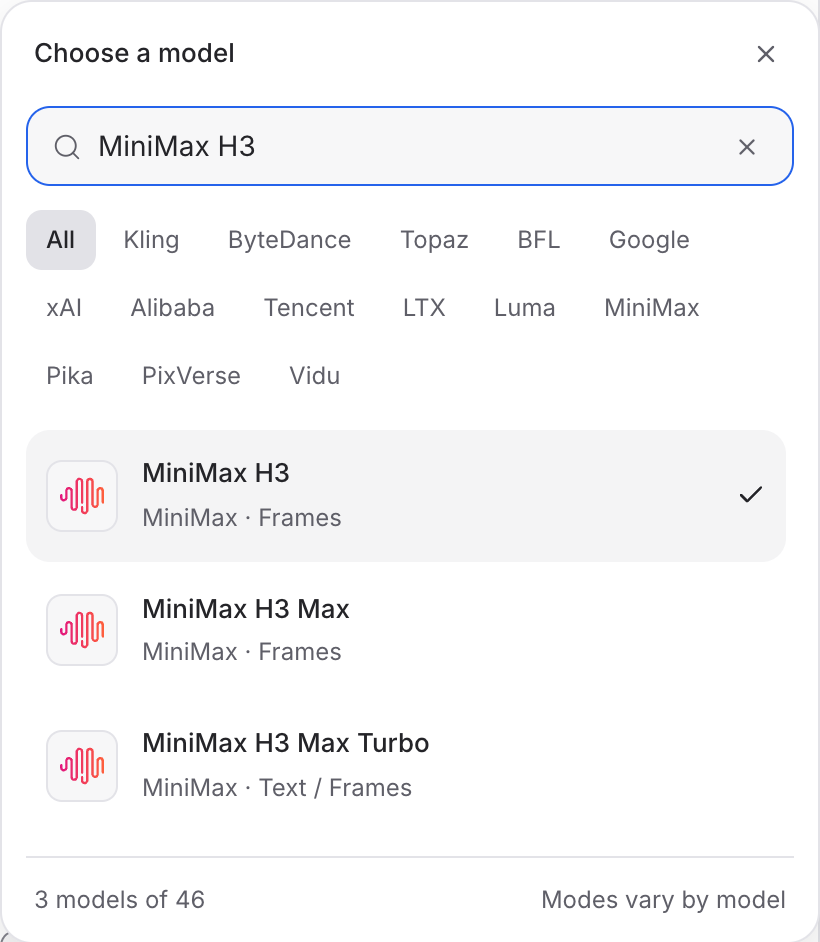
Describe the action, camera movement and ending. Add the images or other references required by your chosen mode.
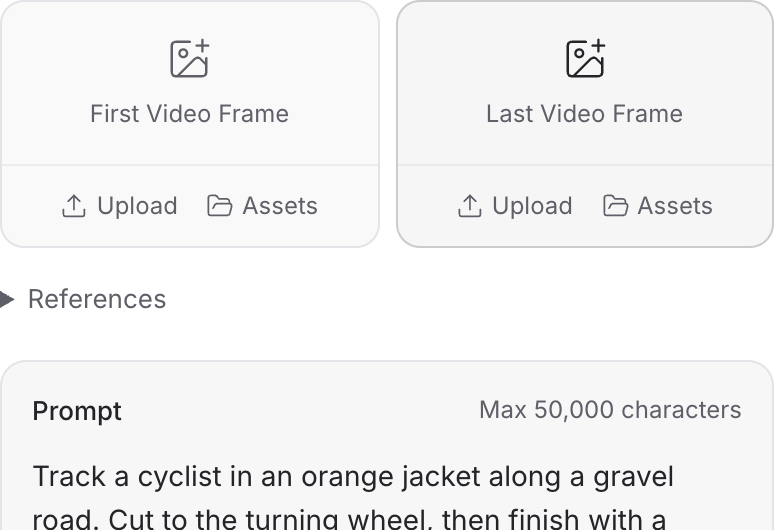
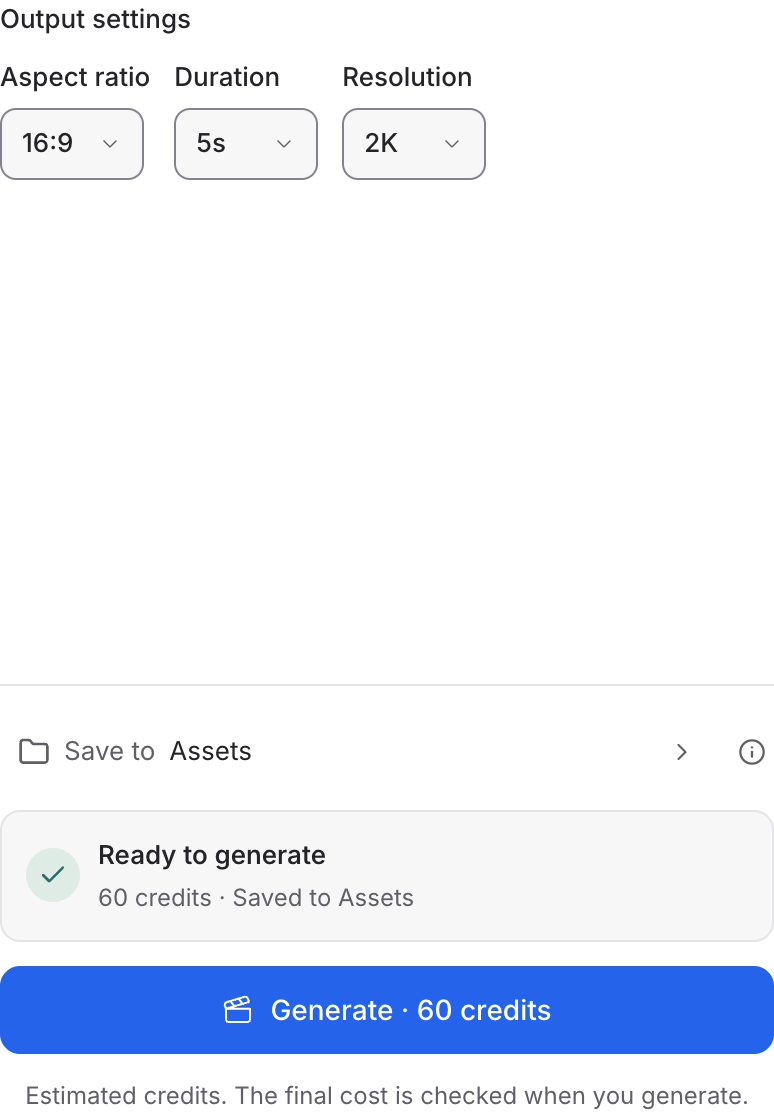
Set the available format and duration controls. Enable Audio when offered, review the credit quote and click Generate. Play the result with sound.
Choose a mode below to see supported media and creative controls, then open that profile in Mozify.
Describe a new scene. Set out the subject, composition and the details that should appear in the result.
Open this mode in Mozify ↗Use this suggested exercise to start your own generation. The gallery above shows separately recorded outputs.
A suggested exercise to run in your workspace.
Name the first visible detail before describing the wider scene that the move should reveal.
The Frames profile accepts opening and end-image inputs. Keep the scene layout compatible between them.
The Reference profile supports images, video and audio. Explain the purpose of each source in the creative brief.
Featured in the Mozify studios.
Guide video with image, video and audio references.
Generate clips, edit footage and reuse references.
Create shots, connect frames and extend videos.
Build short scenes from text and references.
Create video from prompts, frames or media references.
Create clips, edit footage and change framing.
Start a video from text, an image or audio.
Open a guide to explore the inputs and a practical brief. Current availability and credit quotes are shown in your workspace.
Open the Video studio and check the model picker for MiniMax H3. Select an enabled profile, add its required inputs and review the quote before running.
Bring your product, your brief or your next big idea. Start creating in Mozify.
Explore free, no card required. A paid plan is required to generate and export.


