
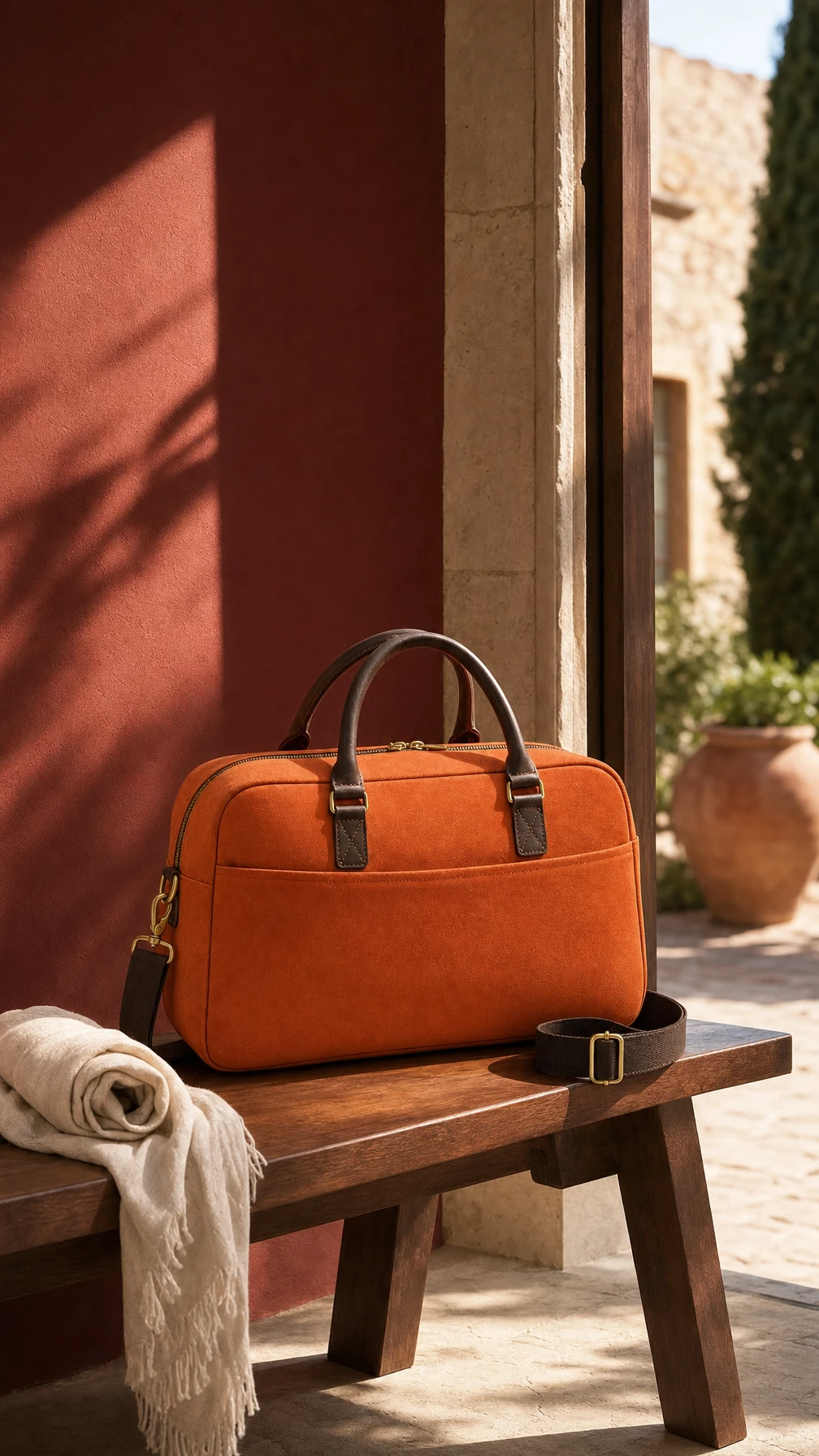
Use an image again
Select the saved scene as a reference for a supported video model. Keep the original photo for future revisions.
Keep your uploaded references and generated images, videos and audio together. Find an asset, reuse it in another generation, or bring it into your next edit.
Explore free, no card required. A paid plan is required to generate and export.
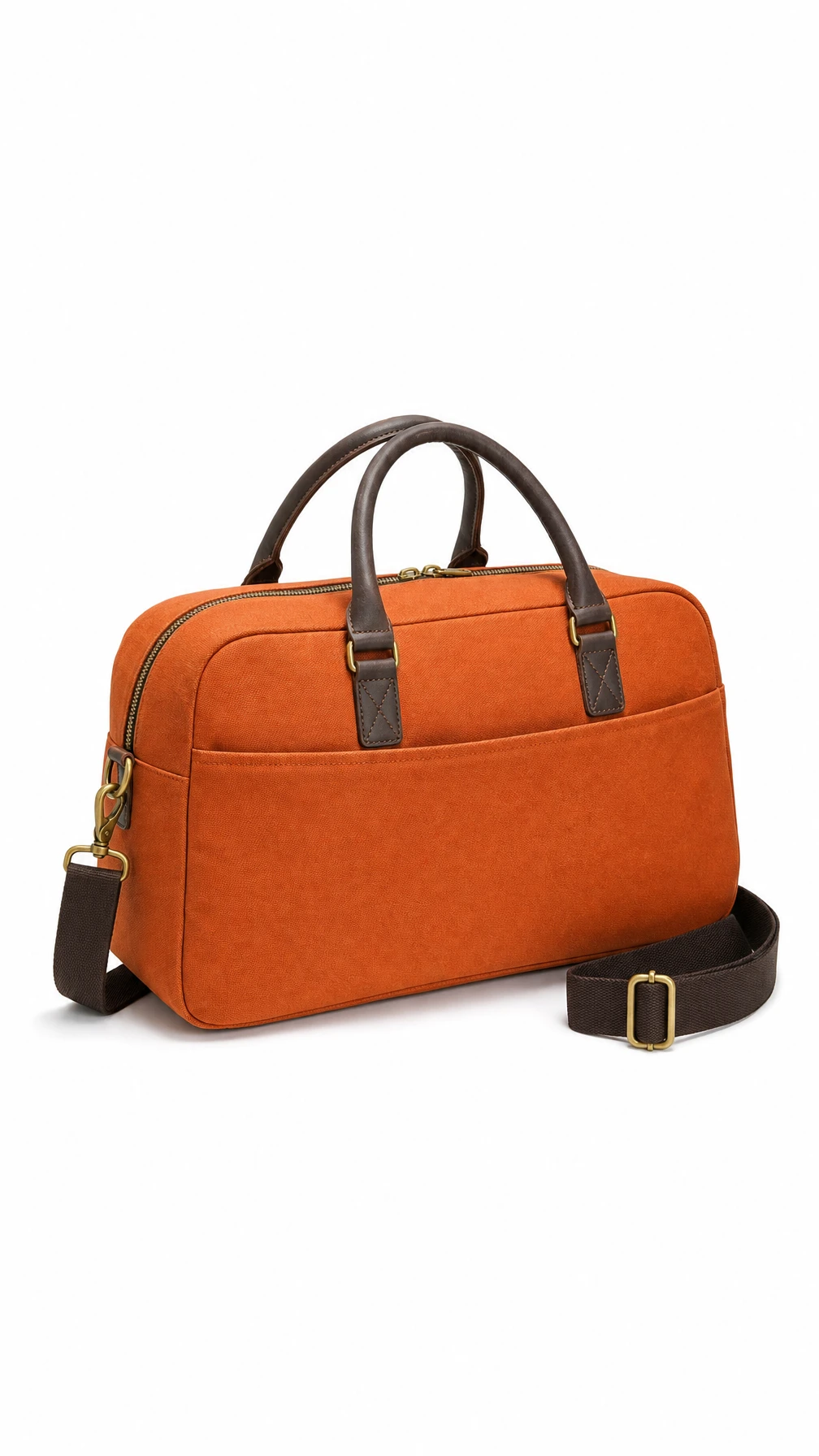
Actual campaign files used across Image, Video and Editor.
Follow the files behind this fictional weekender campaign: the reference, the generated film and the finished ad. Each asset has a different role in the next production step.
Select the saved scene as a reference for a supported video model. Keep the original photo for future revisions.
Review the clip before placing it on the timeline alongside the presenter and product still.
Reuse the selected footage for another edit while retaining the completed ad as a separate deliverable.
Follow the steps below. Open any screenshot to see the controls at full size.
Open Assets to upload your references. Use folders to keep the source files and generated results for each project together.

Browse your files and open the image or video you want to inspect. Keep the selected outputs ready for the next production step.
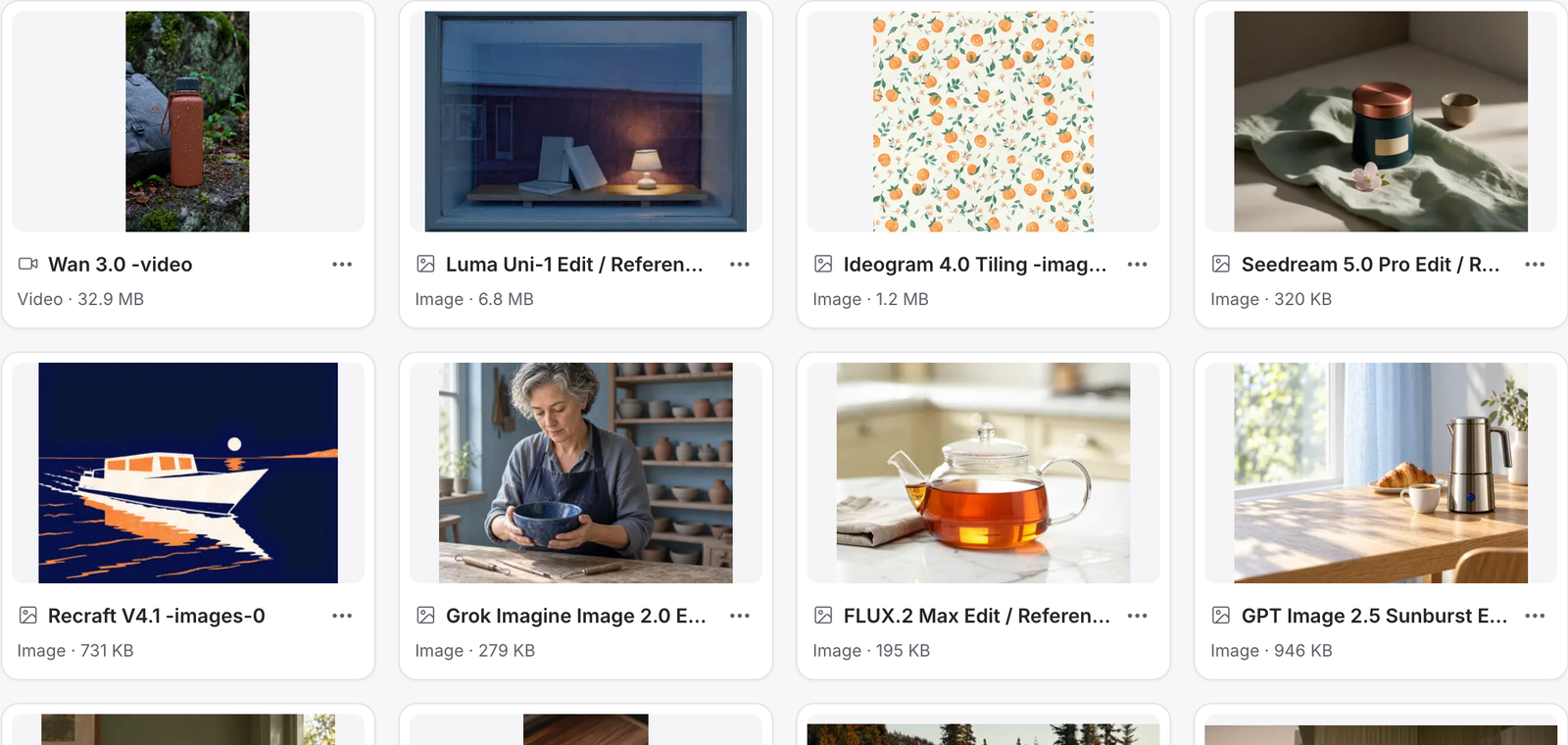
Open the asset to download it or send it to the Video Editor. In a generation, use From Assets to select a saved reference.

Create a Mozify account to explore the workspace. A paid plan is required to generate and export. Review the credit quote before confirming a generation.
Bring your product, your brief or your next big idea. Start creating in Mozify.
Explore free, no card required. A paid plan is required to generate and export.