
 VIDEO MODEL / XAI
Choose the source of the scene
Start from words, an opening image or reference images according to the selected profile.
An orange paper dragon stretches its wings, lifts off beside a desk lamp and lands with a bow. A complete 15-second character scene with the generated soundtrack retained.
Explore free, no card required. A paid plan is required to generate and export.
An orange paper dragon stretches its wings, lifts off beside a desk lamp and lands with a bow. A complete 15-second character scene with the generated soundtrack retained.
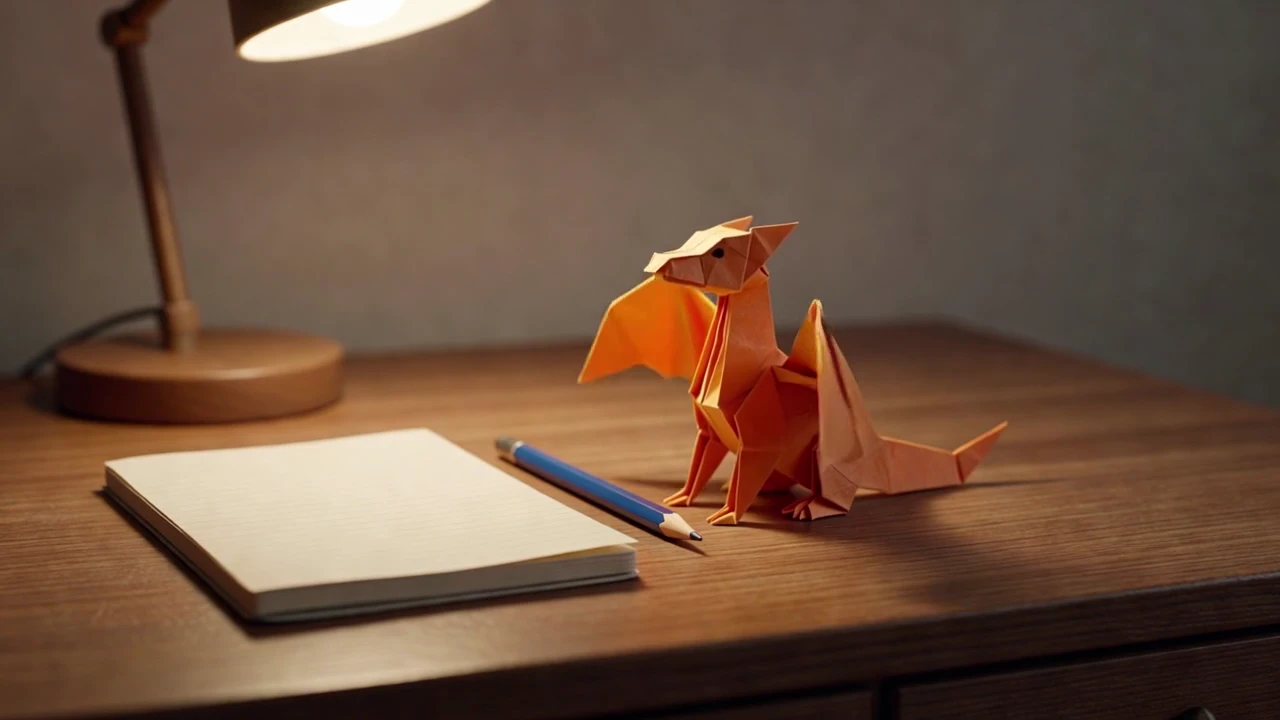
The opening gives the folded dragon a readable silhouette beside the notebook and lamp.
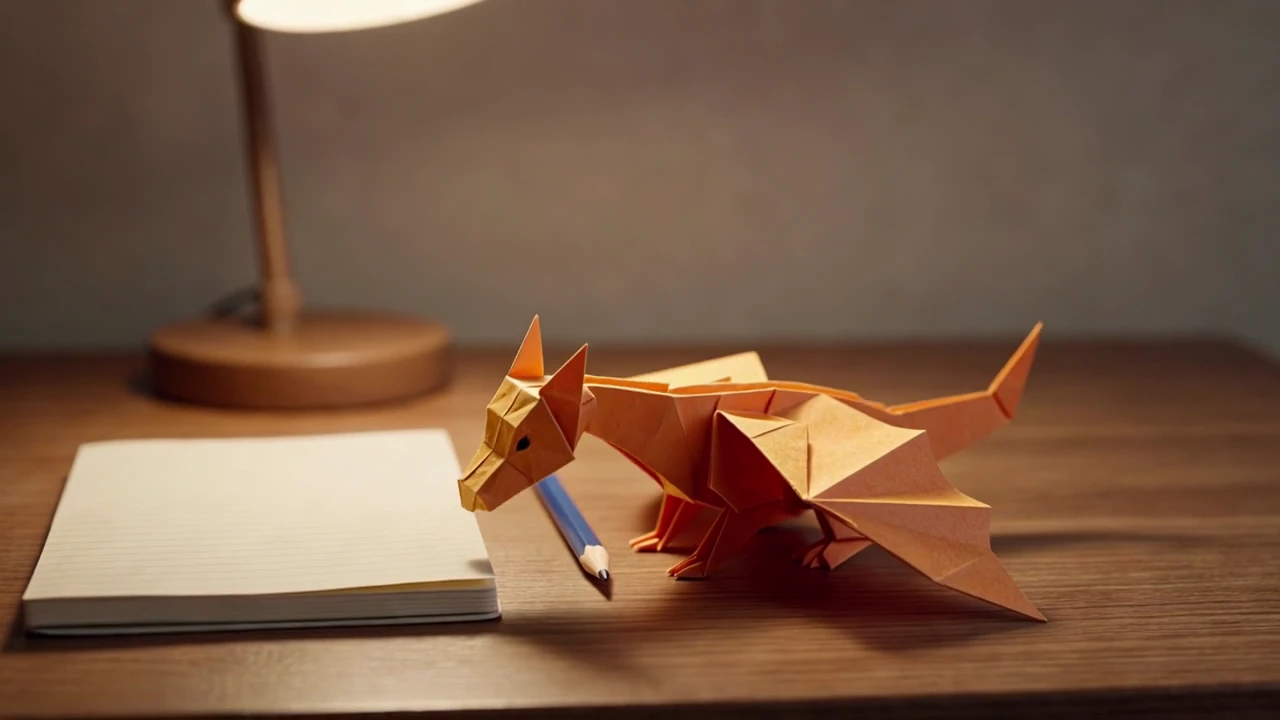
After its flight, the dragon returns to the desk and lowers its head, completing the small story.
An orange paper dragon stretches its wings, lifts off beside a desk lamp and lands with a bow. A complete 15-second character scene with the generated soundtrack retained.
Shot 1 A complete original 15-second miniature fantasy story with synchronized sound. A small orange origami dragon sits on a tidy wooden illustrator desk beside a blue pencil and a plain cream notebook. It unfolds its paper wings, takes a short careful flight above the notebook, circles a warm desk lamp, and lands neatly beside the pencil with one satisfied little bow. The same orange folded-paper dragon throughout; visible paper creases, physical shadows, whimsical stop-motion-inspired cinematic look. Opening, development and clear ending; hold the final pose. Native sound: paper rustle, tiny fluttering wings, gentle chimes and playful original pizzicato music. No speech, text, logos, famous characters or watermark.
One original 15-second Grok Imagine 1.5 generation. Native soundtrack retained; no repeated footage or added narration.
Three steps in the studio. Open any screenshot to see the controls at full size.
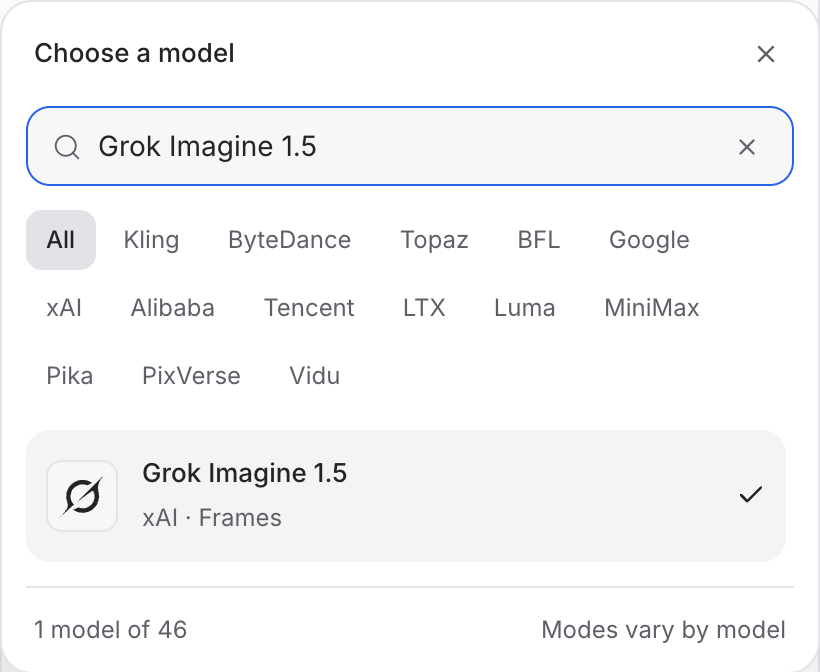
Open Video Studio, search for Grok Imagine 1.5 and select it. Choose the input mode that matches your starting material.
Describe the action, camera movement and ending. Add the images or other references required by your chosen mode.
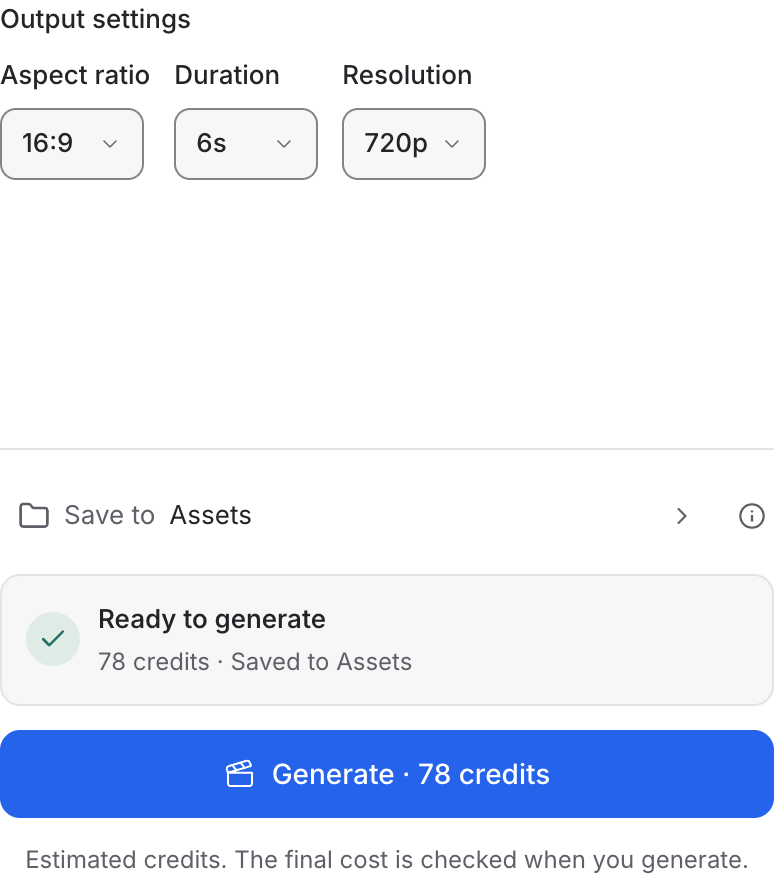
Set the available format and duration controls. Enable Audio when offered, review the credit quote and click Generate. Play the result with sound.
Choose a mode below to see supported media and creative controls, then open that profile in Mozify.
Describe a new scene. Set out the subject, composition and the details that should appear in the result.
Open this mode in Mozify ↗Use this suggested exercise to start your own generation. The gallery above shows separately recorded outputs.
A suggested exercise to run in your workspace.
Start from words, an opening image or reference images according to the selected profile.
A single placement and adjustment is easier to describe and assess than a chain of unrelated events.
Contact errors can appear during the action even when the opening and closing frames look convincing.
Featured in the Mozify studios.
Guide video with image, video and audio references.
Generate clips, edit footage and reuse references.
Create shots, connect frames and extend videos.
Create video from text, frames or media references.
Create video from prompts, frames or media references.
Create clips, edit footage and change framing.
Start a video from text, an image or audio.
Open a guide to explore the inputs and a practical brief. Current availability and credit quotes are shown in your workspace.
Open the Video studio and check the model picker for Grok Imagine 1.5. Select an enabled profile, add its required inputs and review the quote before running.
Bring your product, your brief or your next big idea. Start creating in Mozify.
Explore free, no card required. A paid plan is required to generate and export.


