
 IMAGE MODEL / OPENAI
Name what must stay
List the product’s shape, color and defining details before describing the new environment.
An orange enamel lamp anchors two interior directions: a blue evening corner and a green room in afternoon light. The second image uses the first as its reference.
Explore free, no card required. A paid plan is required to generate and export.
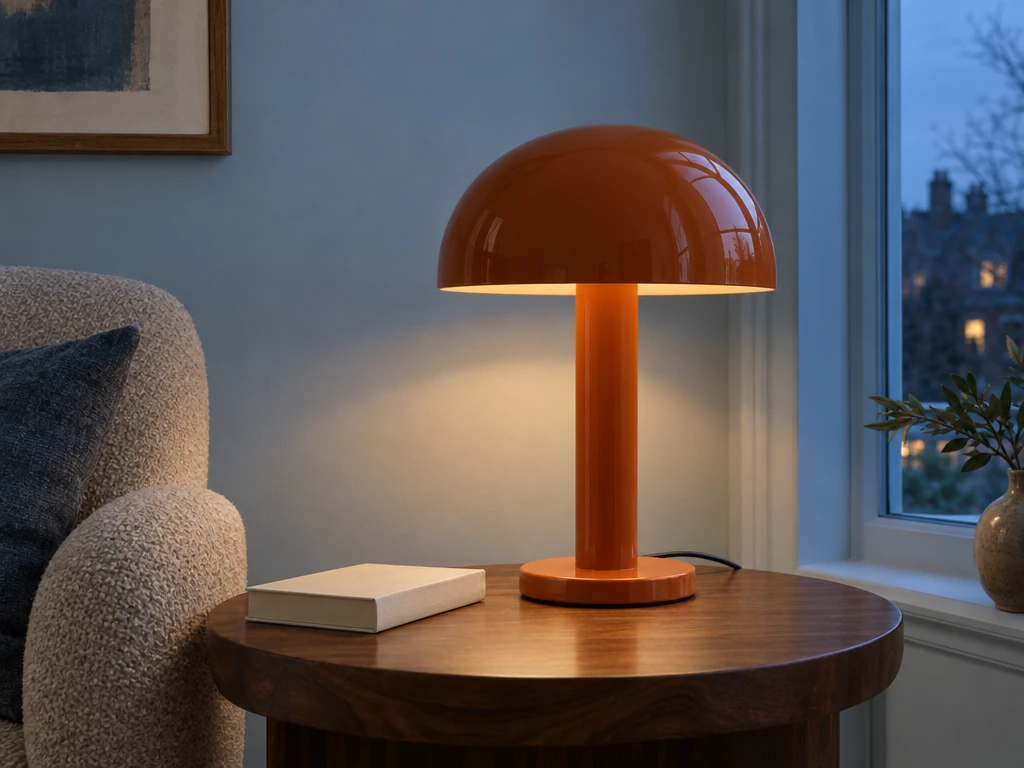
An orange enamel lamp anchors two interior directions: a blue evening corner and a green room in afternoon light. The second image uses the first as its reference.
The original pairs the orange mushroom lamp with a walnut table, a pale book and a blue evening wall.
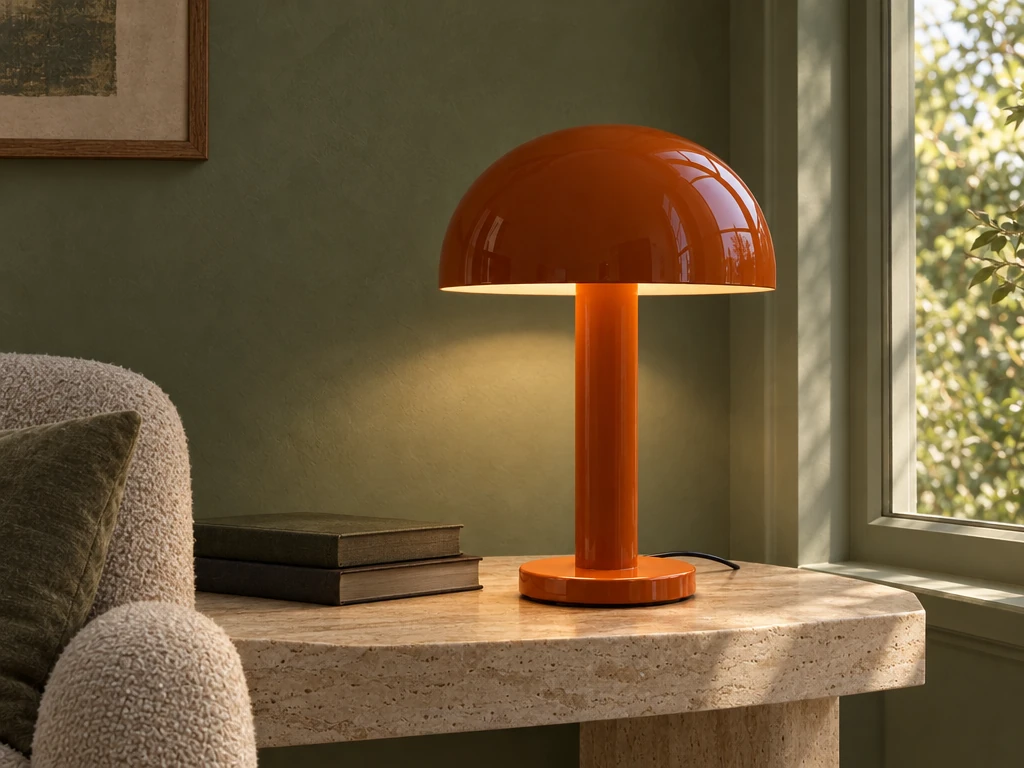
The reference edit changes the wall, table, books and daylight. The orange dome and stem remain the visual anchor.
An orange enamel lamp anchors two interior directions: a blue evening corner and a green room in afternoon light. The second image uses the first as its reference.
Text brief A premium editorial photograph of a single sculptural desk lamp: burnt-orange enamel mushroom shade, straight cylindrical stem, circular base and one visible black cable. Quiet reading corner with pale blue wall, walnut side table and one closed ivory book. Warm lamp glow and cool evening window light. The lamp is the clear subject. Sophisticated interior photography, realistic materials, no text, no logo, no watermark. Reference edit brief Keep the exact burnt-orange enamel mushroom lamp, stem, circular base and black cable from the supplied image. Change only the surroundings: a quiet moss-green plaster reading alcove, the lamp on a pale travertine console beside two closed dark books. Gentle afternoon window light instead of blue evening. Preserve the original lamp geometry and orange color. Photorealistic interior editorial, no added lamps, lettering or logo.
Created with GPT Image 2.5 Flare through Mozify. The first image was generated from text, then supplied to the Edit / Reference request shown here. Selected originals are resized and encoded for the web.
Three steps in the studio. Open any screenshot to see the controls at full size.
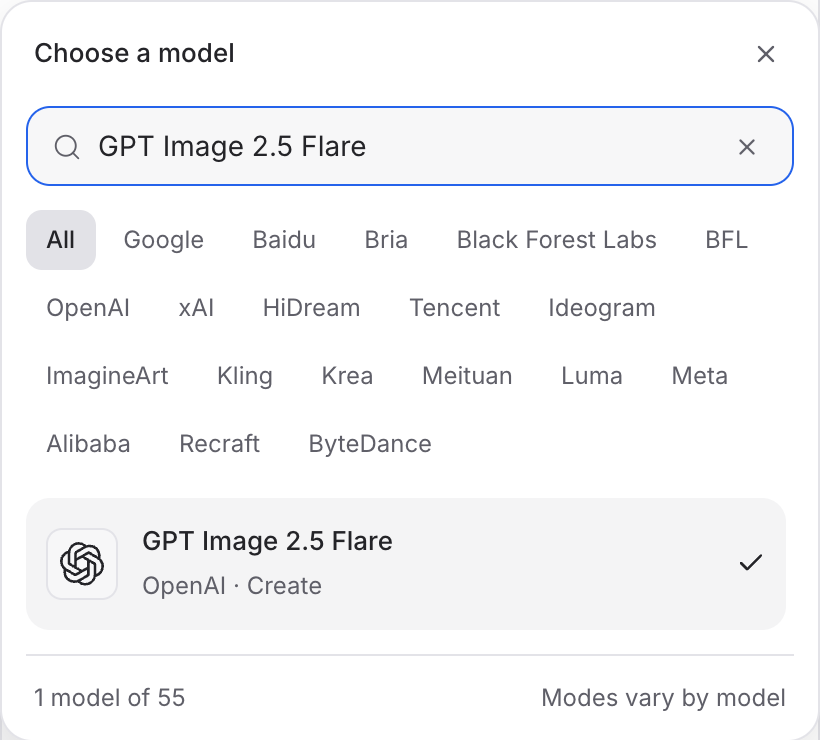
Open Image Studio, search for GPT Image 2.5 Flare and select it. Choose the input mode that matches your starting material.
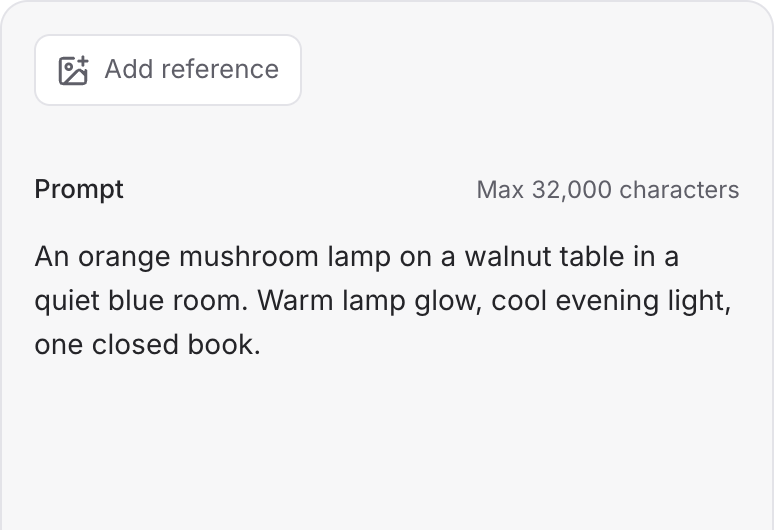
Describe the subject, composition and lighting. To revise an existing image, choose a supported reference mode and add the source image.
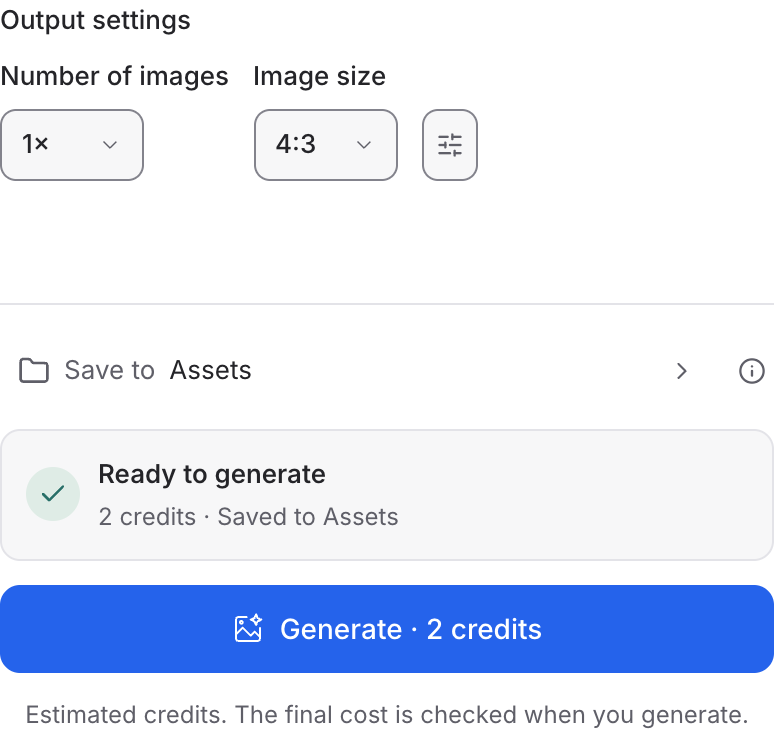
Set the available image size and output options, then review the credit quote. Click Generate and inspect your result at full size.
Choose a mode below to see supported media and creative controls, then open that profile in Mozify.
Supply an image and describe the revision. Separate the details to preserve from the parts you want to change.
Open this mode in Mozify ↗Use this suggested exercise to start your own generation. The gallery above shows separately recorded outputs.
A suggested exercise to run in your workspace.
List the product’s shape, color and defining details before describing the new environment.
Try a new room first. Keep the same reference when exploring another light direction so you can compare the revisions.
Use the same reference and prompt in Flare and Sunburst. Review the outputs for the actual product details you need, rather than assuming a universal winner.
Featured in the Mozify studios.
Create campaign images from text or references.
Restyle product photos with image references.
Build product scenes with text and image inputs.
Create and revise visuals from product references.
Generate images, edits and repeating patterns.
Create new scenes or edit an existing image.
Generate images with a palette and design brief.
Turn text and references into campaign stills.
Open a guide to explore the inputs and a practical brief. Current availability and credit quotes are shown in your workspace.
Open the Image studio and check the model picker for GPT Image 2.5 Flare. Select an enabled profile, add its required inputs and review the quote before running.
Bring your product, your brief or your next big idea. Start creating in Mozify.
Explore free, no card required. A paid plan is required to generate and export.


