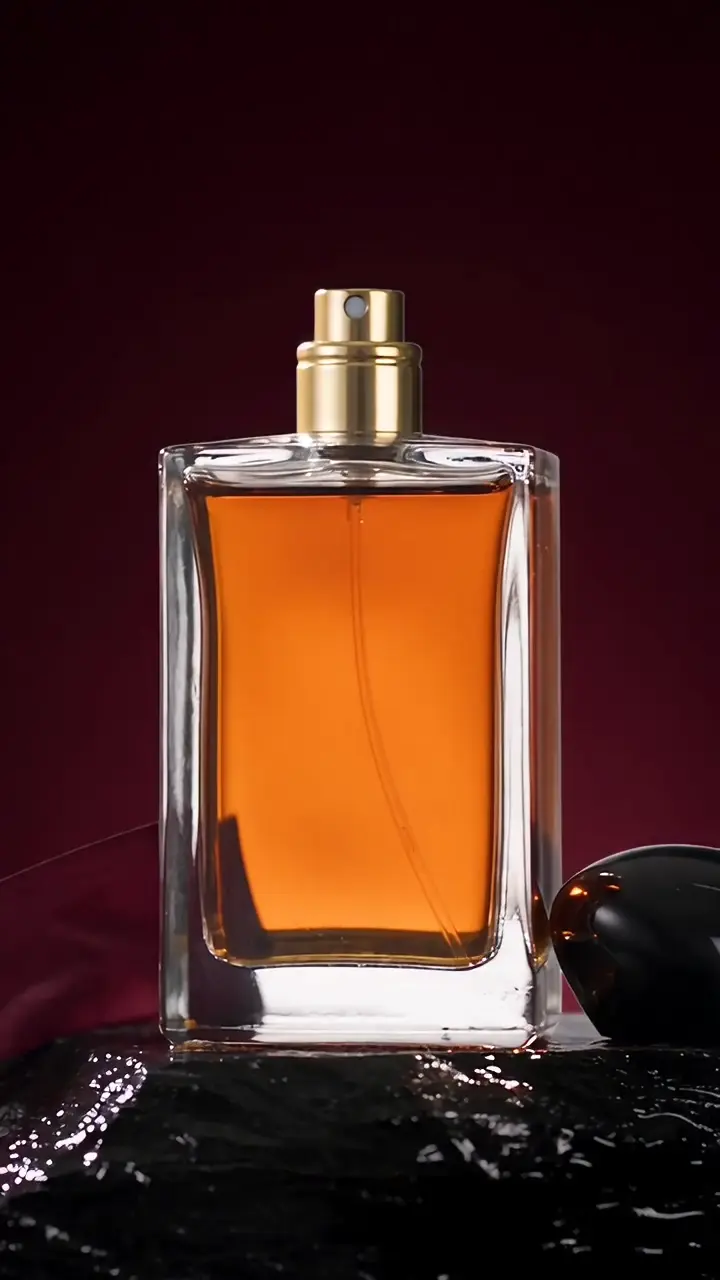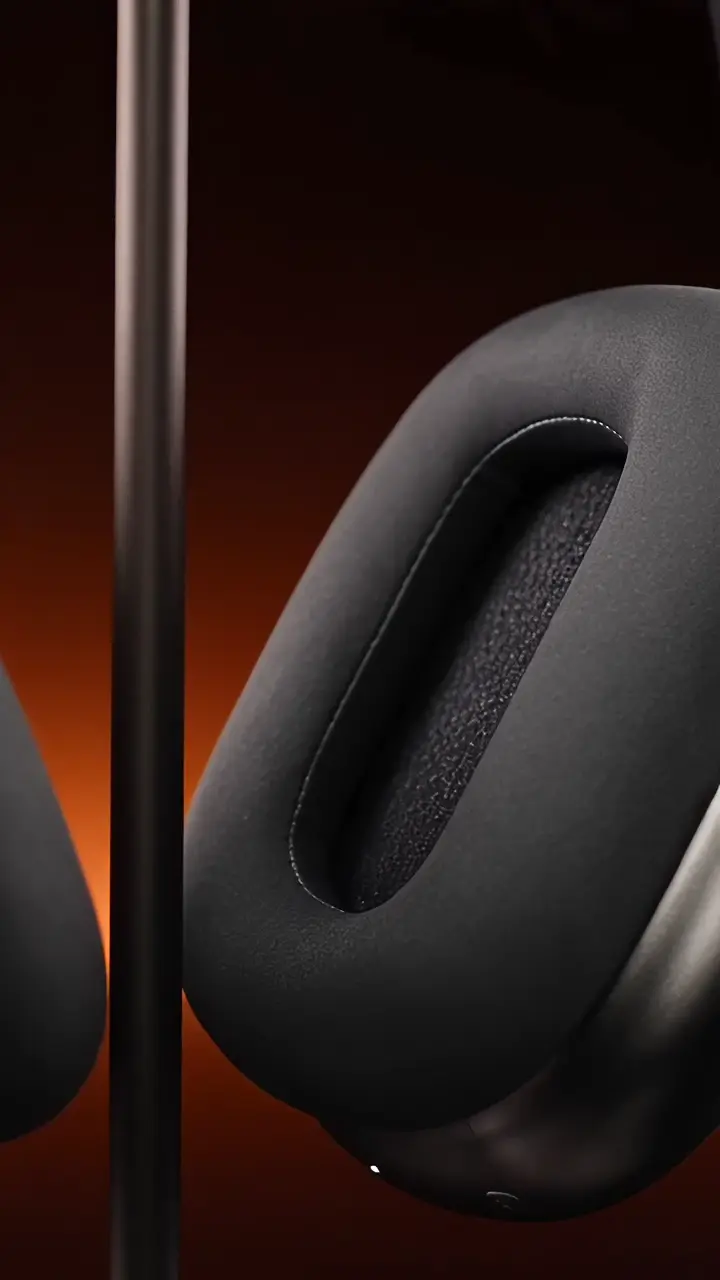
Give the story its pace.
Arrange clips and images, trim the useful moments, split the sequence and adjust speed. Build a clear opening, product moment and finish.
MOZIFY / VIDEO EDITOR
Bring your generated clips and existing assets onto one timeline. Shape the sequence, add your message and export the format your campaign needs.
THE AD SEQUENCE
A creator sets the scene.
Give the details their moment.
Leave one clear message.
Arrange clips and images, trim the useful moments, split the sequence and adjust speed. Build a clear opening, product moment and finish.
Add text titles and adjust their timing and position. Bring in your own audio, control levels and use fades to shape the edit.
Work in 9:16, 4:5, 1:1 or 16:9, then export an MP4 at 720p or 1080p. Make another version from the assets you already have.
INSIDE MOZIFY
Actual Editor project using the generated ZEST presenter, product clip and packshot. Titles and timing are added in the timeline.
FROM THE FIRST STEP
Create a project and add generated or uploaded images, videos and audio from the workspace.
Arrange the clips, trim or split them, place the titles and adjust the sound. Preview the full timeline.
Choose the canvas and export resolution. Save the MP4, then adjust the project for another placement or hook.
BUILT AROUND YOUR WORK
Combine a presenter opening, product reveal and closing title.
Adapt the same creative to vertical, feed, square or landscape.
Change the opening title or cut without regenerating the footage.
Yes. Upload supported video, image and audio files or choose generated assets from your workspace. You can edit without starting a new AI generation.
Your product, your message, your next ad. Start with an image and build the story in Mozify.