
Make a shot with a role
Decide whether the clip is an opening detail, a cutaway or a final product moment before writing the prompt.
A terracotta bottle moves from a forest still life into the hiker’s hand, then onto the backpack. The 20-second vertical film ends with a walk down the trail and a generated closing voiceover.
Explore free, no card required. A paid plan is required to generate and export.
A terracotta bottle moves from a forest still life into the hiker’s hand, then onto the backpack. The 20-second vertical film ends with a walk down the trail and a generated closing voiceover.
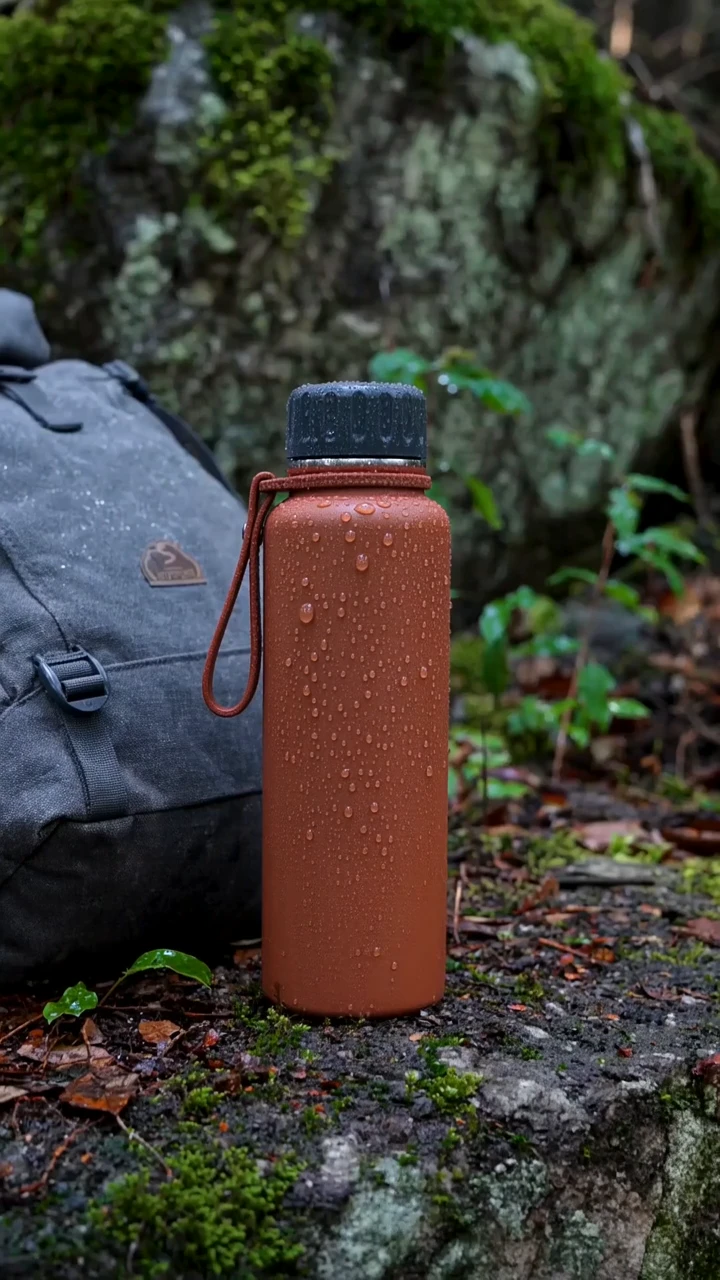
The bottle and backpack begin on a mossy rock, establishing the product before use.
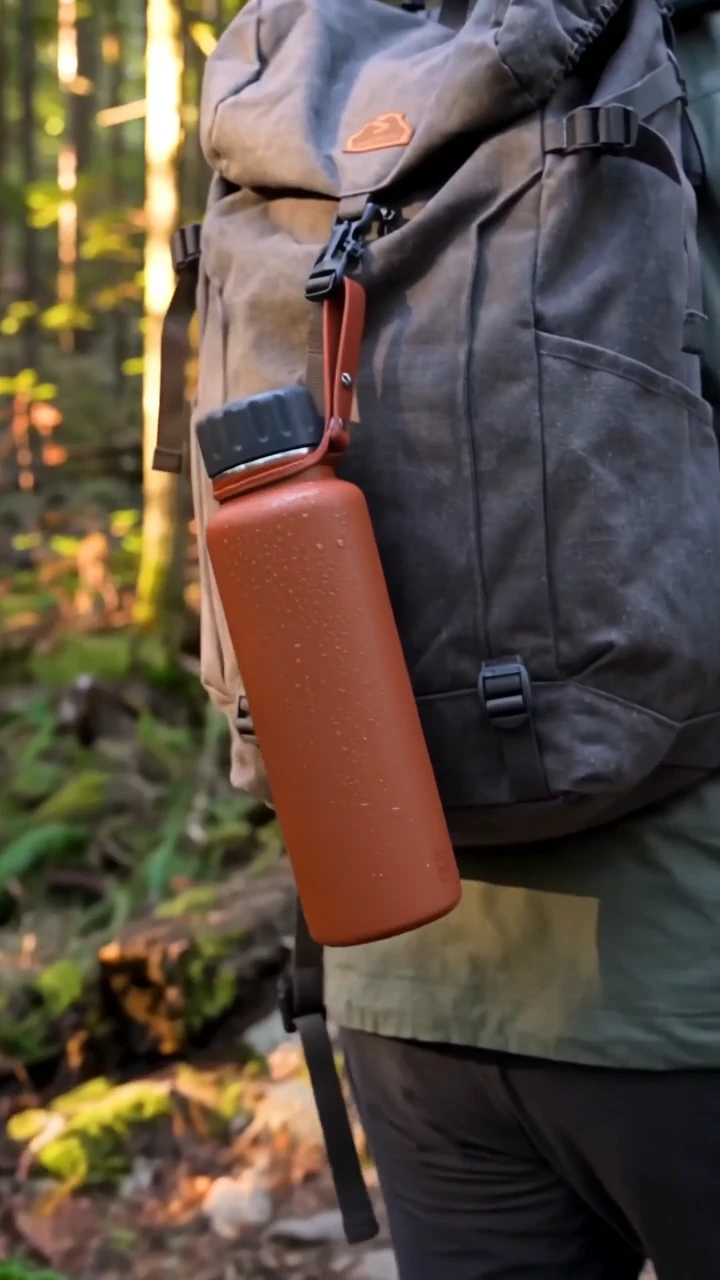
The ending returns to the bottle hanging from the pack after the hiker takes a drink and continues along the trail.
A terracotta bottle moves from a forest still life into the hiker’s hand, then onto the backpack. The 20-second vertical film ends with a walk down the trail and a generated closing voiceover.
Shot 1 A complete 20-second premium outdoor bottle commercial with native sound. One unbranded matte terracotta insulated bottle with a charcoal screw cap and a slim carry loop, consistent throughout. 0-5s: dew on the bottle beside a gray canvas daypack at a forest trailhead, cool sunrise. 5-12s: adult hiker in a sage jacket picks up the bottle, unscrews the cap naturally and takes a sip; close view of hands and tactile materials. 12-17s: the hiker securely returns the cap, clips the carry loop to the bag and walks onto the wide forest trail. 17-20s: clear final product view hanging from the daypack in warm light. Believable grip, lid mechanics and object continuity. Native audio: birds, water, cap twist, footsteps and original restrained warm music. Calm voiceover says "Take the long way. Bring a little comfort." No lettering, brands, watermark or subtitles.
One original 20-second Wan 3.0 generation with audio enabled. Native speech and soundtrack retained in the web export.
Three steps in the studio. Open any screenshot to see the controls at full size.
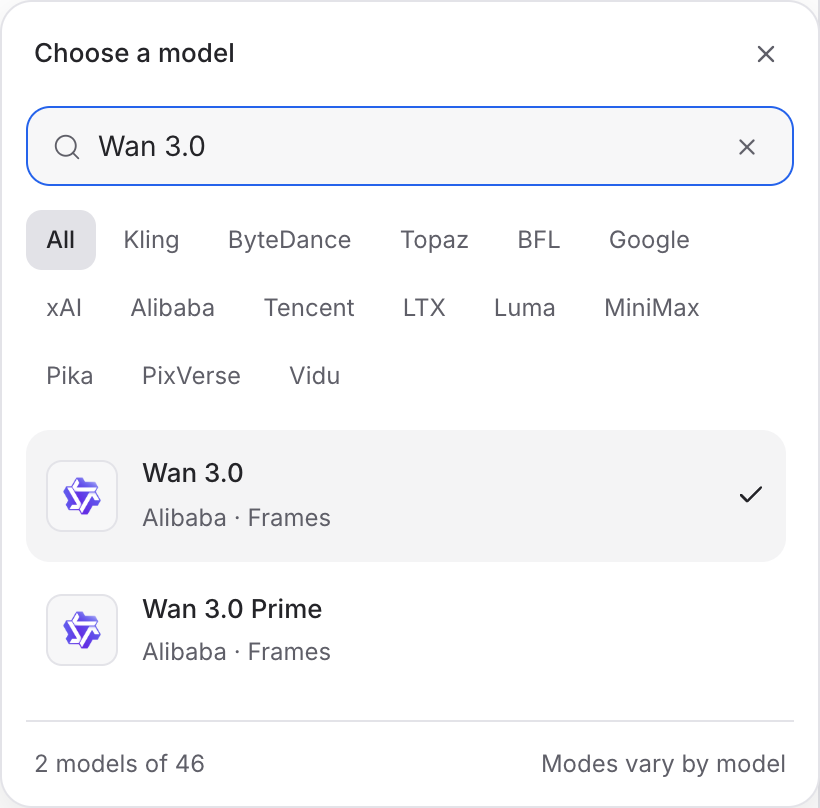
Open Video Studio, search for Wan 3.0 and select it. Choose the input mode that matches your starting material.
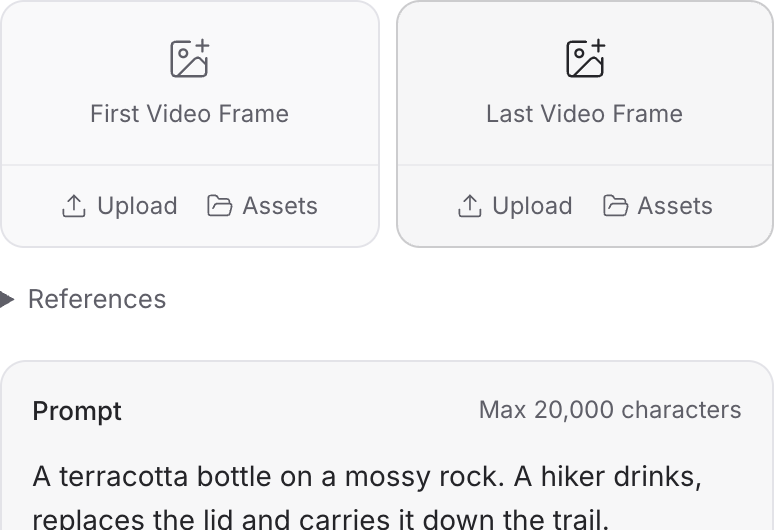
Describe the action, camera movement and ending. Add the images or other references required by your chosen mode.
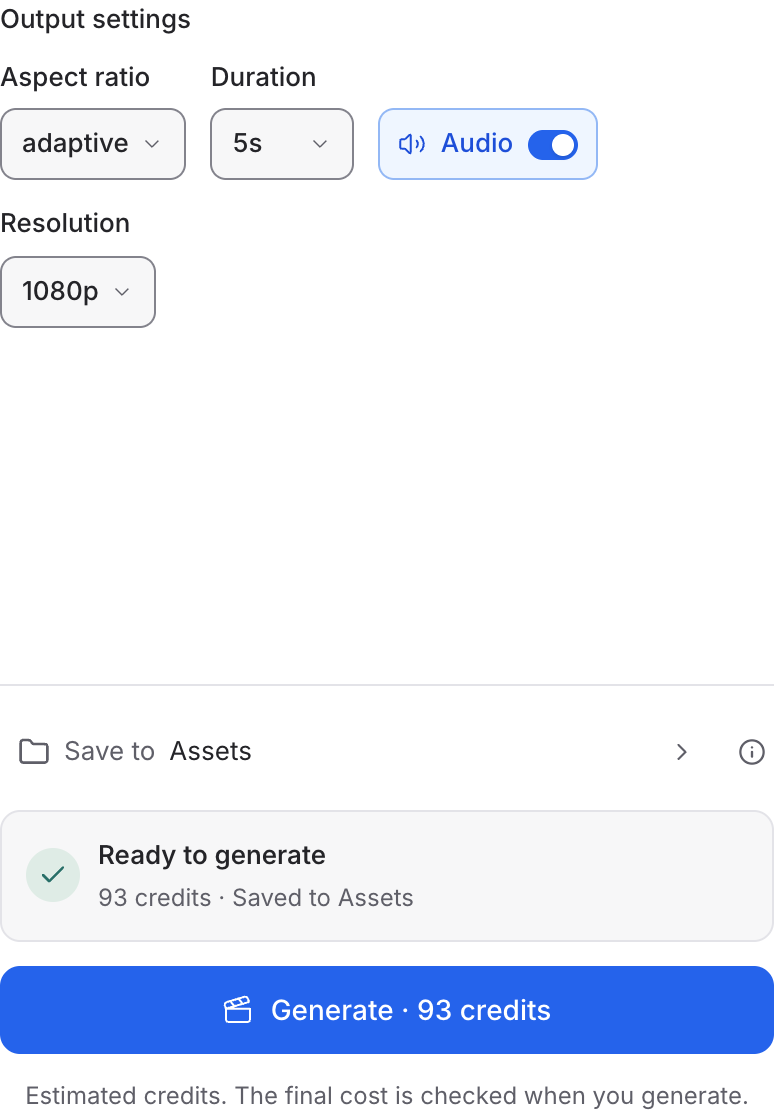
Set the available format and duration controls. Enable Audio when offered, review the credit quote and click Generate. Play the result with sound.
Choose a mode below to see supported media and creative controls, then open that profile in Mozify.
Describe a new scene. Set out the subject, composition and the details that should appear in the result.
Open this mode in Mozify ↗Use this suggested exercise to start your own generation. The gallery above shows separately recorded outputs.
A suggested exercise to run in your workspace.
Decide whether the clip is an opening detail, a cutaway or a final product moment before writing the prompt.
Frames accepts start and end-image inputs. Keep the intended camera and subject movement explicit.
Review generated audio alongside the picture, then decide which audio to keep in the final edit.
Featured in the Mozify studios.
Guide video with image, video and audio references.
Generate clips, edit footage and reuse references.
Create shots, connect frames and extend videos.
Create video from text, frames or media references.
Build short scenes from text and references.
Create clips, edit footage and change framing.
Start a video from text, an image or audio.
Open a guide to explore the inputs and a practical brief. Current availability and credit quotes are shown in your workspace.
Open the Video studio and check the model picker for Wan 3.0. Select an enabled profile, add its required inputs and review the quote before running.
Bring your product, your brief or your next big idea. Start creating in Mozify.
Explore free, no card required. A paid plan is required to generate and export.


