
Keep one source across the series
Return to the original reference for each season so changes do not accumulate from one generated image to the next.
A teal tin and copper lid become the starting point for two seasonal scenes. Ochre paper and a dried leaf give way to sage linen and pale blossoms in the reference edit.
Explore free, no card required. A paid plan is required to generate and export.
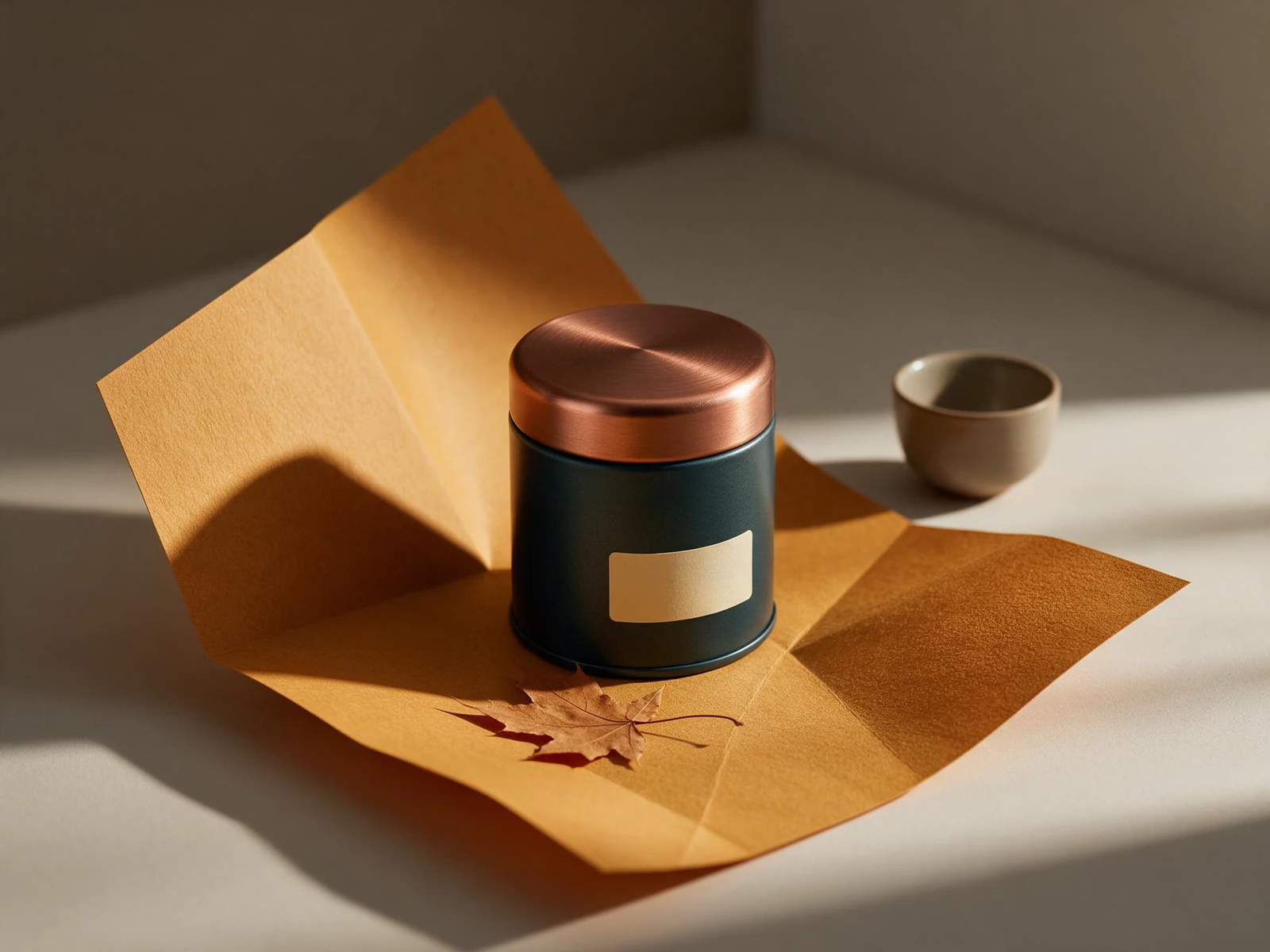
A teal tin and copper lid become the starting point for two seasonal scenes. Ochre paper and a dried leaf give way to sage linen and pale blossoms in the reference edit.
The first image sets a fictional teal tea tin among ochre paper, a dried leaf and a ceramic cup. The label is deliberately blank.
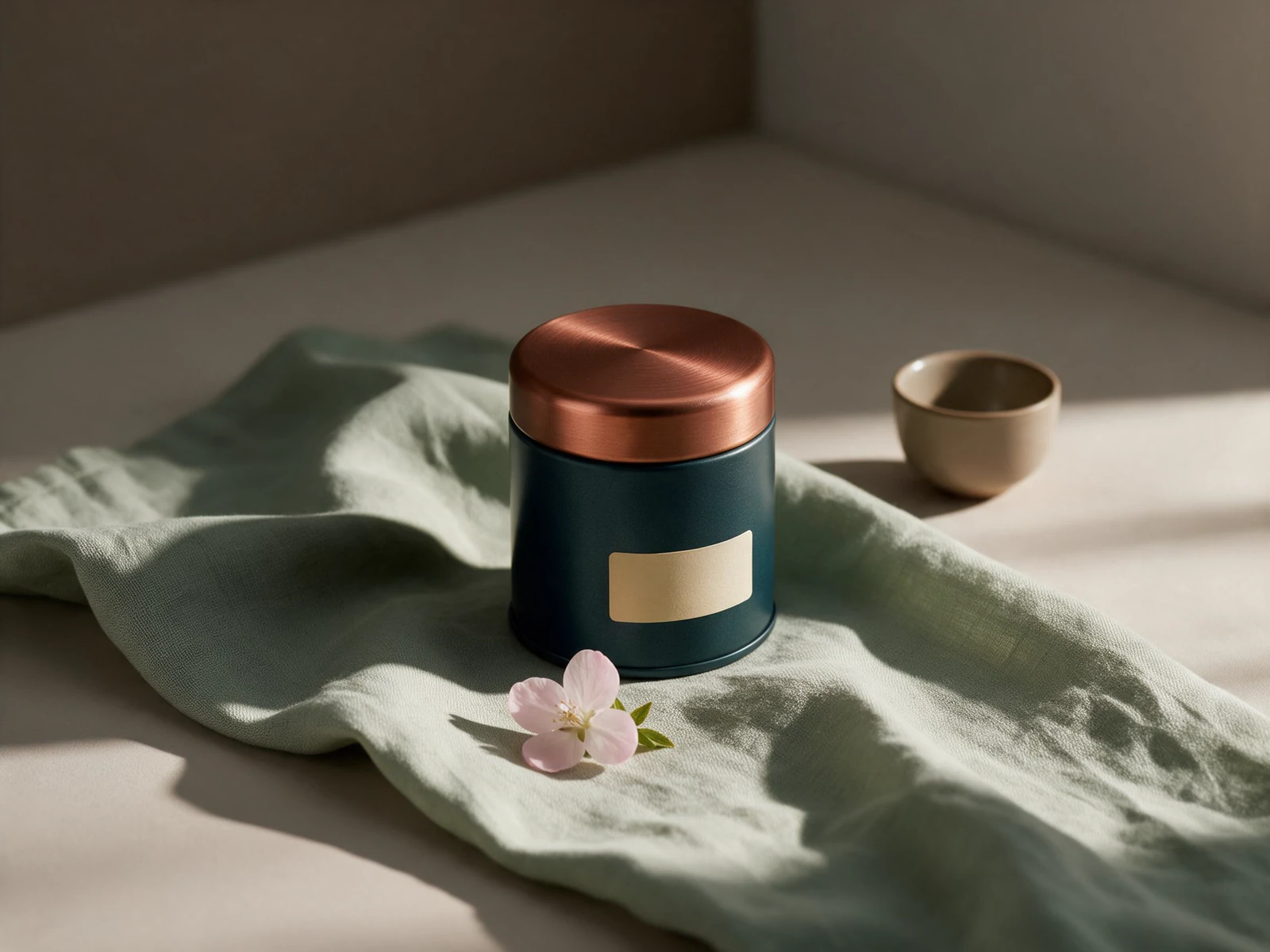
The edit changes the seasonal props and palette while keeping the tin as the main subject. Compare its lid and label outline side by side.
A teal tin and copper lid become the starting point for two seasonal scenes. Ochre paper and a dried leaf give way to sage linen and pale blossoms in the reference edit.
Text brief Premium autumn packaging campaign for a fictional cylindrical dark-teal tea tin with a brushed copper lid and a small blank cream label. Tin centered on warm ochre folded paper, one dried maple leaf at base and a small ceramic cup set back to the right. Soft late-afternoon shadows. Carefully spaced editorial product photograph, tactile paper, readable geometry, polished advertising lighting. No lettering, no brands, no watermark. Reference edit brief Restyle the same dark-teal cylindrical tea tin with copper lid and small blank cream label for a spring campaign. Preserve the exact tin, lid proportions and label. Replace ochre folded paper and dried leaf with pale sage linen, one fresh pale-pink blossom and soft morning light. Keep the small ceramic cup at the back. Quiet premium product photography, no new text, no additional containers.
Created with Seedream 5.0 Pro through Mozify. The first image was generated from text, then supplied to the Edit / Reference request shown here. Selected originals are resized and encoded for the web.
Three steps in the studio. Open any screenshot to see the controls at full size.
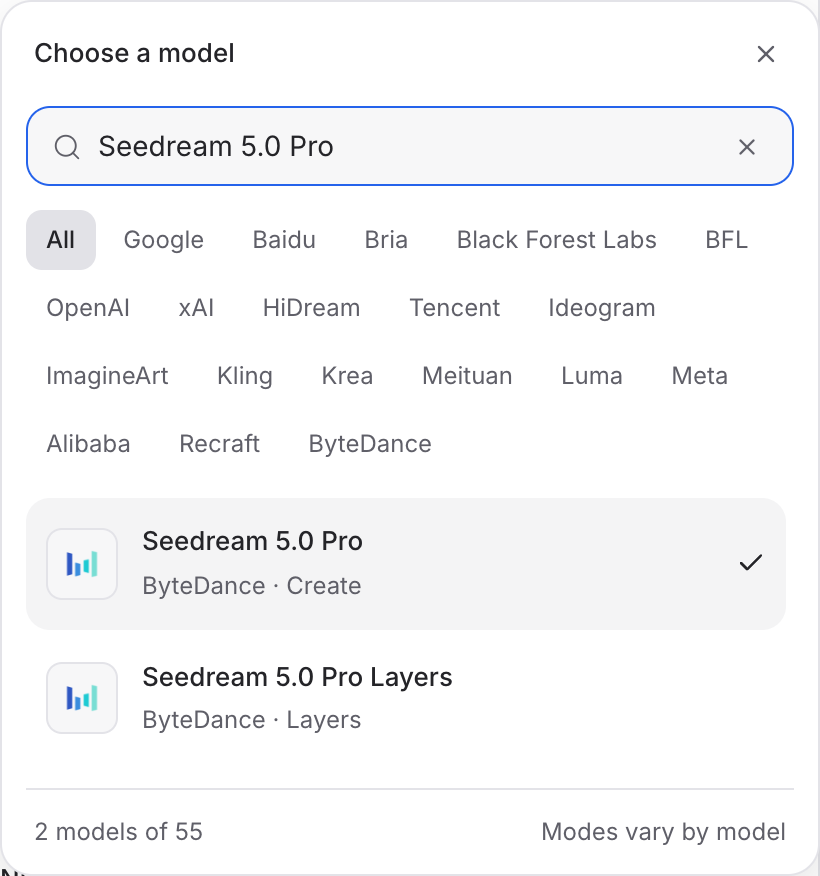
Open Image Studio, search for Seedream 5.0 Pro and select it. Choose the input mode that matches your starting material.
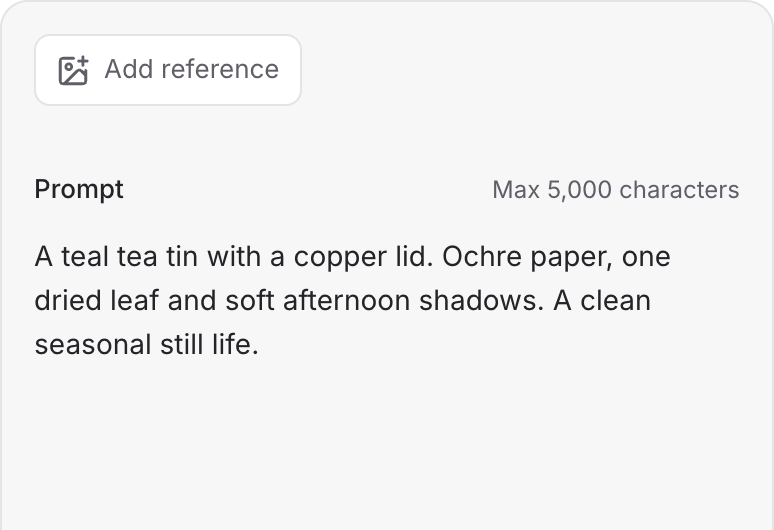
Describe the subject, composition and lighting. To revise an existing image, choose a supported reference mode and add the source image.
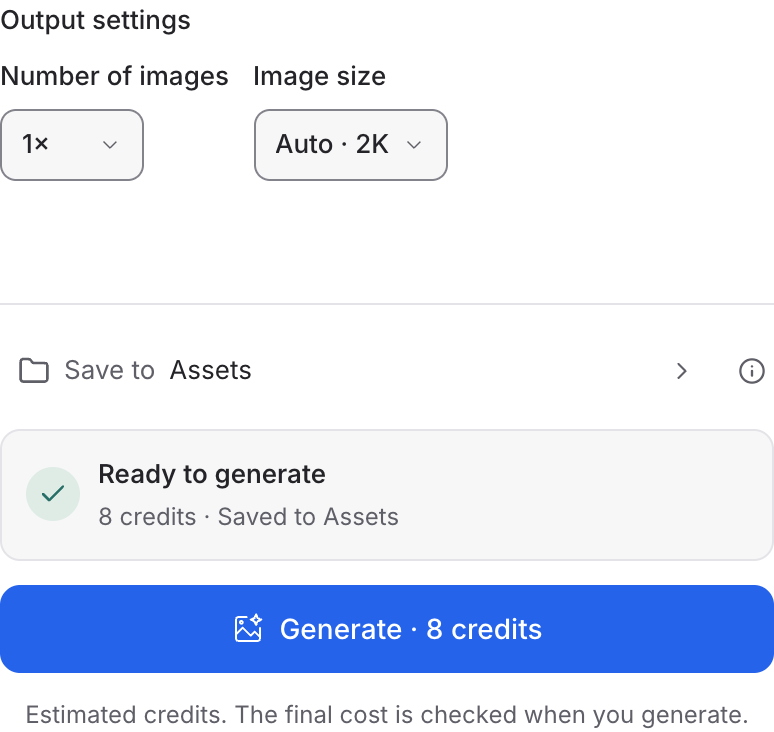
Set the available image size and output options, then review the credit quote. Click Generate and inspect your result at full size.
Choose a mode below to see supported media and creative controls, then open that profile in Mozify.
Supply an image and describe the revision. Separate the details to preserve from the parts you want to change.
Open this mode in Mozify ↗Use this suggested exercise to start your own generation. The gallery above shows separately recorded outputs.
A suggested exercise to run in your workspace.
Return to the original reference for each season so changes do not accumulate from one generated image to the next.
Name two or three colors and a light direction. Replace those details for the next variation while keeping the product brief.
Review the image at the aspect ratio of the placement. Check that the packaging remains readable after cropping.
Featured in the Mozify studios.
Create campaign images from text or references.
Restyle product photos with image references.
Explore new compositions and reference edits.
Build product scenes with text and image inputs.
Generate images, edits and repeating patterns.
Create new scenes or edit an existing image.
Generate images with a palette and design brief.
Turn text and references into campaign stills.
Open a guide to explore the inputs and a practical brief. Current availability and credit quotes are shown in your workspace.
Open the Image studio and check the model picker for Seedream 5.0 Pro. Select an enabled profile, add its required inputs and review the quote before running.
Bring your product, your brief or your next big idea. Start creating in Mozify.
Explore free, no card required. A paid plan is required to generate and export.


