
 VIDEO MODEL / LUMA
Pick the operation
Reframe changes the composition for a new placement. Edit video uses source footage with a scene revision brief.
A coastal stone house leads into a quiet room facing the sea. Two ten-second Luma shots form a 20-second architecture film, finished with a spoken invitation and an original instrumental score.
Explore free, no card required. A paid plan is required to generate and export.
A coastal stone house leads into a quiet room facing the sea. Two ten-second Luma shots form a 20-second architecture film, finished with a spoken invitation and an original instrumental score.
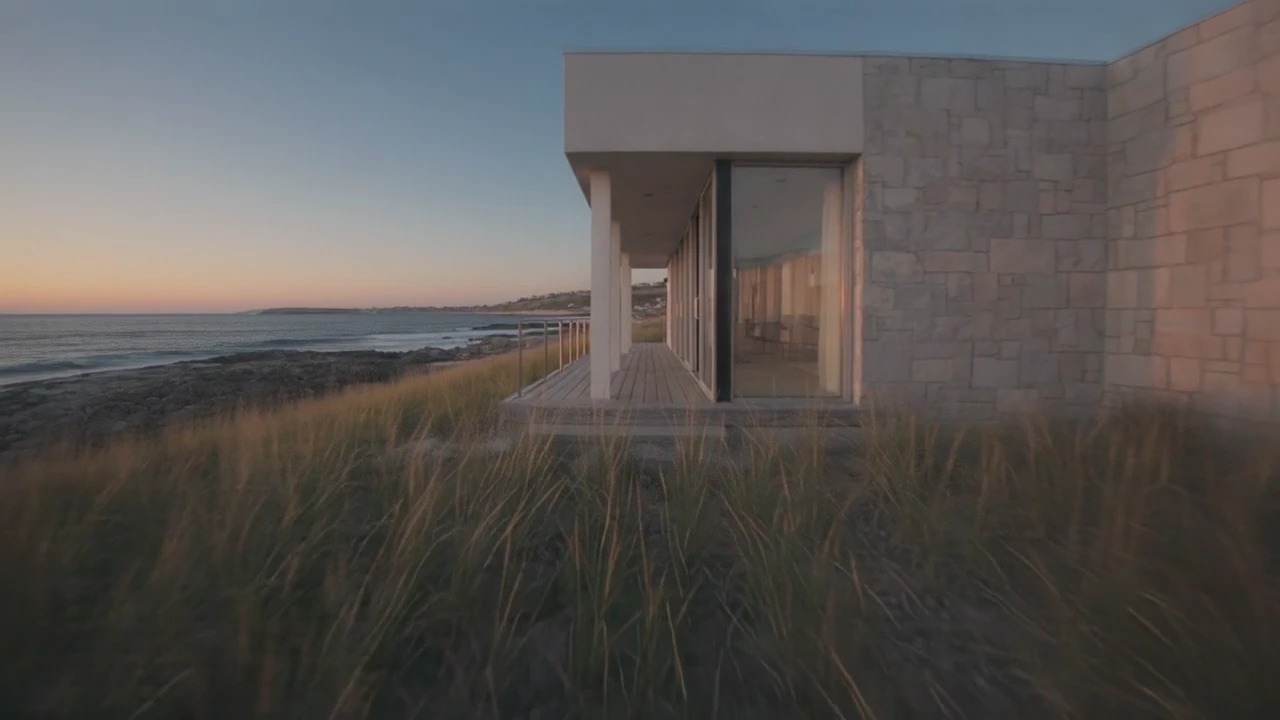
The opening camera move approaches the stone facade through the coastal grasses in low morning light.
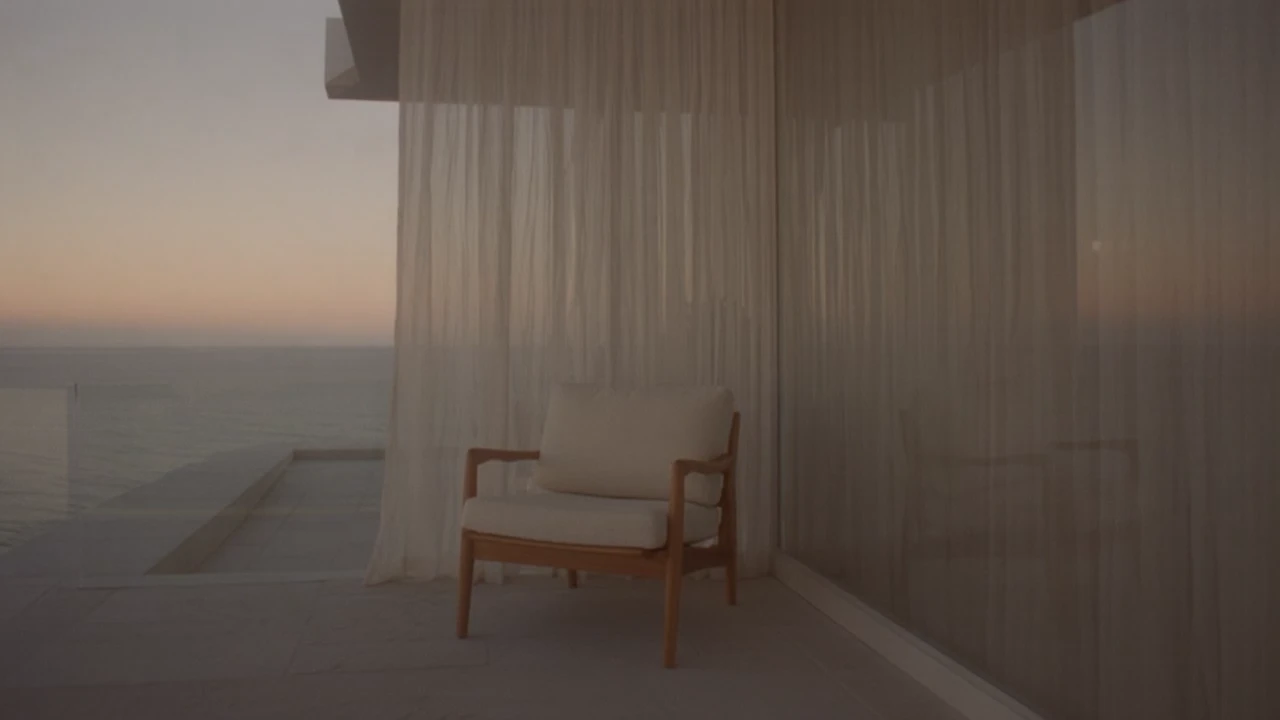
The interior settles on a timber chair, sheer curtain and open sea, carrying the same restrained mood into the second scene.
A coastal stone house leads into a quiet room facing the sea. Two ten-second Luma shots form a 20-second architecture film, finished with a spoken invitation and an original instrumental score.
Shot 1 An original 10-second architectural film opening at dawn on a quiet rocky coast. One low modern limestone house with floor-to-ceiling windows and a broad wooden terrace, overlooking the ocean. Camera starts among dune grasses, glides slowly toward the terrace and stops at the open glass doorway. Soft peach dawn, realistic stone and wood, natural wave movement, carefully controlled parallax and exposure. Calm deliberate continuous shot, no cuts, no people, no words or logos. Keep house geometry stable. Shot 2 An original 10-second architectural film conclusion. Inside a quiet low modern limestone coastal house with wide open floor-to-ceiling glass facing the ocean at peach-colored dawn. A walnut lounge chair with cream linen cushions stands by the window, a pale curtain lifts gently in the breeze. Slow camera move from limestone wall past the chair to reveal the wide ocean horizon. Stable architecture, natural fabric movement, warm light, intimate premium hospitality mood. Finish in a balanced wide composition and hold two seconds. No people, lettering, logos, watermark or abrupt ending. Narration added in the edit Less noise. More room to breathe. Wake with the light. Make space for the horizon.
Two original ten-second Luma Ray 3.2 video generations. The source clips were silent; narration and an original instrumental score were added during editing.
Three steps in the studio. Open any screenshot to see the controls at full size.
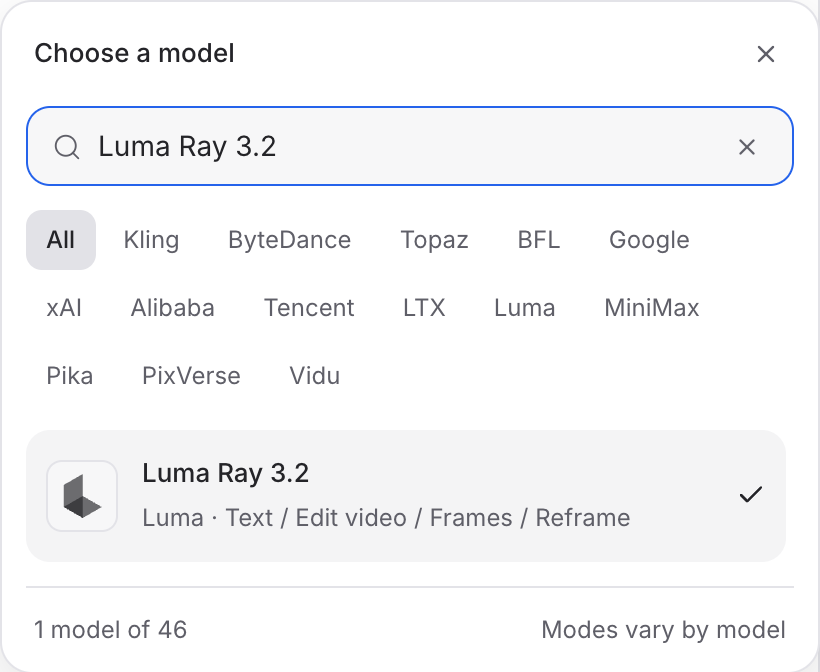
Open Video Studio, search for Luma Ray 3.2 and select it. Choose the input mode that matches your starting material.
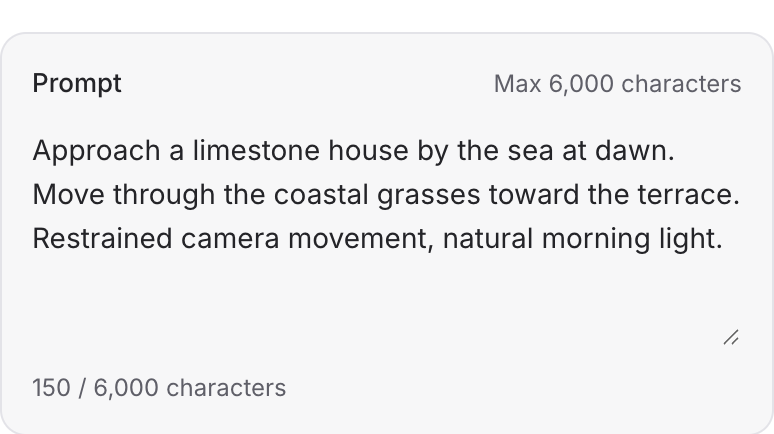
Describe the action, camera movement and ending. Add the images or other references required by your chosen mode.
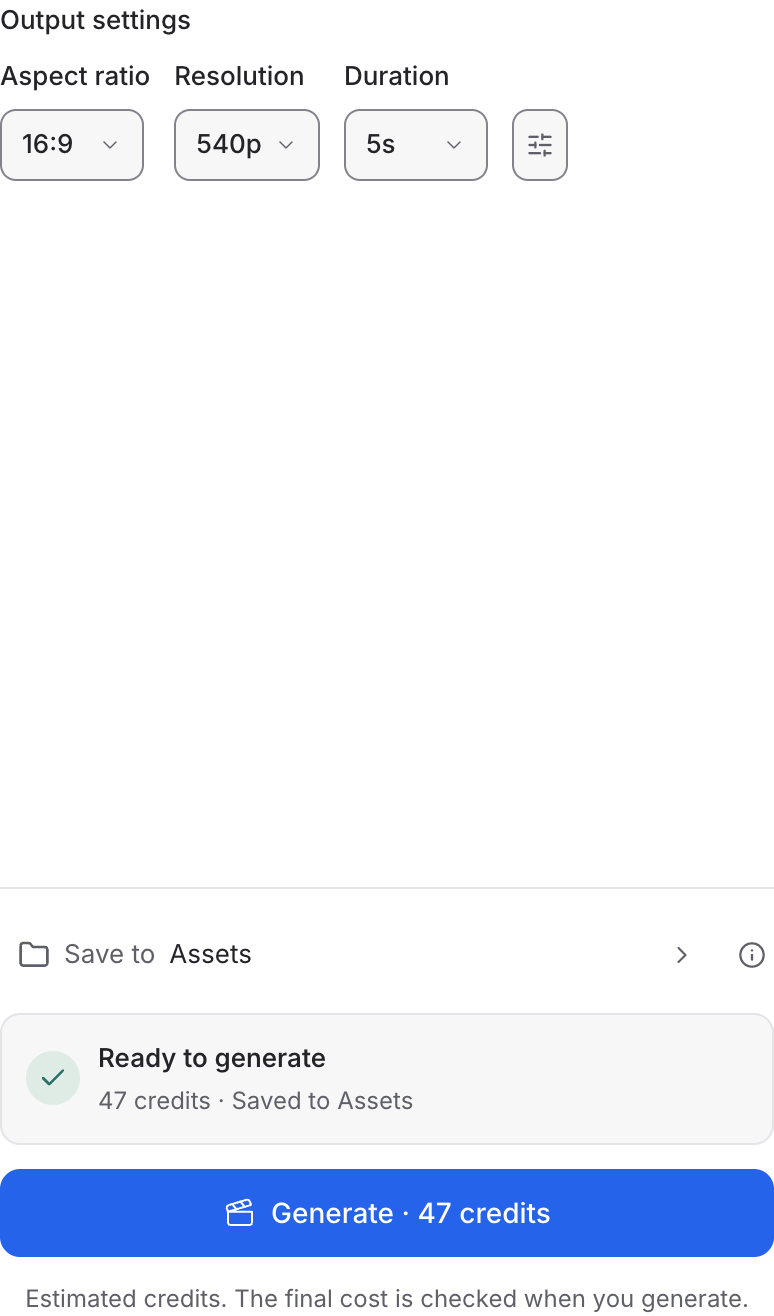
Choose the format, duration and resolution, then review the quote and generate. Add narration or music in your edit, as in the film above.
Choose a mode below to see supported media and creative controls, then open that profile in Mozify.
Supply a video and choose the new aspect ratio. Check that the subject remains visible as the action moves through the shot.
Open this mode in Mozify ↗Use this suggested exercise to start your own generation. The gallery above shows separately recorded outputs.
A suggested exercise to run in your workspace.
Reframe changes the composition for a new placement. Edit video uses source footage with a scene revision brief.
Describe the subject that must remain in the crop. Check source-position and aspect-ratio controls in Reframe.
Bring the selected result into the Editor. Reposition titles and other overlays for the new composition.
Featured in the Mozify studios.
Guide video with image, video and audio references.
Generate clips, edit footage and reuse references.
Create shots, connect frames and extend videos.
Create video from text, frames or media references.
Build short scenes from text and references.
Create video from prompts, frames or media references.
Start a video from text, an image or audio.
Open a guide to explore the inputs and a practical brief. Current availability and credit quotes are shown in your workspace.
Open the Video studio and check the model picker for Luma Ray 3.2. Select an enabled profile, add its required inputs and review the quote before running.
Bring your product, your brief or your next big idea. Start creating in Mozify.
Explore free, no card required. A paid plan is required to generate and export.


