
 IMAGE MODEL / IDEOGRAM
Choose a creation profile
Text, Fast and Instant are separate entries in the model picker. Compare their current quotes and settings for the brief you intend to run.
Start with a painted citrus composition, then send that image to Ideogram’s Tiling mode. Compare the scale, density and spacing of the oranges, leaves and blossoms.
Explore free, no card required. A paid plan is required to generate and export.
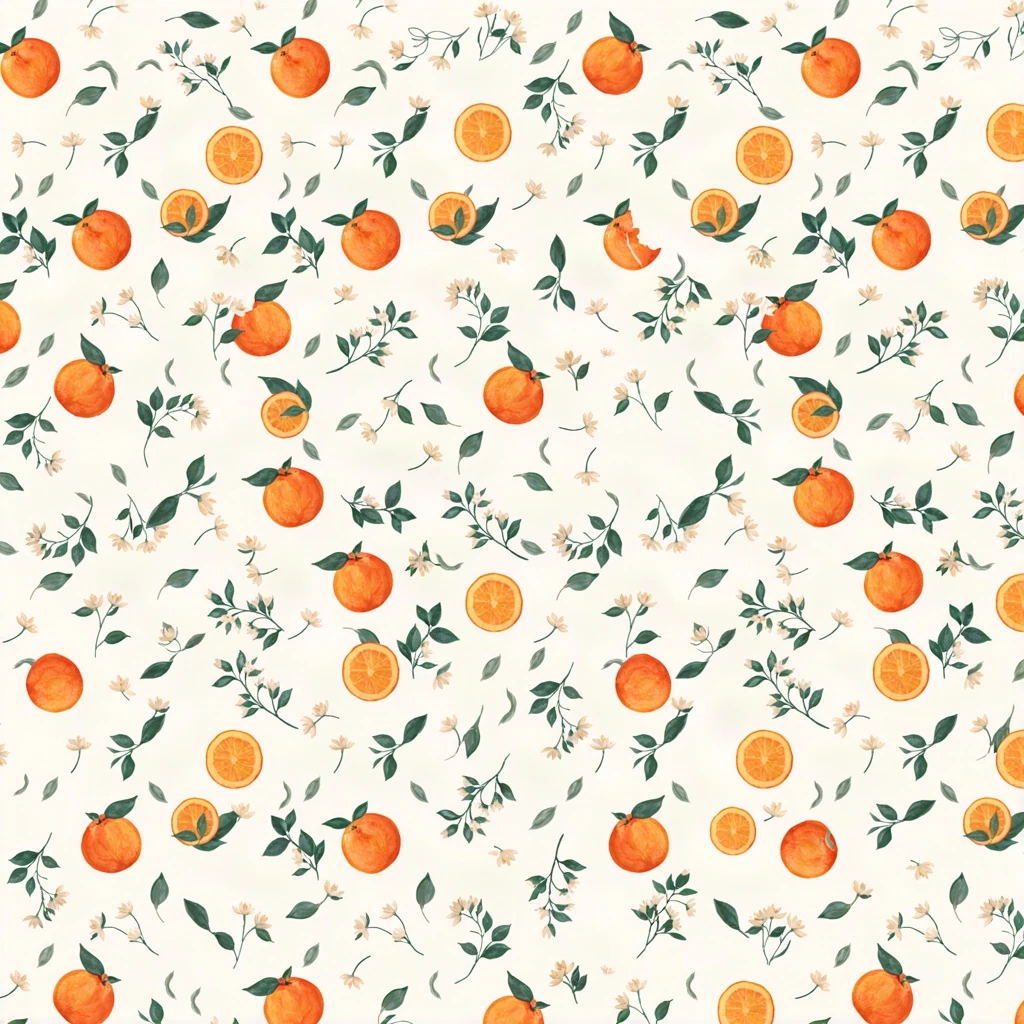
Start with a painted citrus composition, then send that image to Ideogram’s Tiling mode. Compare the scale, density and spacing of the oranges, leaves and blossoms.
Text mode produces the initial orange-and-green motif on an ivory background. This is the source image supplied to the next request.
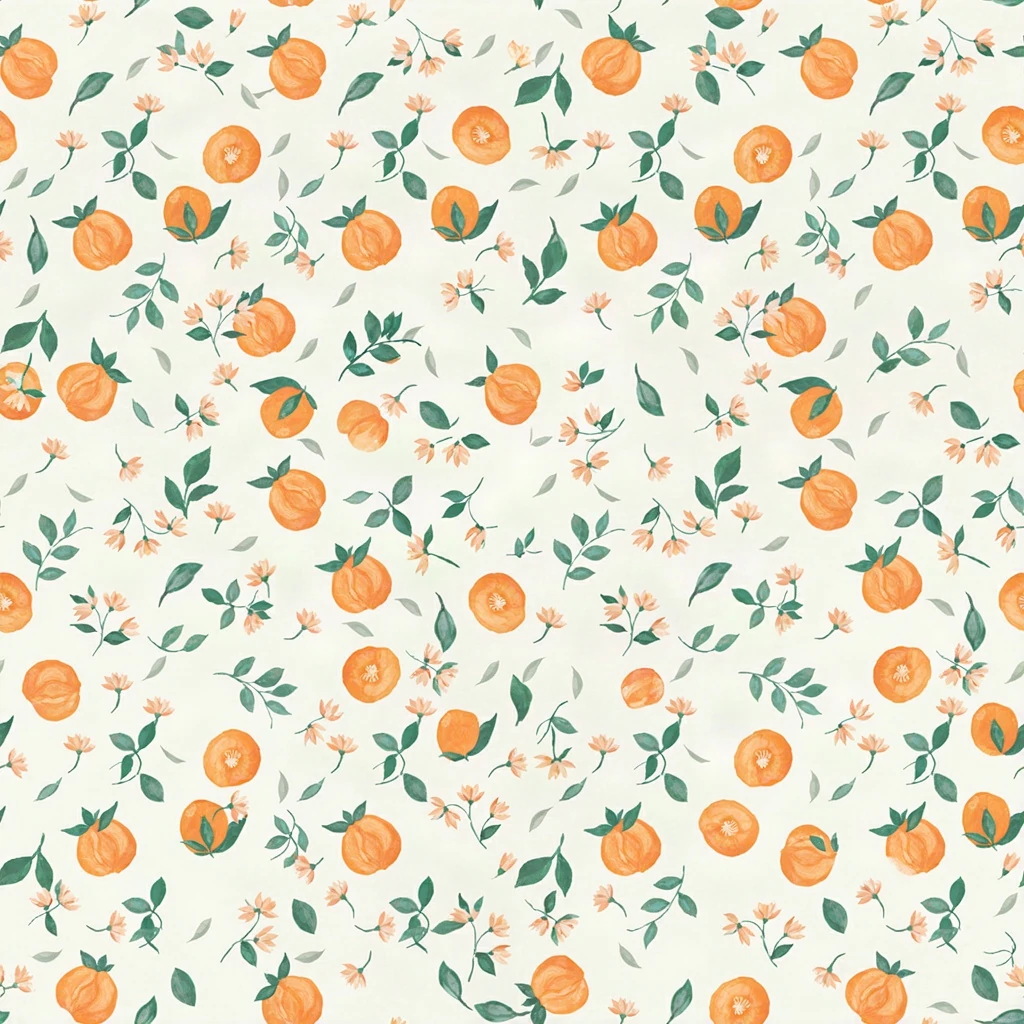
Tiling mode develops a denser arrangement from the source. Open the tile at full size and inspect edge joins before using it for print.
Start with a painted citrus composition, then send that image to Ideogram’s Tiling mode. Compare the scale, density and spacing of the oranges, leaves and blossoms.
Text brief An elegant seamless repeating wrapping-paper illustration. Small whole oranges, orange halves, dark green leaves and tiny cream blossoms scattered evenly on an ivory background. Refined hand-painted gouache, flat overhead composition, restrained organic texture, orange and forest-green palette. Consistent motif scale, balanced spacing, no border, no text, no letters, no logo. A tile designed to repeat in both directions. Tiling brief Create a seamless repeat in both horizontal and vertical directions using this orange, leaf and blossom pattern as the reference. Preserve the ivory background, orange and deep-green gouache palette, consistent small motif scale and balanced airy spacing. Clean matching edges, no border, no words, no added symbols.
Created with Ideogram 4.0 through Mozify. The first image was generated from text, then supplied to the Tiling request shown here. Selected originals are resized and encoded for the web.
Three steps in the studio. Open any screenshot to see the controls at full size.
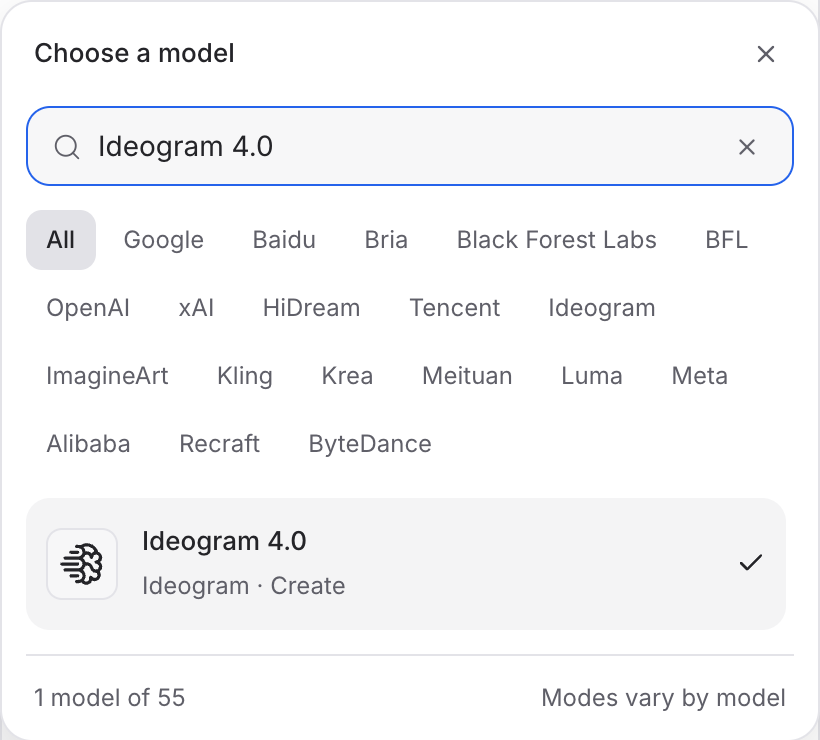
Open Image Studio, search for Ideogram 4.0 and select it. Choose the input mode that matches your starting material.
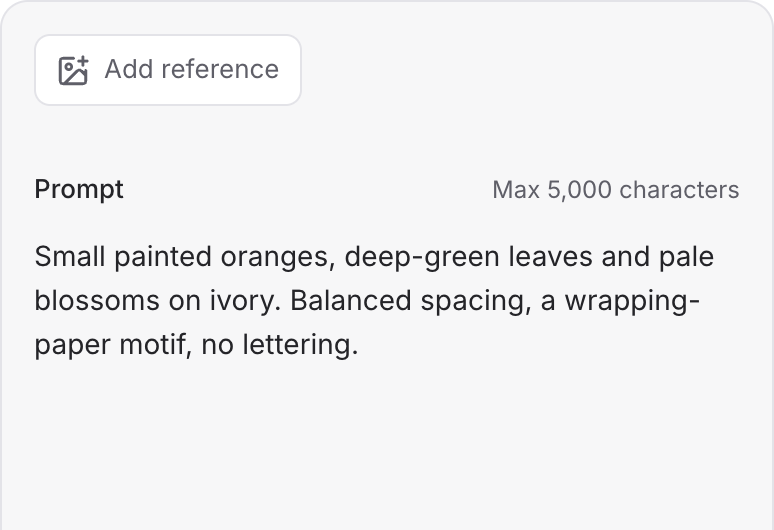
Describe the subject, composition and lighting. To revise an existing image, choose a supported reference mode and add the source image.
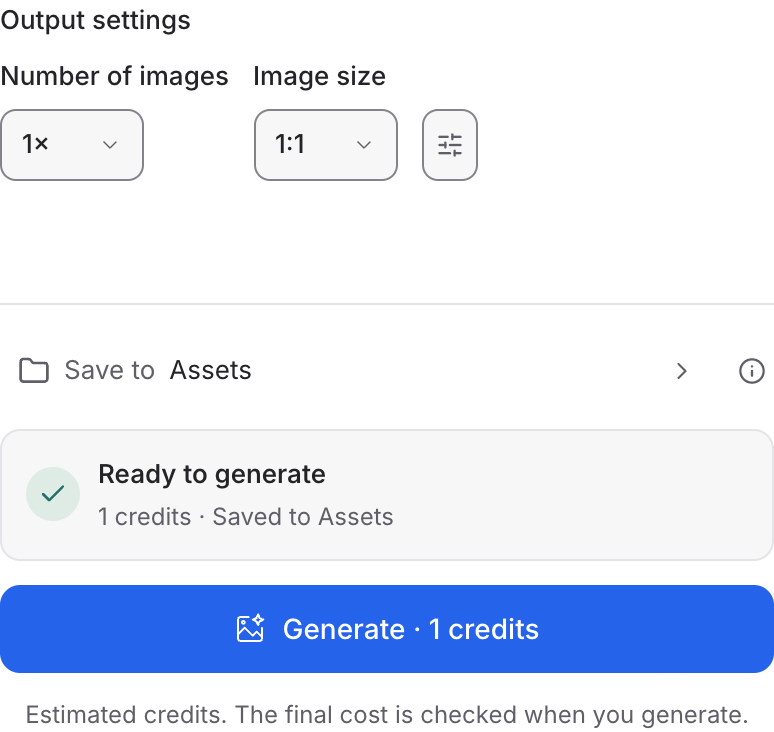
Set the available image size and output options, then review the credit quote. Click Generate and inspect your result at full size.
Choose a mode below to see supported media and creative controls, then open that profile in Mozify.
Start with a motif image and describe the pattern. Inspect the joined edges when repeating the output in a larger layout.
Open this mode in Mozify ↗Use this suggested exercise to start your own generation. The gallery above shows separately recorded outputs.
A suggested exercise to run in your workspace.
Text, Fast and Instant are separate entries in the model picker. Compare their current quotes and settings for the brief you intend to run.
Supply the motif image, then check pattern repetition and edit strength controls for that profile.
A tile can look convincing alone while revealing seams in a larger pattern. Judge the assembled pattern before production.
Featured in the Mozify studios.
Create campaign images from text or references.
Restyle product photos with image references.
Explore new compositions and reference edits.
Build product scenes with text and image inputs.
Create and revise visuals from product references.
Create new scenes or edit an existing image.
Generate images with a palette and design brief.
Turn text and references into campaign stills.
Open a guide to explore the inputs and a practical brief. Current availability and credit quotes are shown in your workspace.
Open the Image studio and check the model picker for Ideogram 4.0. Select an enabled profile, add its required inputs and review the quote before running.
Bring your product, your brief or your next big idea. Start creating in Mozify.
Explore free, no card required. A paid plan is required to generate and export.


