
 IMAGE MODEL / BFL
Start with a material study
Keep the scene uncluttered so you can judge the object before adding more props or a complex background.
A glass teapot filled with amber tea moves from dark slate to a bright marble kitchen. Inspect the handle, spout, liquid line and reflections in both FLUX.2 Max outputs.
Explore free, no card required. A paid plan is required to generate and export.
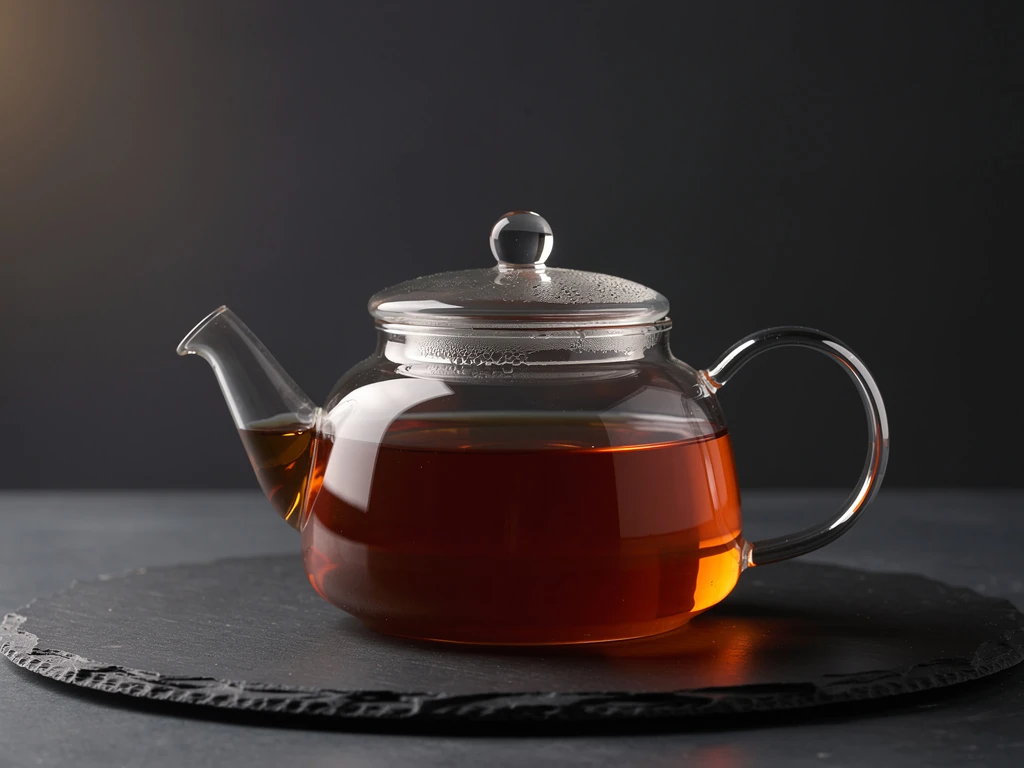
A glass teapot filled with amber tea moves from dark slate to a bright marble kitchen. Inspect the handle, spout, liquid line and reflections in both FLUX.2 Max outputs.
A narrow warm light outlines the transparent glass against a dark backdrop, exposing the rim and amber liquid line.
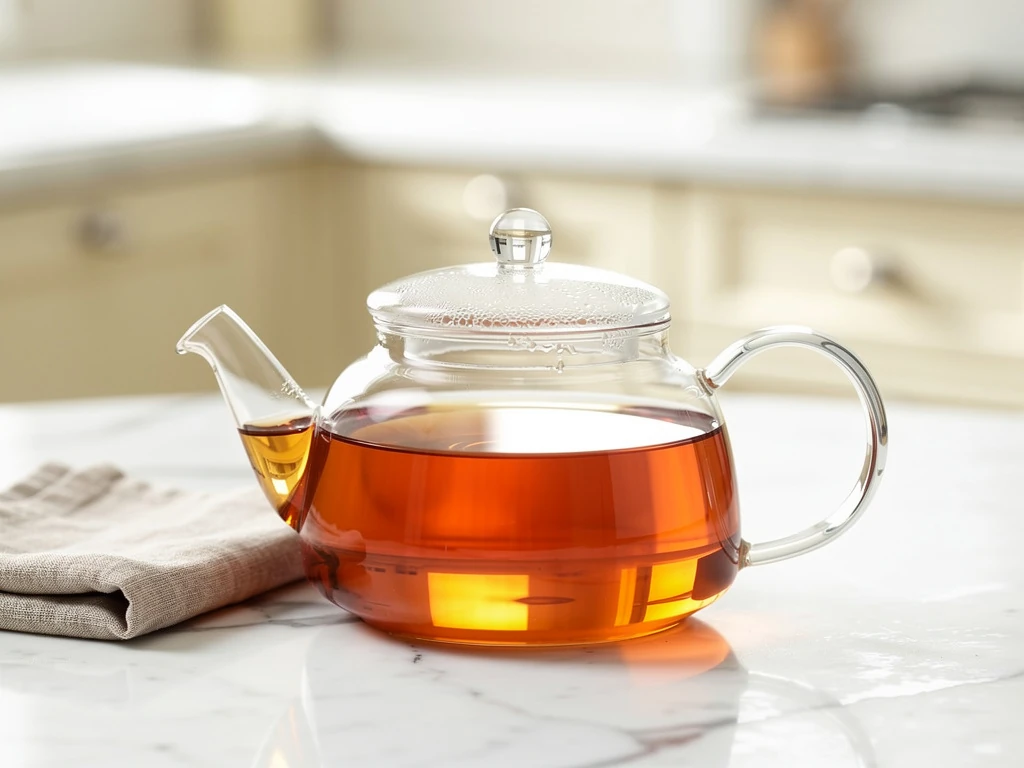
The reference edit shifts to marble and soft daylight. Look at how the highlights change around the same handle and spout.
A glass teapot filled with amber tea moves from dark slate to a bright marble kitchen. Inspect the handle, spout, liquid line and reflections in both FLUX.2 Max outputs.
Text brief A clear glass teapot filled halfway with amber tea on dark slate. Narrow warm side light defines the liquid line and glass rim against a charcoal background. One continuous glass handle on right, plausible glass spout on left, circular lid. Beautiful restrained reflections, physical transparent glass and believable meniscus. Close editorial still life with generous breathing space. No steam, no lettering, no logos, no watermark. Reference edit brief Keep the same transparent glass teapot, lid, continuous handle, spout and amber tea level. Replace the dark slate setting with a bright white marble table and a softly blurred cream kitchen background in natural morning window light. One small linen napkin, no other glassware. Reveal believable glass edges and refraction. Premium editorial still life, no text or logos.
Created with FLUX.2 Max through Mozify. The first image was generated from text, then supplied to the Edit / Reference request shown here. Selected originals are resized and encoded for the web.
Three steps in the studio. Open any screenshot to see the controls at full size.
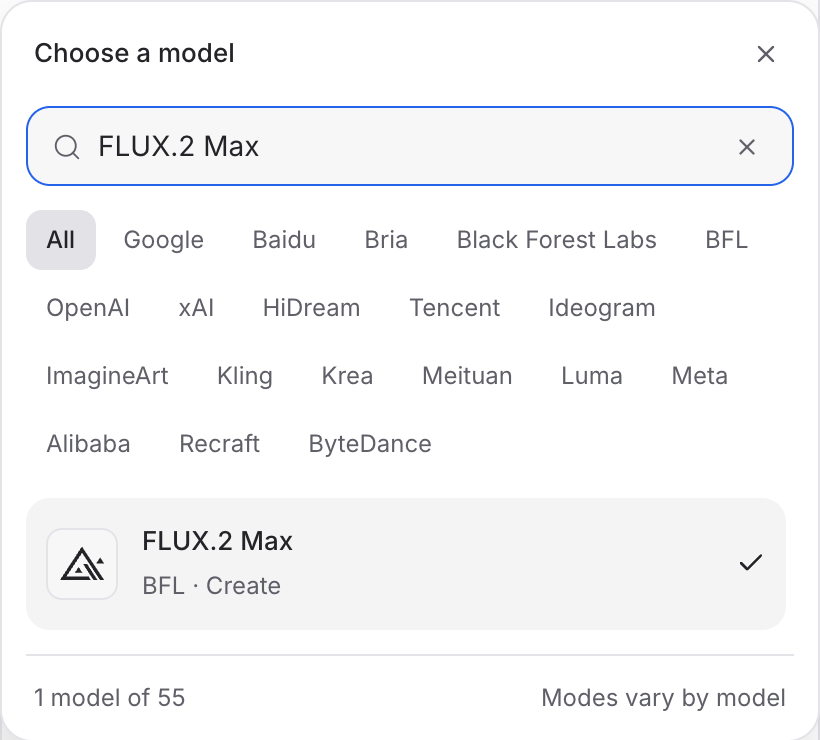
Open Image Studio, search for FLUX.2 Max and select it. Choose the input mode that matches your starting material.
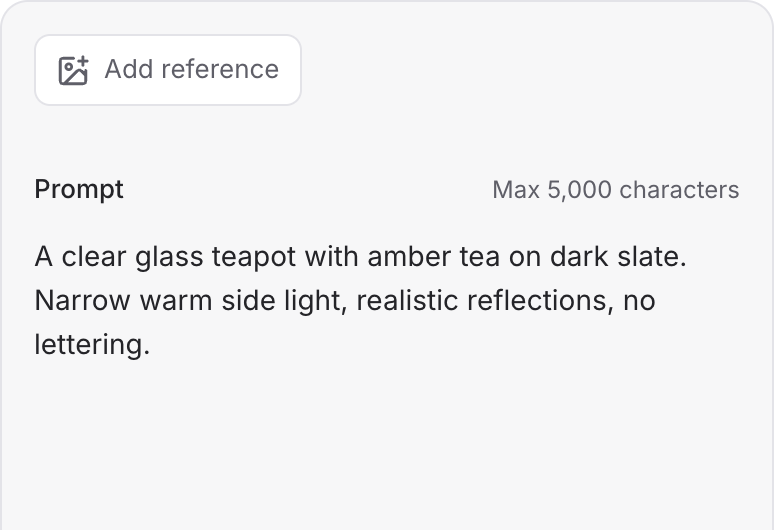
Describe the subject, composition and lighting. To revise an existing image, choose a supported reference mode and add the source image.
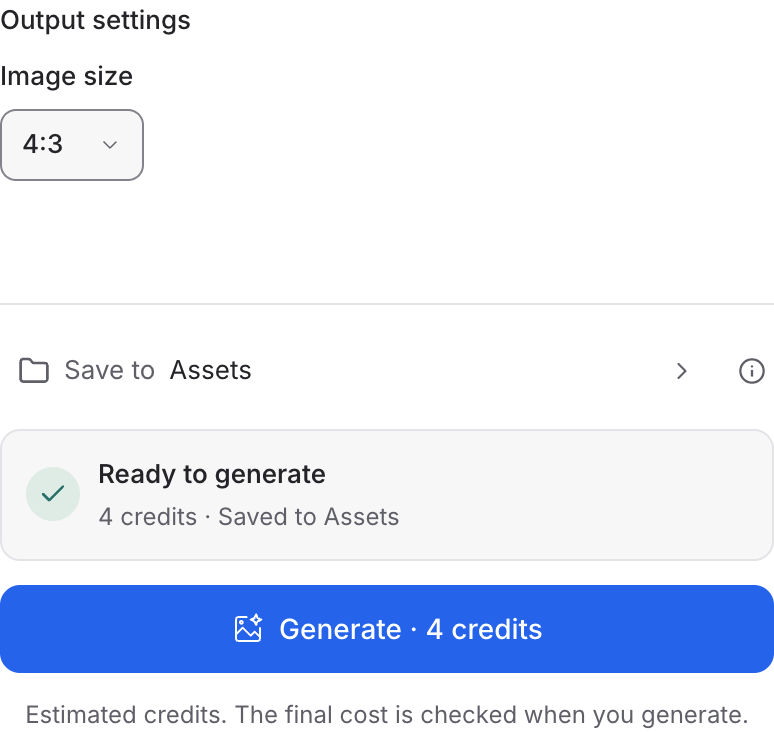
Set the available image size and output options, then review the credit quote. Click Generate and inspect your result at full size.
Choose a mode below to see supported media and creative controls, then open that profile in Mozify.
Describe a new scene. Set out the subject, composition and the details that should appear in the result.
Open this mode in Mozify ↗Use this suggested exercise to start your own generation. The gallery above shows separately recorded outputs.
A suggested exercise to run in your workspace.
Keep the scene uncluttered so you can judge the object before adding more props or a complex background.
In Edit / Reference, provide a product image and describe the lighting change. Check its silhouette against the source.
Record the prompt, image size and seed when available. Keep the brief stable while changing the lighting instruction.
Featured in the Mozify studios.
Create campaign images from text or references.
Restyle product photos with image references.
Explore new compositions and reference edits.
Create and revise visuals from product references.
Generate images, edits and repeating patterns.
Create new scenes or edit an existing image.
Generate images with a palette and design brief.
Turn text and references into campaign stills.
Open a guide to explore the inputs and a practical brief. Current availability and credit quotes are shown in your workspace.
Open the Image studio and check the model picker for FLUX.2 Max. Select an enabled profile, add its required inputs and review the quote before running.
Bring your product, your brief or your next big idea. Start creating in Mozify.
Explore free, no card required. A paid plan is required to generate and export.


