
 IMAGE MODEL / RECRAFT
Set the color direction
Choose palette and background-color inputs where exposed in the profile, then reinforce their role in the prompt.
A night train and a moonlit ferry share a navy, orange and ivory palette. These are two separate text generations using the same color inputs, so you can compare the direction across subjects.
Explore free, no card required. A paid plan is required to generate and export.
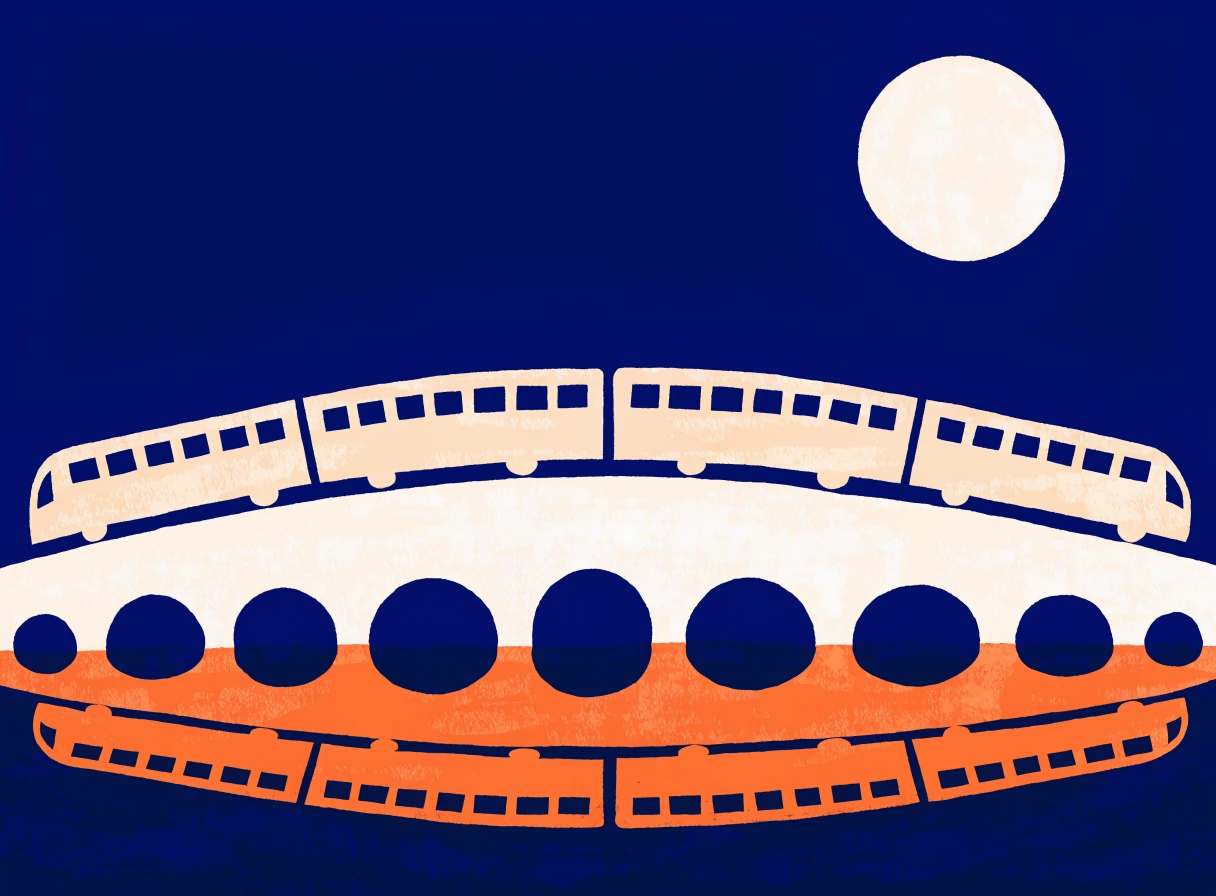
A night train and a moonlit ferry share a navy, orange and ivory palette. These are two separate text generations using the same color inputs, so you can compare the direction across subjects.
A train crosses an arched bridge beneath the moon. Broad shapes and orange reflections establish the first illustration.
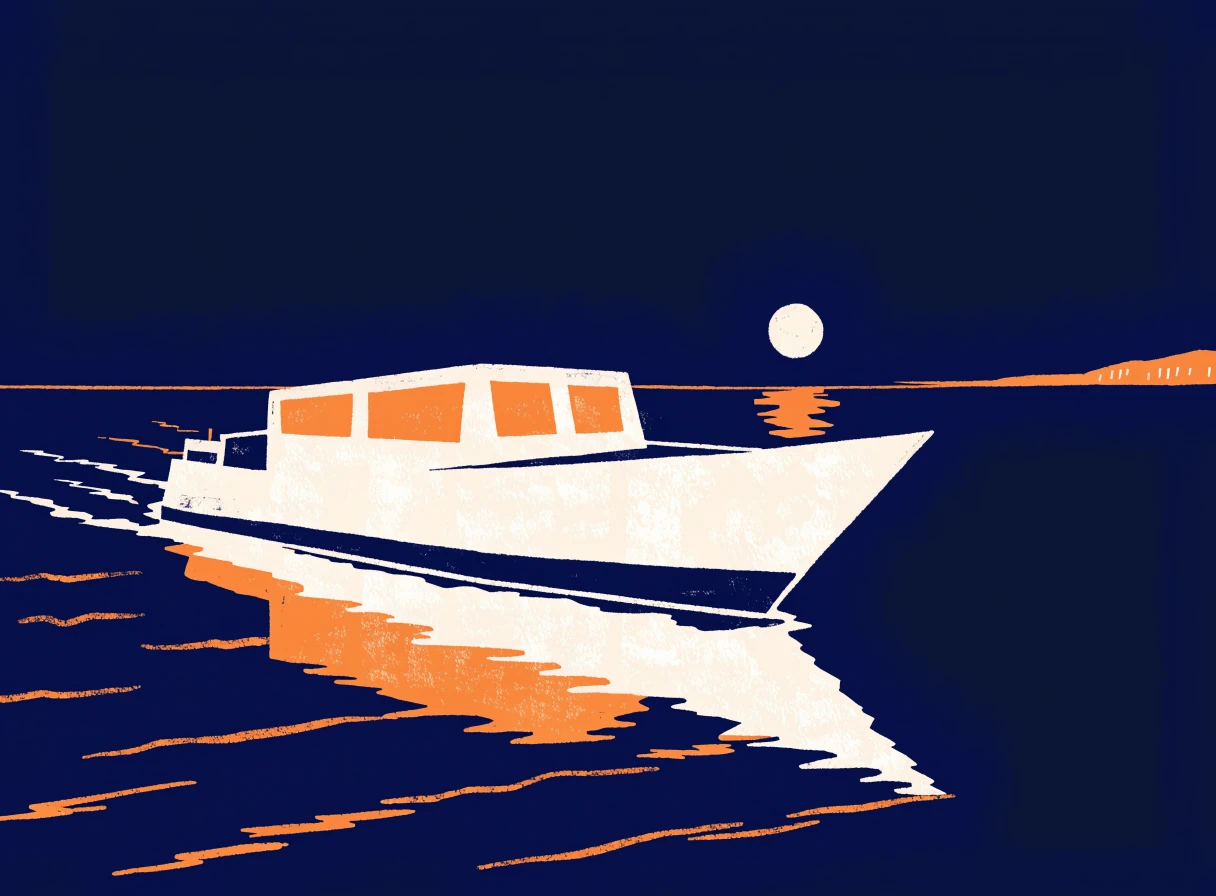
A second text brief applies the same palette to a ferry. Compare its silhouette and color balance with the train; this is a new generation, not an image edit.
A night train and a moonlit ferry share a navy, orange and ivory palette. These are two separate text generations using the same color inputs, so you can compare the direction across subjects.
Text brief A sophisticated editorial travel illustration of one night train crossing a long arched bridge above still water. Bold geometric shapes, midnight-blue night, warm orange train windows and an ivory moon. Coherent continuous train silhouette, clean graphic shapes with subtle print texture. Generous negative space in upper third, refined magazine-cover composition. Three main colors: midnight blue, warm orange, ivory. No text, no letters, no border. Second text brief A sophisticated editorial travel illustration of a small passenger ferry crossing a quiet harbor at dusk. Bold large geometric shapes, midnight-blue water and sky, warm orange cabin windows, ivory boat silhouette and moon. One clear subject, broad negative space in upper third, subtle print texture. Coordinated with a midnight-blue, orange and ivory train illustration as a two-poster travel series. No text, no lettering, no border.
Created with Recraft V4.1 through Mozify. Both images were generated separately from text with the same palette inputs. Selected originals are resized and encoded for the web.
Three steps in the studio. Open any screenshot to see the controls at full size.
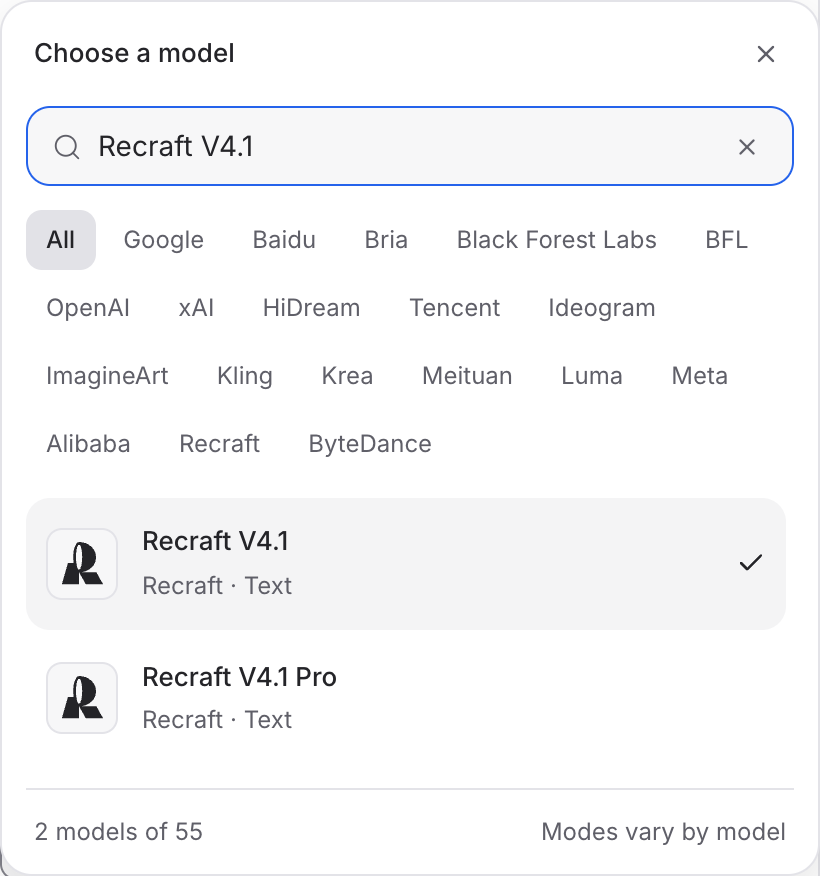
Open Image Studio, search for Recraft V4.1 and select it. Choose the input mode that matches your starting material.
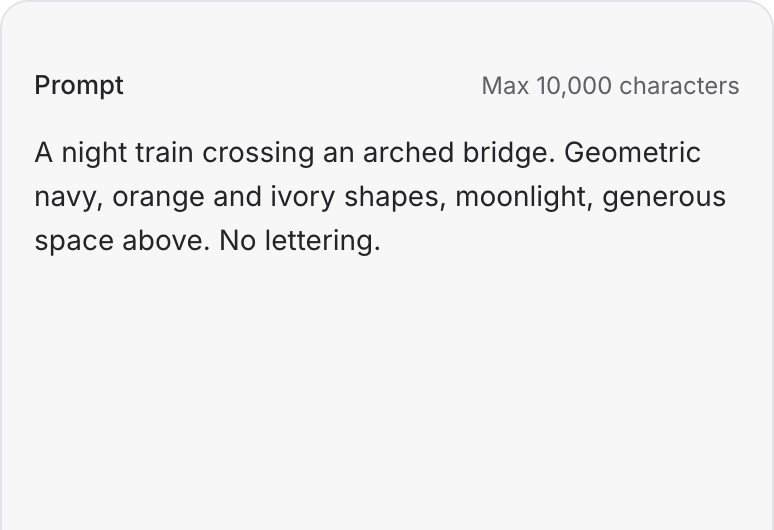
Describe the subject, composition and palette. Give the main subject and the surrounding space a clear role in the image.
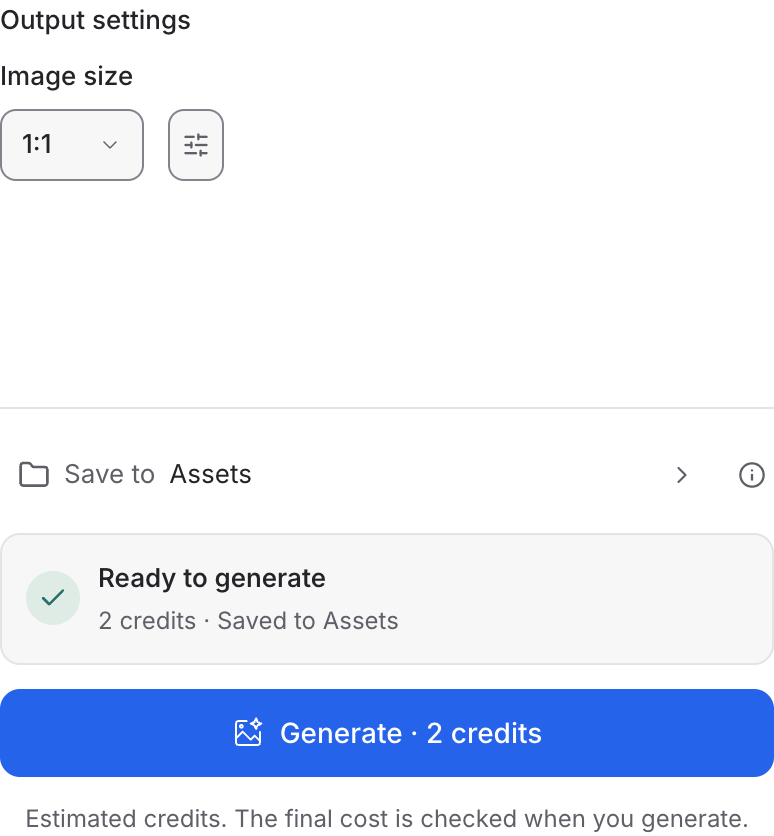
Set the available image size and output options, then review the credit quote. Click Generate and inspect your result at full size.
Choose a mode below to see supported media and creative controls, then open that profile in Mozify.
Describe a new scene. Set out the subject, composition and the details that should appear in the result.
Open this mode in Mozify ↗Use this suggested exercise to start your own generation. The gallery above shows separately recorded outputs.
A suggested exercise to run in your workspace.
Choose palette and background-color inputs where exposed in the profile, then reinforce their role in the prompt.
Make the subject, surrounding space and background distinct. Avoid asking for several competing focal points.
Reuse the palette and composition instructions for the next subject. Review the images together before treating them as a matching set.
Featured in the Mozify studios.
Create campaign images from text or references.
Restyle product photos with image references.
Explore new compositions and reference edits.
Build product scenes with text and image inputs.
Create and revise visuals from product references.
Generate images, edits and repeating patterns.
Create new scenes or edit an existing image.
Turn text and references into campaign stills.
Open a guide to explore the inputs and a practical brief. Current availability and credit quotes are shown in your workspace.
Open the Image studio and check the model picker for Recraft V4.1. Select an enabled profile, add its required inputs and review the quote before running.
Bring your product, your brief or your next big idea. Start creating in Mozify.
Explore free, no card required. A paid plan is required to generate and export.


