
 IMAGE MODEL / LUMA
Give each reference a role
Say which image defines the palette, which defines the material and which defines the composition.
Three books and a small lamp form a bookstore window in afternoon light. A reference edit changes the time, weather and backdrop, keeping the display recognizable at blue hour.
Explore free, no card required. A paid plan is required to generate and export.
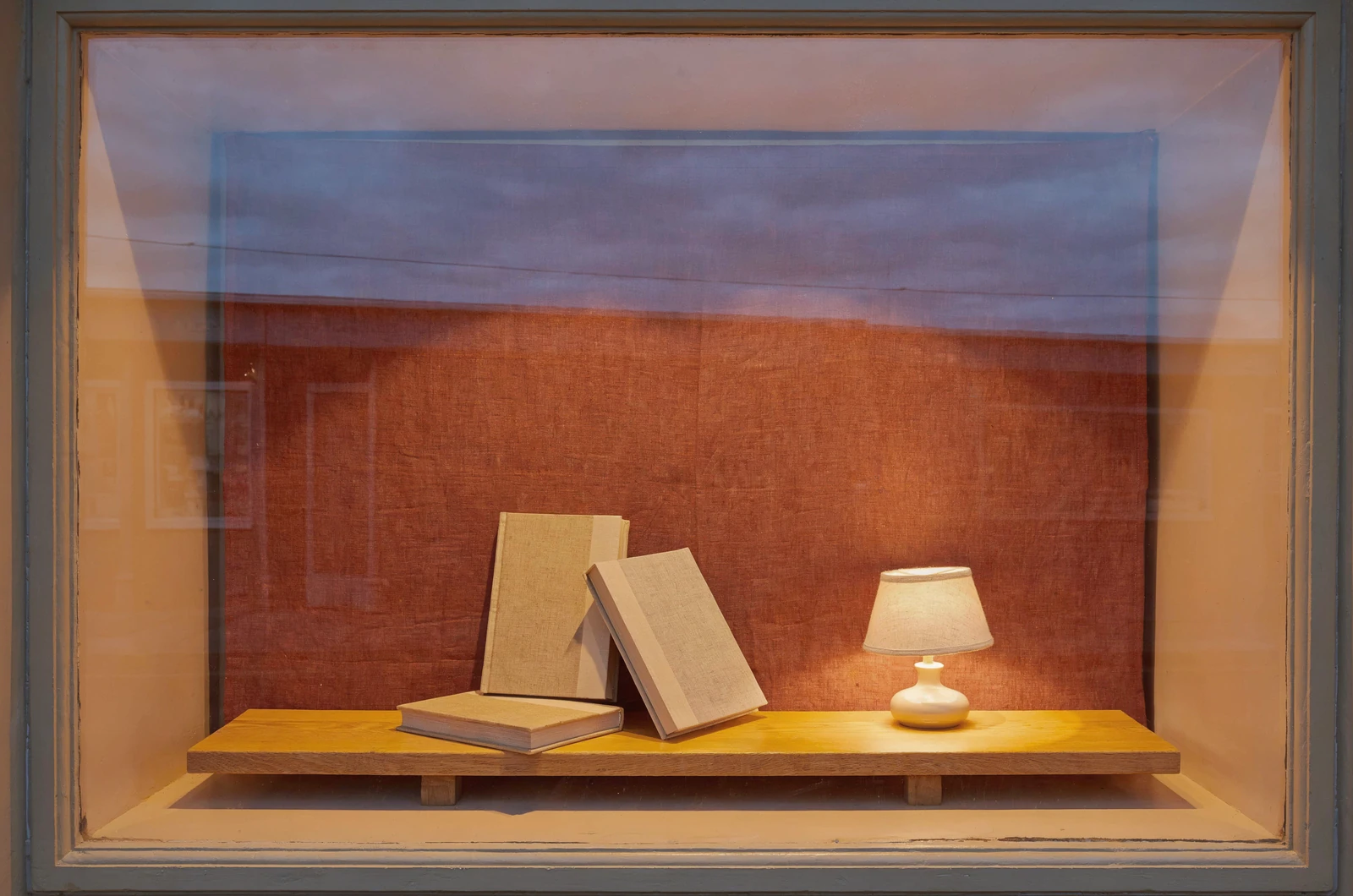
Three books and a small lamp form a bookstore window in afternoon light. A reference edit changes the time, weather and backdrop, keeping the display recognizable at blue hour.
The first image arranges three plain linen-bound books and a small reading lamp on an oak bench behind glass.
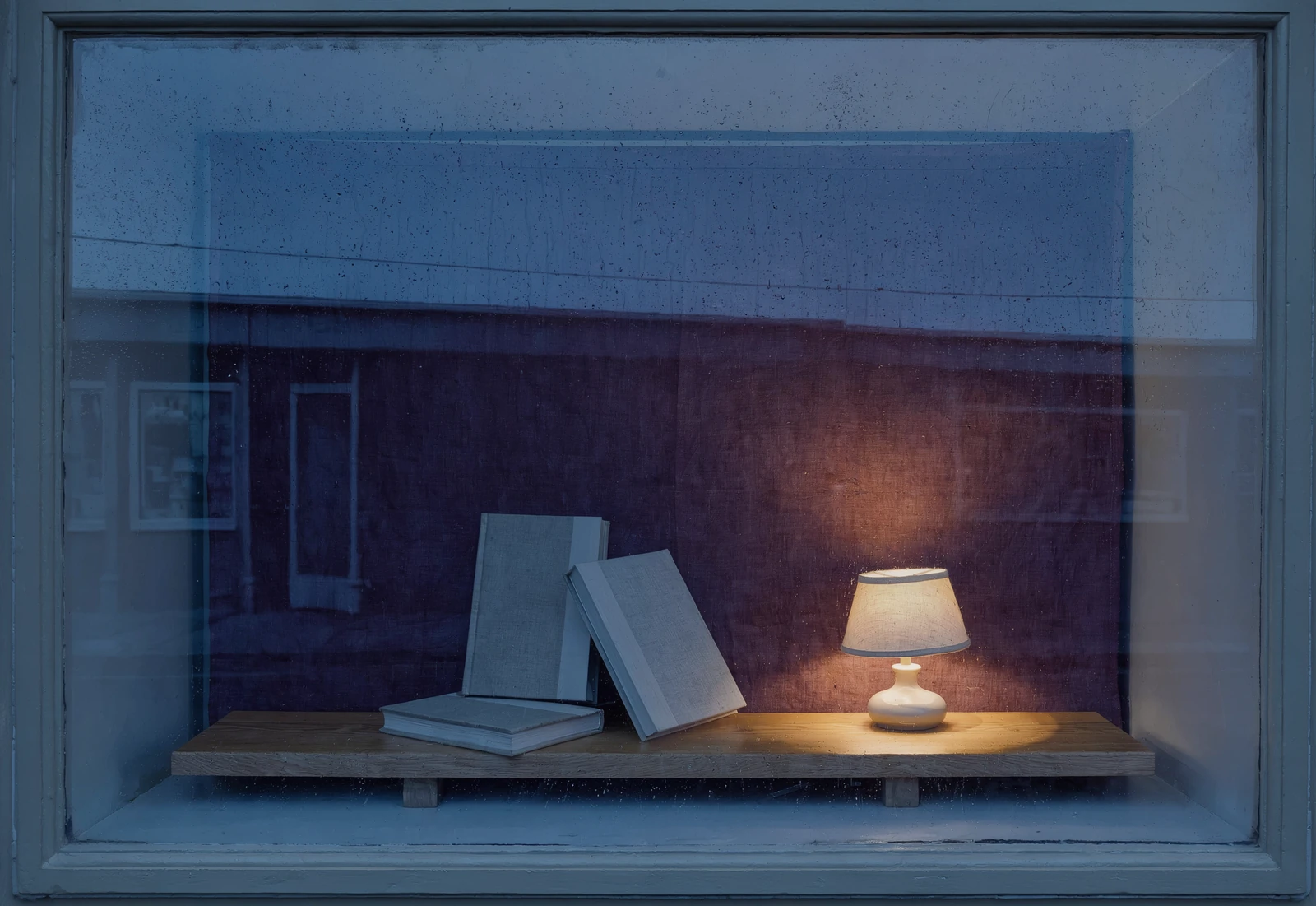
The edit introduces rain on the glass, cooler street reflections and an aubergine backdrop. Warm lamplight carries the composition into evening.
Three books and a small lamp form a bookstore window in afternoon light. A reference edit changes the time, weather and backdrop, keeping the display recognizable at blue hour.
Text brief An architectural editorial photograph of a small independent bookstore window at late afternoon. Three beautifully arranged books with plain linen covers, a small cream reading lamp, a rust-colored linen backdrop and a narrow oak bench. Eye-level straight-on framing, generous spacing, warm interior against cool street reflections, believable window frame and glazing. Inviting quiet composition, each object distinct. No readable lettering, no brands, no watermark. Reference edit brief Keep the same bookstore window, three linen-covered books, small cream lamp and narrow wooden bench. Change the mood from late afternoon to a rainy blue-hour evening: deep blue reflections on the glass, subtle rain droplets outside, warm lamp light within and a deep aubergine linen backdrop. Preserve the three books and their plain covers, the lamp shape and storefront geometry. Elegant believable photograph, no added lettering or signs.
Created with Luma Uni-1 through Mozify. The first image was generated from text, then supplied to the Edit / Reference request shown here. Selected originals are resized and encoded for the web.
Three steps in the studio. Open any screenshot to see the controls at full size.
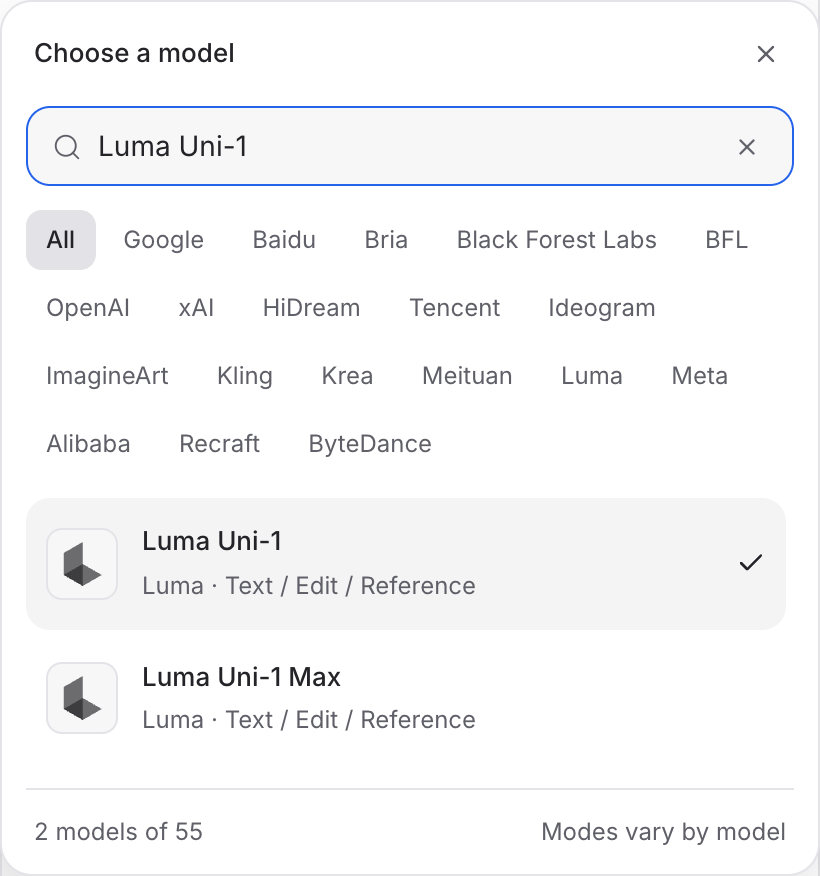
Open Image Studio, search for Luma Uni-1 and select it. Choose the input mode that matches your starting material.
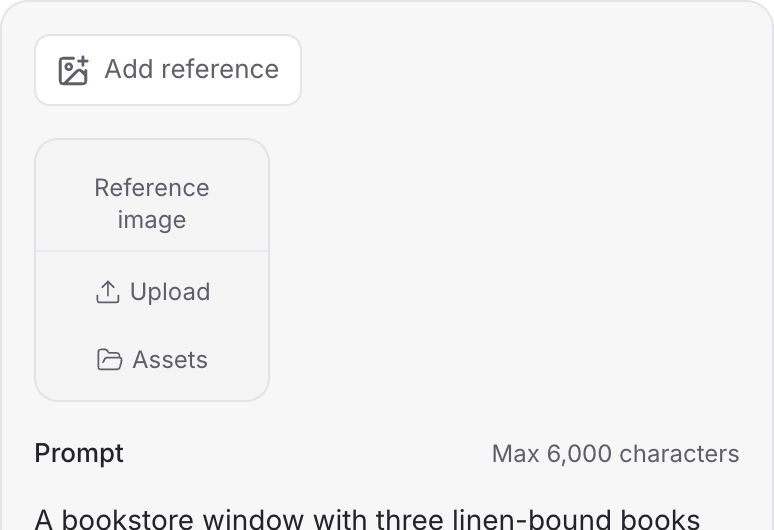
Describe the subject, composition and lighting. To revise an existing image, choose a supported reference mode and add the source image.
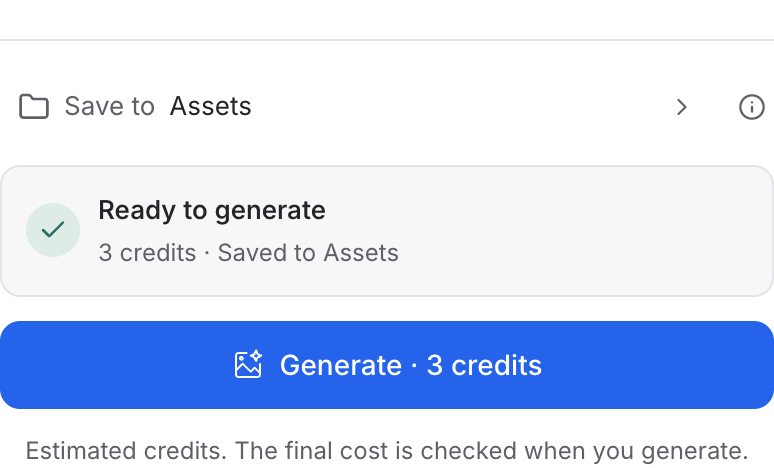
Review your image brief and the credit quote, then click Generate. Open the completed image to inspect the composition and details at full size.
Choose a mode below to see supported media and creative controls, then open that profile in Mozify.
Describe a new scene. Set out the subject, composition and the details that should appear in the result.
Open this mode in Mozify ↗Use this suggested exercise to start your own generation. The gallery above shows separately recorded outputs.
A suggested exercise to run in your workspace.
Say which image defines the palette, which defines the material and which defines the composition.
Use Text for a new scene. Choose Edit / Reference when you want to change a supplied source image.
Compare the output with the brief and references together. Decide which details matter before requesting another variation.
Featured in the Mozify studios.
Create campaign images from text or references.
Restyle product photos with image references.
Explore new compositions and reference edits.
Build product scenes with text and image inputs.
Create and revise visuals from product references.
Generate images, edits and repeating patterns.
Create new scenes or edit an existing image.
Generate images with a palette and design brief.
Open a guide to explore the inputs and a practical brief. Current availability and credit quotes are shown in your workspace.
Open the Image studio and check the model picker for Luma Uni-1. Select an enabled profile, add its required inputs and review the quote before running.
Bring your product, your brief or your next big idea. Start creating in Mozify.
Explore free, no card required. A paid plan is required to generate and export.


