
 VIDEO MODEL / GOOGLE
Prepare compatible bookends
Choose frames with a plausible spatial relationship. Describe the movement that should connect them.
Follow a cinnamon roll from the baker’s workbench to warm icing on the plate. Two original eight-second Veo shots form a 16-second bakery film with generated speech and kitchen sound.
Explore free, no card required. A paid plan is required to generate and export.
Follow a cinnamon roll from the baker’s workbench to warm icing on the plate. Two original eight-second Veo shots form a 16-second bakery film with generated speech and kitchen sound.
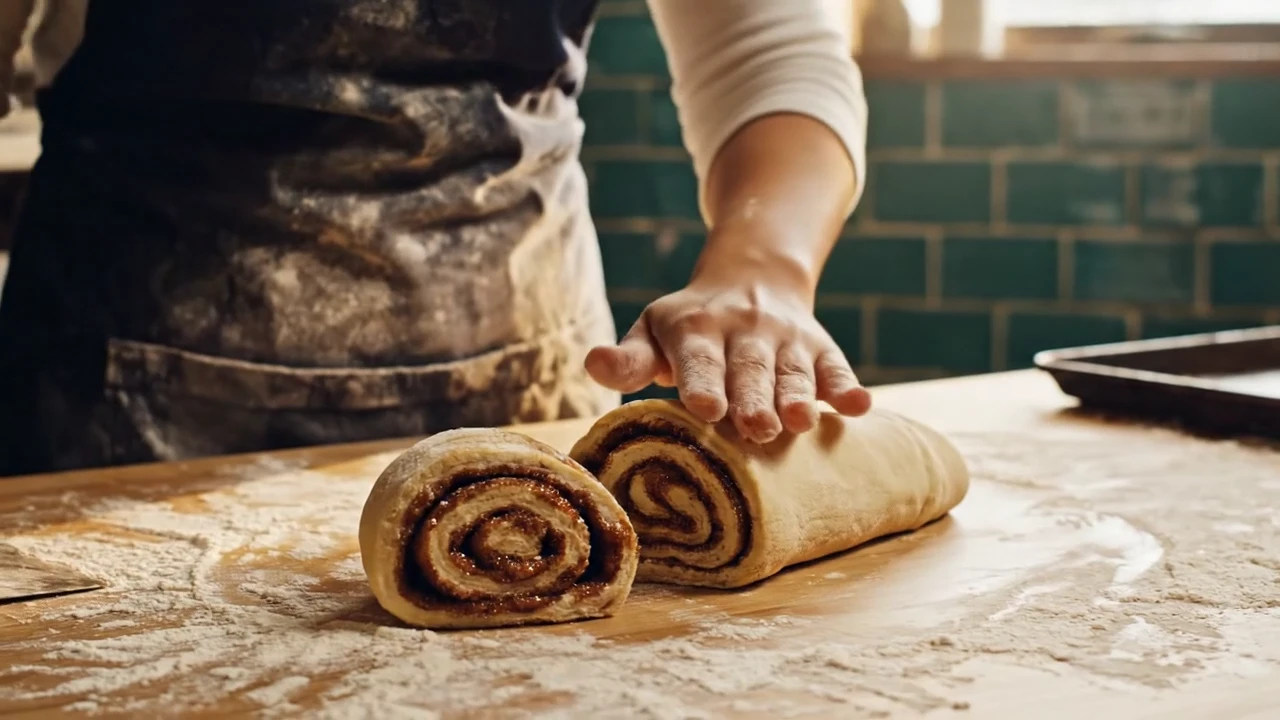
The first shot follows the dough, cutting and tray in the morning kitchen.
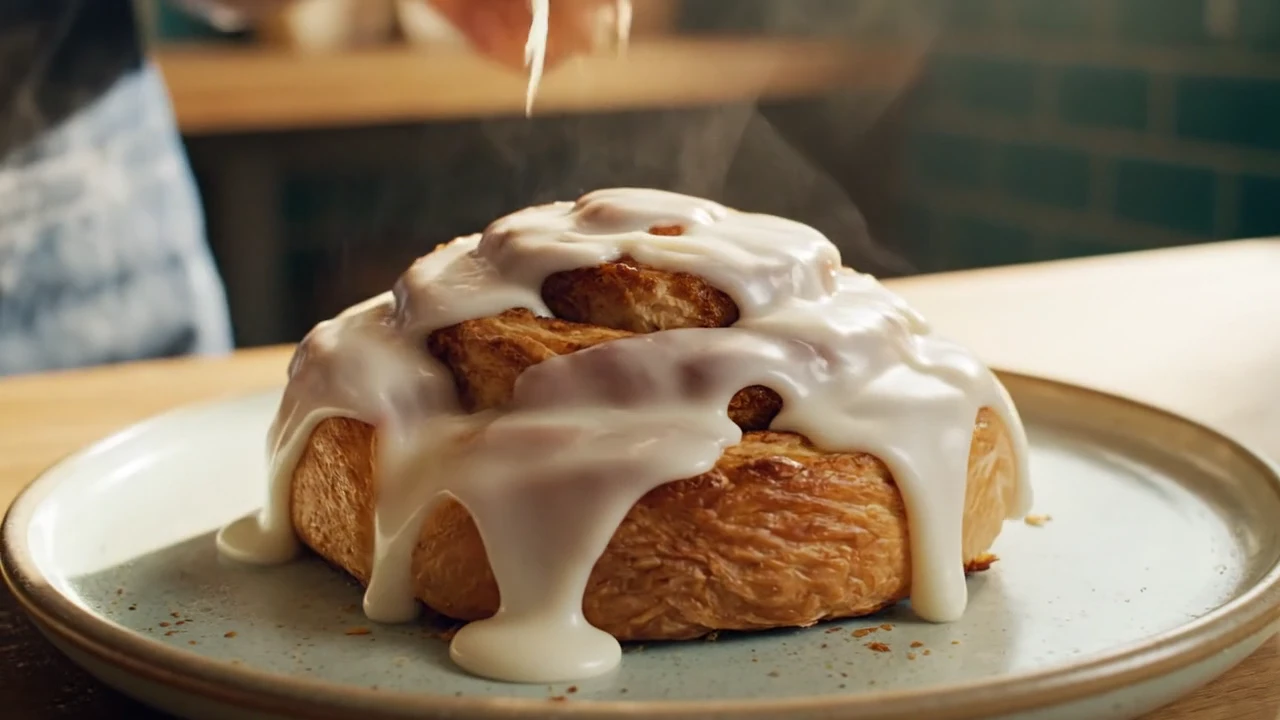
The second shot finishes with icing poured over the baked roll, bringing the preparation story to the plate.
Follow a cinnamon roll from the baker’s workbench to warm icing on the plate. Two original eight-second Veo shots form a 16-second bakery film with generated speech and kitchen sound.
Shot 1 An 8-second opening scene of an original bakery brand film, cinematic natural light. At dawn in a small bakery with teal tile walls, an adult baker in a flour-dusted navy apron rolls cinnamon dough into a tight spiral on a maple counter, cuts one neat roll and places it on a dark baking tray. Close details of flour, hands and the spiral; finish with tray moving toward warm oven light. Believable hands and dough physics, purposeful camera, warm inviting palette. Native audio: flour brush, gentle tray clink, soft original acoustic music. Calm female voiceover says "Before the city wakes, we begin." No text, no logos, no watermark. Shot 2 An 8-second concluding scene of an original bakery brand film. Morning sun in a small bakery with teal tile walls. Adult baker in a navy apron lifts one golden freshly baked cinnamon roll from a dark tray with a spatula, places it on a pale ceramic plate by the window, and adds a light icing drizzle. Camera settles on the complete golden spiral roll, steam barely rising, warm breakfast mood. Hold the appetizing final product view for two seconds. Native synchronized audio: pastry crackle, quiet plate contact, soft original acoustic music. Calm female voiceover says "A little warmth, made fresh for you." No text, no logos, no watermark.
Two original eight-second Veo 3.1 generations, edited into a 16-second film. Native audio retained and playback loudness normalized.
Three steps in the studio. Open any screenshot to see the controls at full size.
Open Video Studio, search for Veo 3.1 and select it. Choose the input mode that matches your starting material.
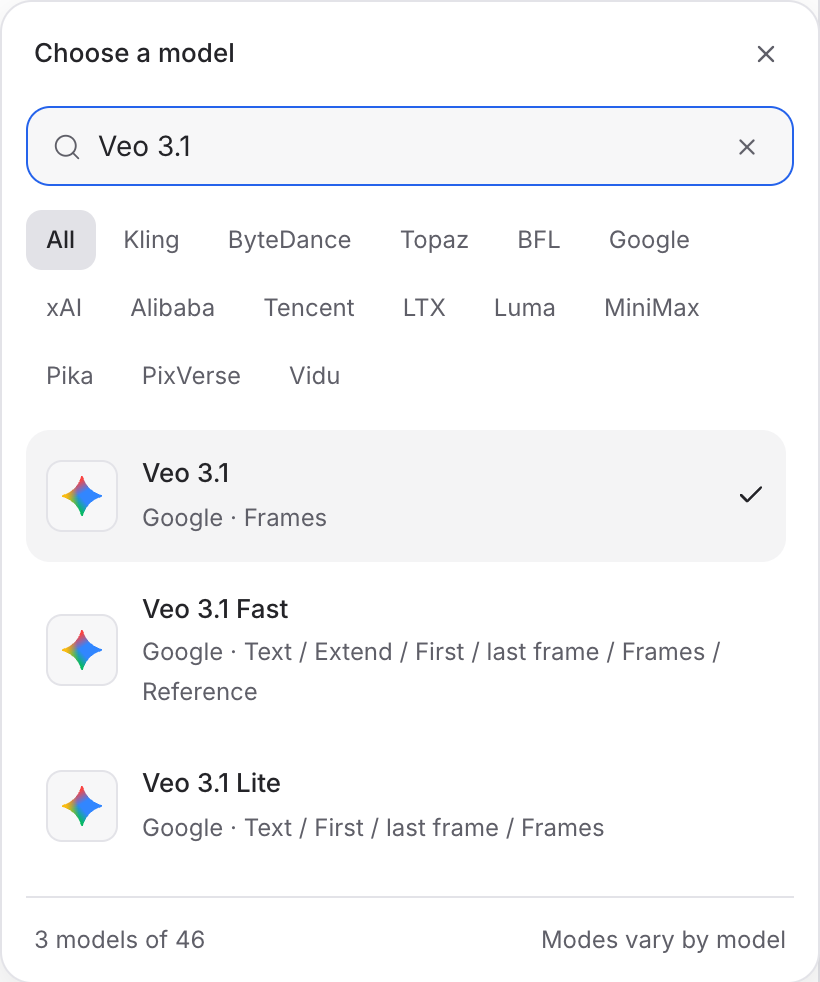
Describe the action, camera movement and ending. Add the images or other references required by your chosen mode.
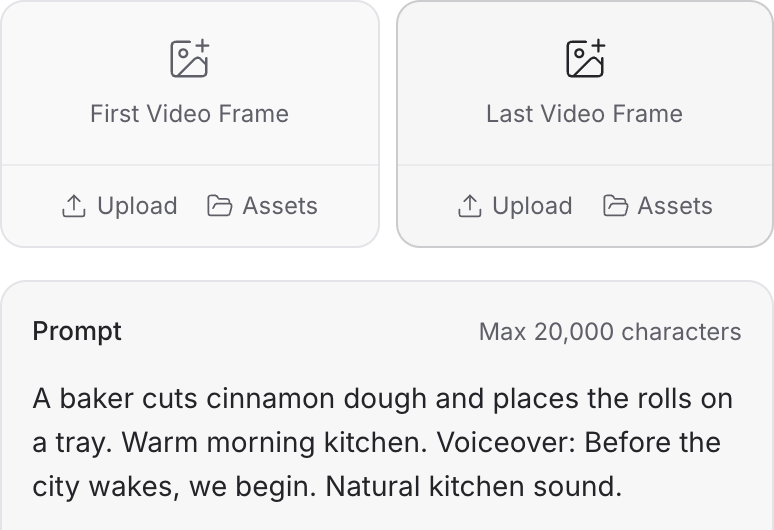
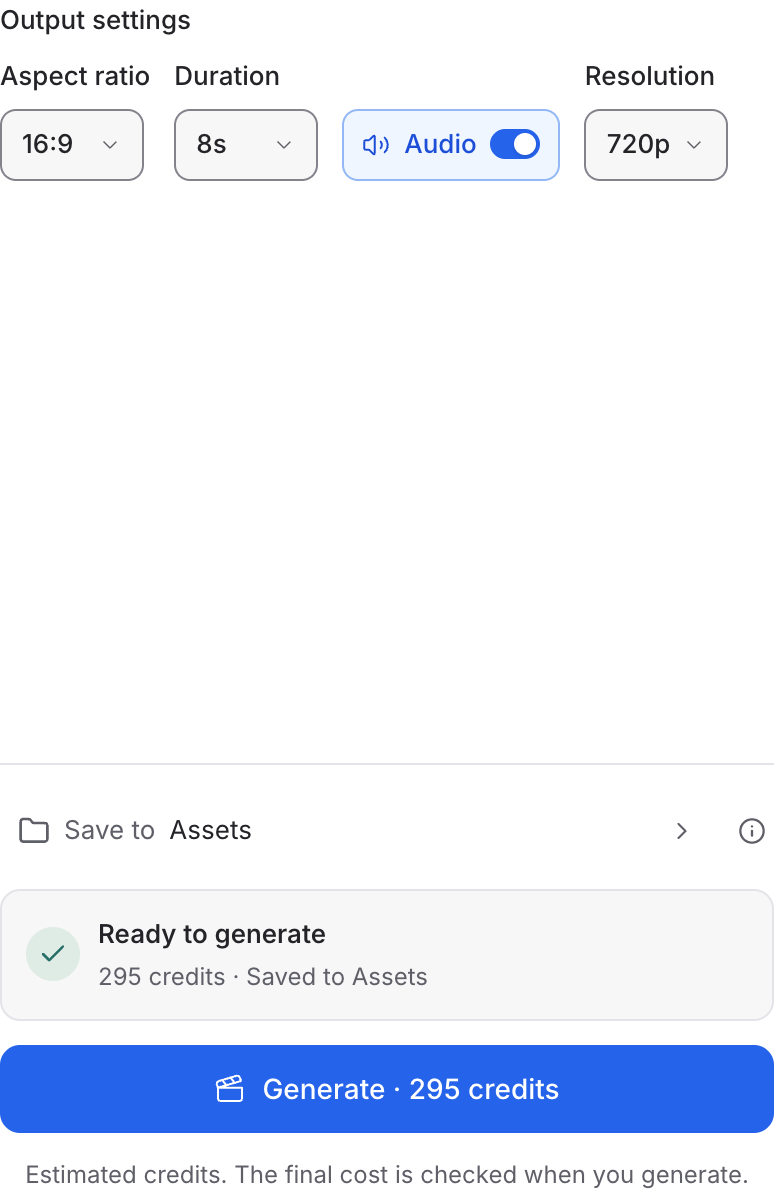
Set the available format and duration controls. Enable Audio when offered, review the credit quote and click Generate. Play the result with sound.
Choose a mode below to see supported media and creative controls, then open that profile in Mozify.
Supply the opening and ending compositions. Describe a continuous action or camera move that connects the two.
Open this mode in Mozify ↗Use this suggested exercise to start your own generation. The gallery above shows separately recorded outputs.
A suggested exercise to run in your workspace.
Choose frames with a plausible spatial relationship. Describe the movement that should connect them.
Use Extend with source video and a continuation brief. Review the join between the source and generated continuation.
These profiles include generated-audio controls. Listen for timing and continuity as well as inspecting the frames.
Featured in the Mozify studios.
Guide video with image, video and audio references.
Generate clips, edit footage and reuse references.
Create video from text, frames or media references.
Build short scenes from text and references.
Create video from prompts, frames or media references.
Create clips, edit footage and change framing.
Start a video from text, an image or audio.
Open a guide to explore the inputs and a practical brief. Current availability and credit quotes are shown in your workspace.
Open the Video studio and check the model picker for Veo 3.1. Select an enabled profile, add its required inputs and review the quote before running.
Bring your product, your brief or your next big idea. Start creating in Mozify.
Explore free, no card required. A paid plan is required to generate and export.


