
Plan the time before generating
Describe the opening, central action and final hold. Choose a duration from 2–30 seconds that gives each beat enough room.
A morning at a flower stall unfolds from the first light to a wrapped bouquet. Wan 3.0 Prime brings Text, Frames and Reference modes together with a generated-audio control and clips up to 30 seconds.
Explore free, no card required. A paid plan is required to generate and export.
A quiet flower stall opens for the day. Yellow tulips are wrapped in blue paper, handed over and followed by a closing still life. One original 24-second generation with native speech and sound.
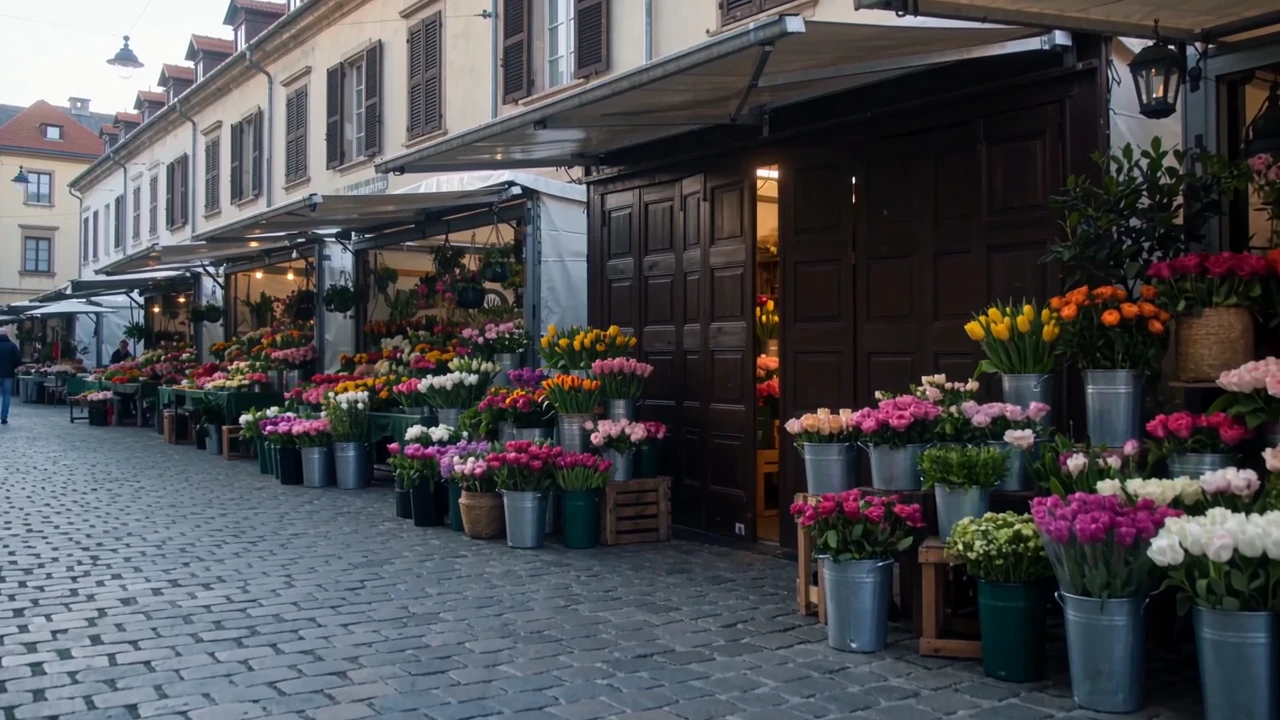
The opening establishes the flower stall and morning light before moving closer to the bouquet.
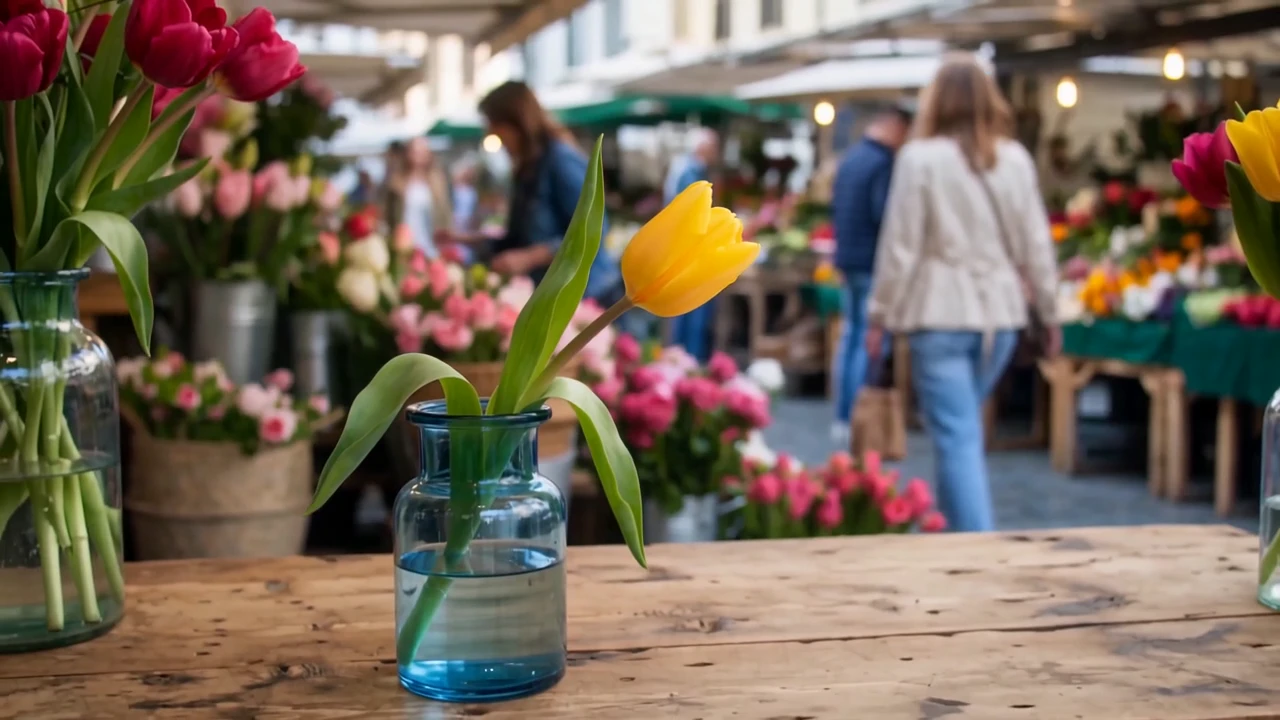
The film settles on a yellow tulip in a blue vase after the bouquet changes hands. Check the flowers and wrapping across the cuts.
A quiet flower stall opens for the day. Yellow tulips are wrapped in blue paper, handed over and followed by a closing still life. One original 24-second generation with native speech and sound.
Create a complete 24-second cinematic florist brand film with native synchronized sound. A small flower stall at a quiet European morning market. Adult florist in a rust linen apron, wooden counter, yellow tulips and blue wrapping paper. 0–6 seconds: wide slow push through the market to the stall as shutters open and morning light arrives. 6–14 seconds: close-up of the florist gathering five yellow tulips, wrapping them in blue paper and tying a simple cream ribbon with believable hands. 14–20 seconds: medium shot, she offers the bouquet to a customer whose hand enters frame and she smiles. 20–24 seconds: camera holds on one remaining yellow tulip in a blue glass vase on the counter, soft market blur beyond. Natural light, consistent props and wardrobe, quiet premium editorial photography. Audio: paper rustle, scissors snip, light market ambience and original gentle acoustic music. Warm female voiceover, clearly spoken once: “A little color. A reason to pause. Make someone’s morning.” Let the music resolve over the final shot. No readable signs, captions, logos or watermark.
One original 24-second Wan 3.0 Prime Text generation at 720p with Audio enabled. Native audio retained, the output trimmed to the requested duration and playback loudness normalized.
Three steps in the studio. Open any screenshot to see the controls at full size.
Open Video Studio, search for Wan 3.0 Prime and select it. Choose the input mode that matches your starting material.
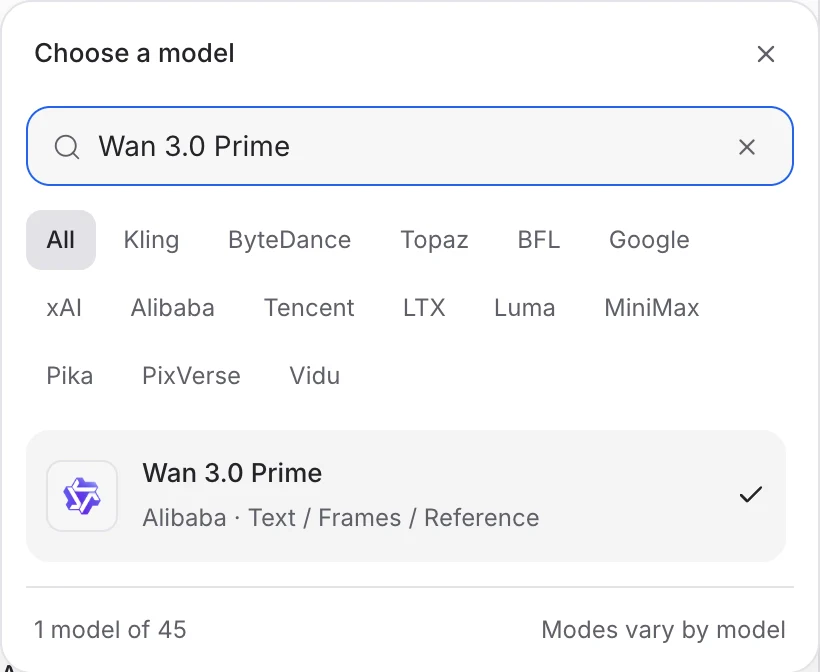
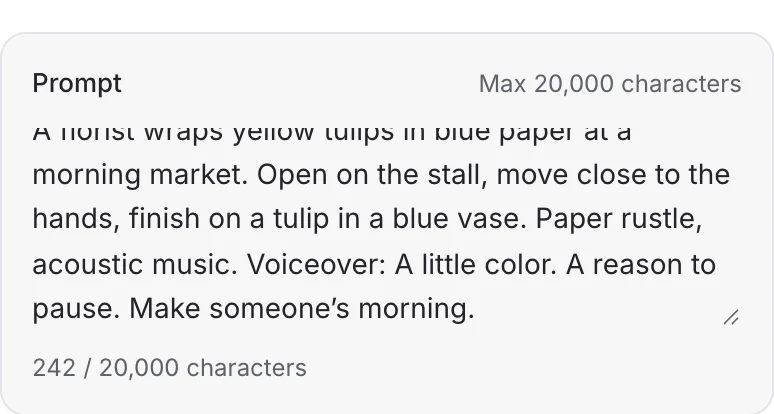
Describe the action, camera movement and ending. Add the images or other references required by your chosen mode.
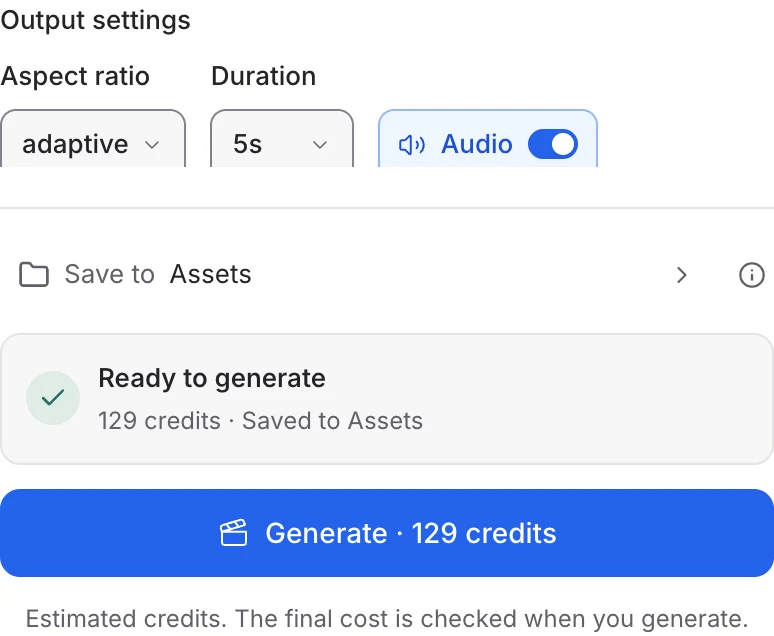
Choose 2–30 seconds, the aspect ratio and resolution. Turn Audio on, review the credit quote and generate. Watch the full result and listen to its soundtrack.
Choose a mode below to see supported media and creative controls, then open that profile in Mozify.
Describe the scene and sound, choose 2–30 seconds and enable Audio for a generated soundtrack. Give a longer story clear opening, action and ending beats.
Open this mode in Mozify ↗Use this suggested exercise to start your own generation. The gallery above shows separately recorded outputs.
A suggested exercise to run in your workspace.
Describe the opening, central action and final hold. Choose a duration from 2–30 seconds that gives each beat enough room.
Enable Audio, then specify the ambience, music and any dialogue. A short spoken line leaves space for the scene’s natural sounds.
Frames accepts a starting image and an optional ending image. Reference accepts images, video and audio so you can describe what each supplied asset should contribute.
Explore models from the Mozify studios.
Create from text or references, or edit existing video.
Generate, stylize, extend and edit video in 15 modes.
Guide video with image, video and audio references.
Generate clips, edit footage and reuse references.
Create shots, connect frames and extend videos.
Create video from text, frames or media references.
Build short scenes from text and references.
Create video from prompts, frames or media references.
Create clips, edit footage and change framing.
Start a video from text, an image or audio.
Open a guide to explore the inputs and a practical brief. Current availability and credit quotes are shown in your workspace.
Open the Video studio and check the model picker for Wan 3.0 Prime. Select an enabled profile, add its required inputs and review the quote before running.
Bring your product, your brief or your next big idea. Start creating in Mozify.
Explore free, no card required. A paid plan is required to generate and export.


