
 VIDEO MODEL / MINIMAX
Start with the style profile
Hand Drawn, 16Bit Pixel, Low Poly, Retro Toon 70S and Vhs are separate modes. Choose the style before writing the scene, and use the same brief when comparing directions.
A gardener plants a glowing seed inside a miniature glasshouse. Follow the flowers opening in an original H3 Max Text film, then explore Frames, Reference, dedicated styles and tools for editing existing footage.
Explore free, no card required. A paid plan is required to generate and export.
A gardener plants a glowing seed inside a miniature glasshouse. Golden flowers unfurl as the camera widens to reveal the little building against the night. One original 15-second Text generation with native sound.
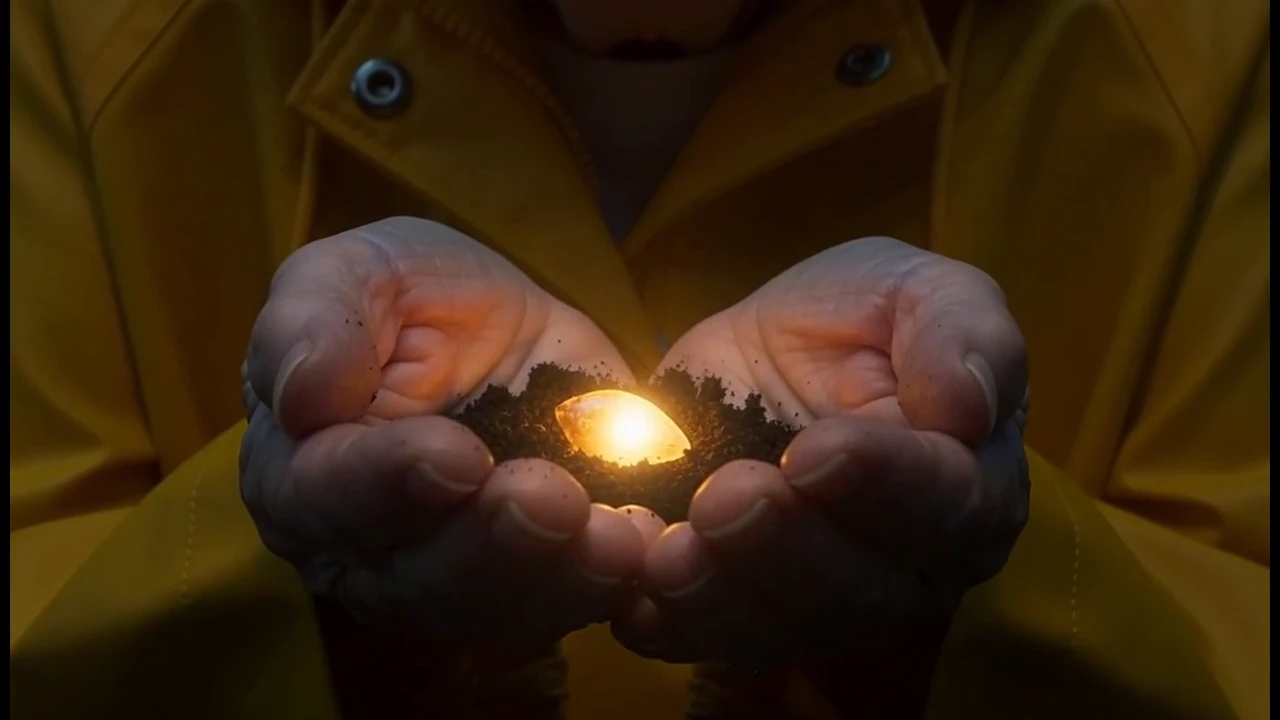
A glowing seed rests in cupped hands before the gardener places it in the cobalt pot.
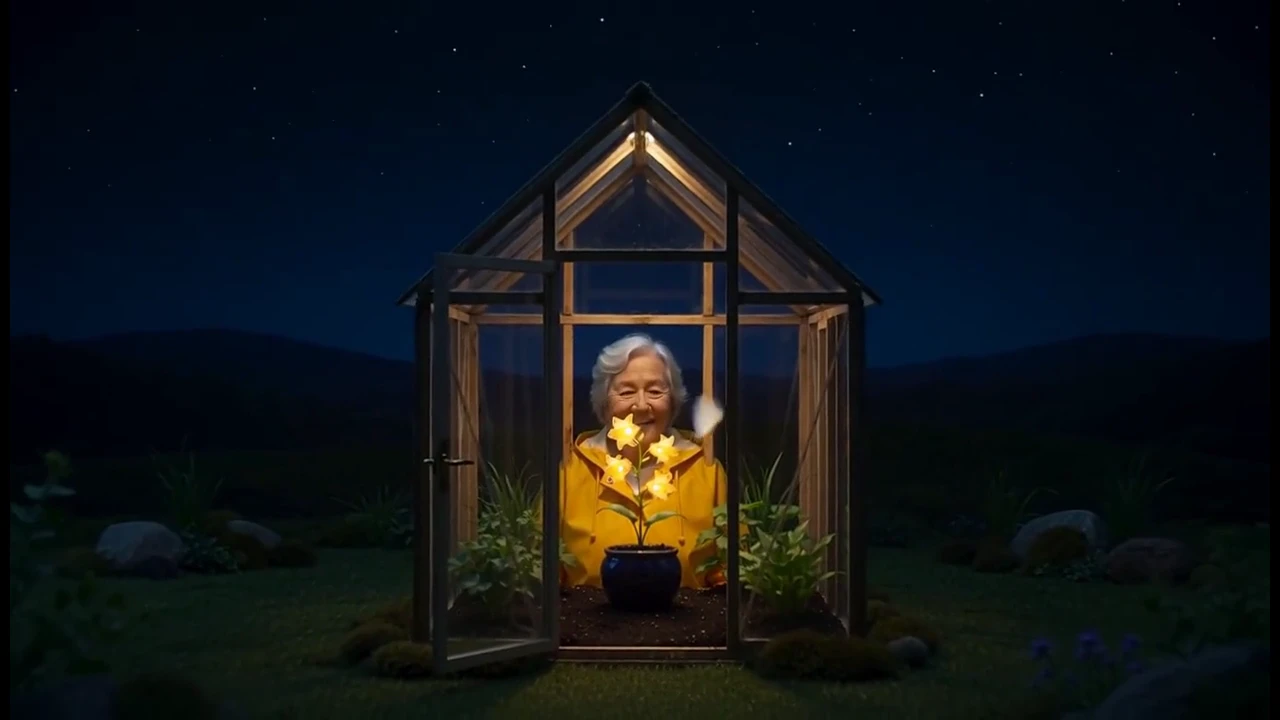
The camera moves back from the flowers to reveal the entire miniature glasshouse. Compare the pot and flowers as the viewpoint changes.
A gardener plants a glowing seed inside a miniature glasshouse. Golden flowers unfurl as the camera widens to reveal the little building against the night. One original 15-second Text generation with native sound.
An original complete 15-second cinematic miniature film, with native sound. In a miniature glasshouse at midnight, an adult gardener wearing a mustard yellow raincoat places a tiny glowing seed in a cobalt ceramic pot. 0–4 seconds: intimate close-up on the seed resting in cupped hands, soft amber glow on fingertips. 4–10 seconds: the gardener plants it, a delicate vine unfurls and opens three warm golden bell flowers. 10–15 seconds: the gardener leans back and smiles; a pale moth circles the flowers as the camera slowly widens to show the glasshouse against a deep blue night. Tactile crafted miniature set, believable hands, consistent pot and wardrobe, gentle magical realism. Hold the final composition for two seconds. Sound: soil and leaf rustles, soft night insects, original delicate piano music resolving warmly. No speech, lettering, subtitles, logos or watermark.
One original 15-second MiniMax H3 Max Text generation at 768P. Native audio retained and playback loudness normalized; web export at 720p.
Three steps in the studio. Open any screenshot to see the controls at full size.
Open Video Studio, search for MiniMax H3 Max and choose Text to follow the glasshouse example. Select a different mode when your brief needs references, a dedicated style or an editing operation.
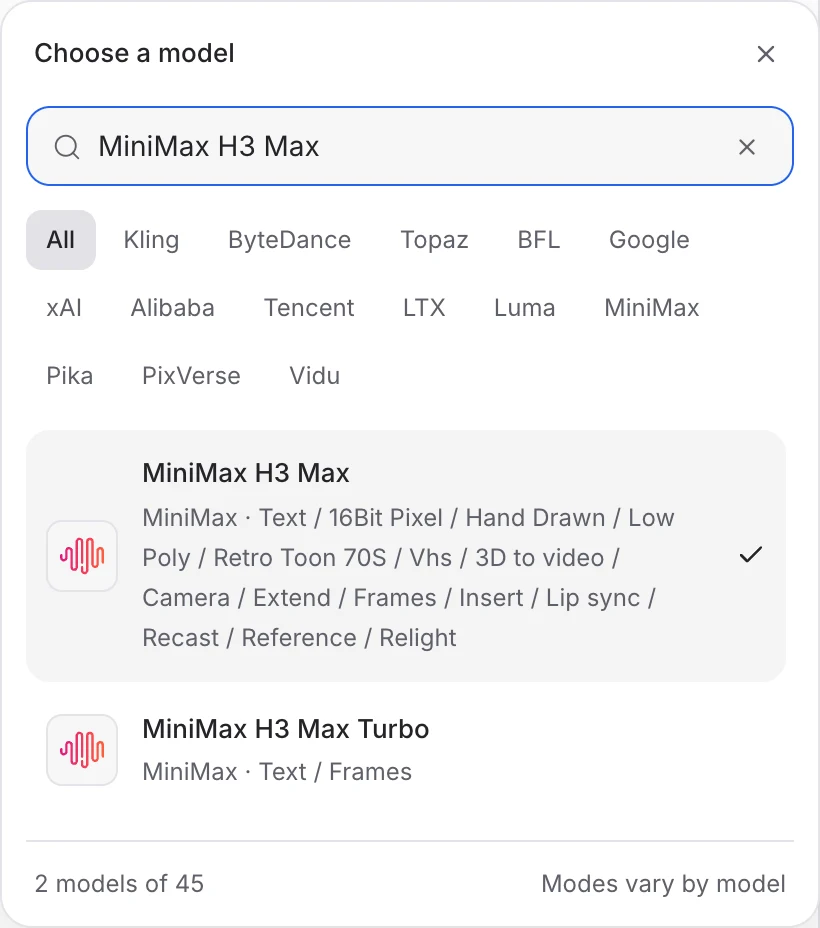
Describe the action, camera movement and ending. Add the images or other references required by your chosen mode.
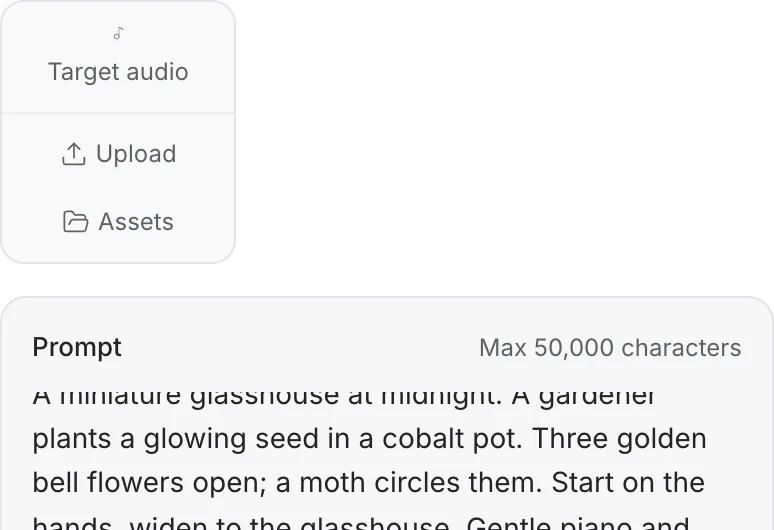
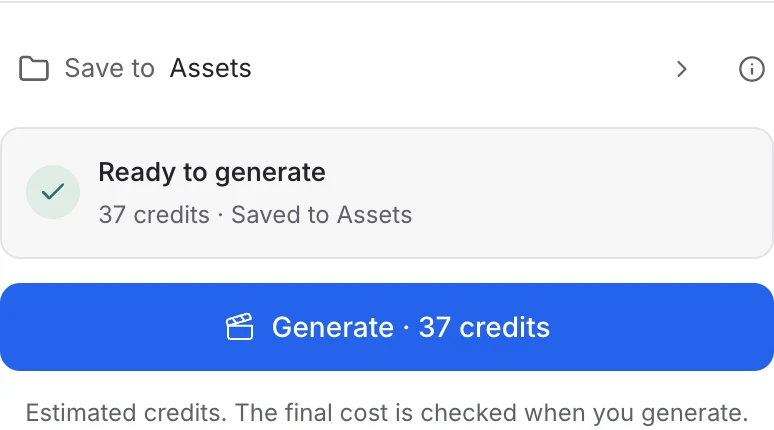
In Text, choose the duration, resolution and aspect ratio, then review the quote and generate. Other H3 Max modes have their own controls and media requirements. Play the completed clip with sound.
Choose a mode below to see supported media and creative controls, then open that profile in Mozify.
Describe a new scene. Set out the subject, composition and the details that should appear in the result.
Open this mode in Mozify ↗Use this suggested exercise to start your own generation. The gallery above shows separately recorded outputs.
A suggested exercise to run in your workspace.
Hand Drawn, 16Bit Pixel, Low Poly, Retro Toon 70S and Vhs are separate modes. Choose the style before writing the scene, and use the same brief when comparing directions.
Camera starts from an image. Recast, Relight and Insert work from source video and their required references. Choose the operation you need instead of describing every change in a new text generation.
Text and Frames accept optional target audio. Lip sync uses a portrait and an audio recording. Check the selected mode’s input requirements and listen to the finished result before publishing.
Explore models from the Mozify studios.
Create from text or references, or edit existing video.
Make videos up to 30 seconds with generated audio.
Guide video with image, video and audio references.
Generate clips, edit footage and reuse references.
Create shots, connect frames and extend videos.
Create video from text, frames or media references.
Build short scenes from text and references.
Create video from prompts, frames or media references.
Create clips, edit footage and change framing.
Start a video from text, an image or audio.
Open a guide to explore the inputs and a practical brief. Current availability and credit quotes are shown in your workspace.
Open the Video studio and check the model picker for MiniMax H3 Max. Select an enabled profile, add its required inputs and review the quote before running.
Bring your product, your brief or your next big idea. Start creating in Mozify.
Explore free, no card required. A paid plan is required to generate and export.


