
 VIDEO MODEL / KLING
Frames
Put your product in motion.
Bring a product image into Frames. Describe a camera move, a change in light or a simple action, then add middle and ending frames when the scene needs more direction.
Start with FramesFrom the potter’s brush to a sunlit table, follow a cobalt cup through an original 18-second Kling 4.0 film. Shape your own story with text, frames, references or existing footage, then finish the selected take in Mozify’s Editor.
Explore free, no card required. A paid plan is required to generate and export.
A cobalt cup moves from the potter’s brush to the window and a sunlit still life. Three six-second shot prompts shape one original 18-second Kling 4.0 generation.
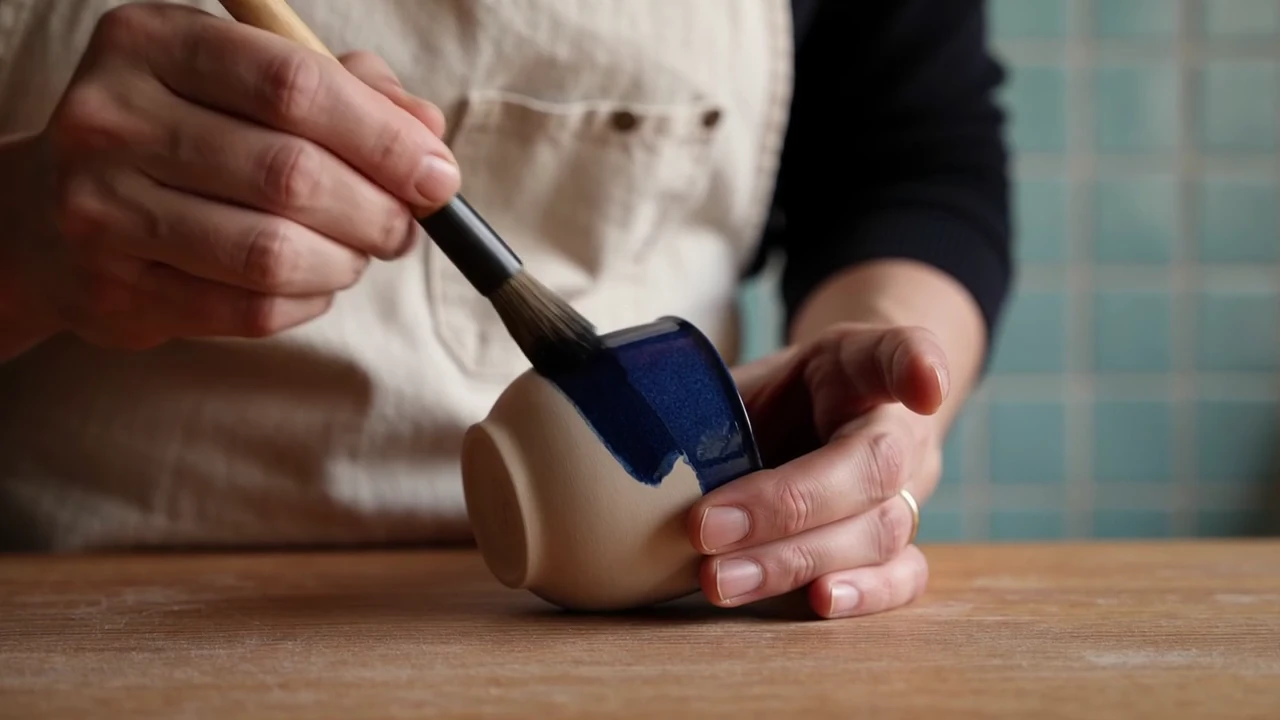
The potter brushes cobalt glaze onto the cup. The close composition puts the hands, brush and ceramic surface at the center of the story.
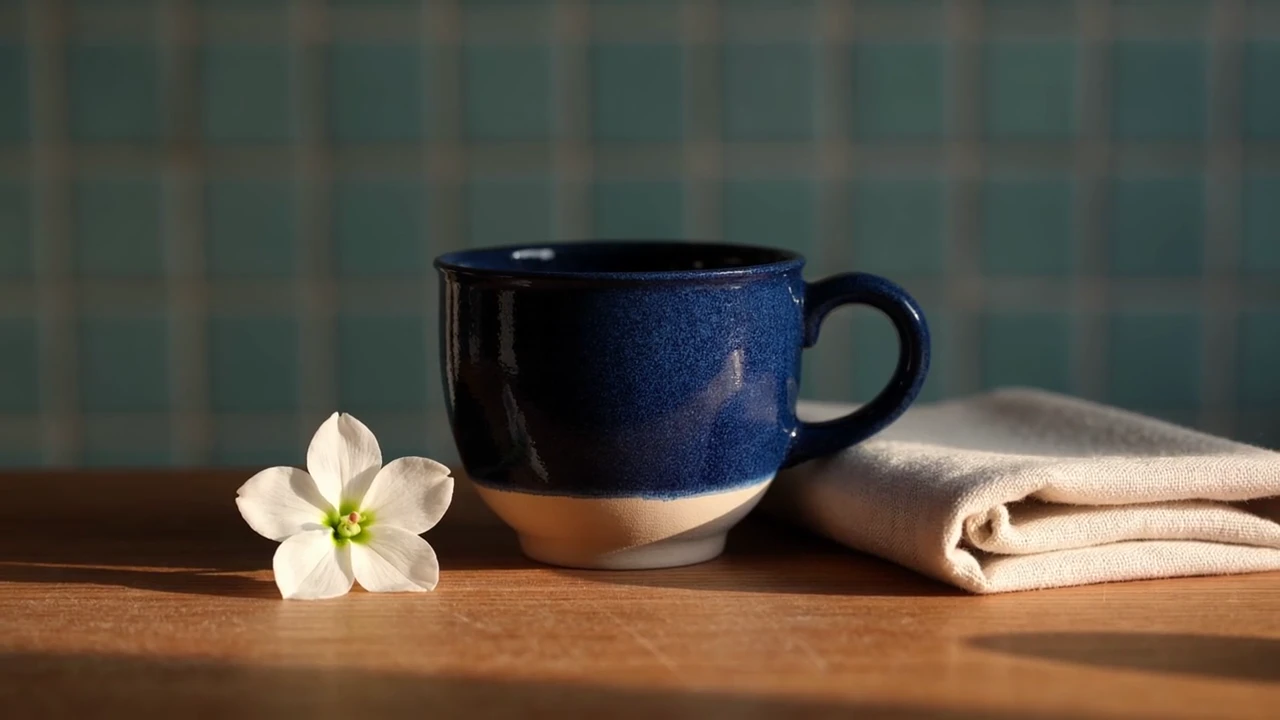
The last shot settles on the finished cup beside a white blossom and folded linen. Compare its handle and blue glaze across the three scenes.
A cobalt cup moves from the potter’s brush to the window and a sunlit still life. Three six-second shot prompts shape one original 18-second Kling 4.0 generation.
Shot 1 · 6 seconds Premium cinematic pottery film, warm morning light in a small artisan studio, blue tiled wall and oak workbench. Close shot: an adult potter in a cream linen apron carefully brushes a deep cobalt glaze onto one small ceramic cup with a rounded handle. Slow camera push, tactile glaze and clay, believable hands. Quiet brush sounds, soft original piano begins. No lettering, brands or subtitles. Shot 2 · 6 seconds Same artisan studio, cream linen apron, oak bench, cobalt cup with one rounded handle. The adult potter turns the finished glossy cup gently in both hands near a sunlit window, showing its rich blue surface and subtle handmade texture. Camera follows a small graceful arc. Natural hands, one continuous cup, warm highlights. Quiet ceramic contact, soft original piano continues. No lettering or logos. Shot 3 · 6 seconds Concluding product shot in the same warm studio: the finished cobalt ceramic cup with one rounded handle rests on the oak table beside a small folded linen napkin. A hand sets a little white blossom beside the cup, then leaves frame. Slow pullback to a calm sunlit still life, hold the final composition for two seconds. Soft ceramic tap, room ambience, original piano resolves. No text, logos or subtitles.
One original 18-second Kling 4.0 Text generation at 720p, using three six-second shot prompts. Native audio retained, the output trimmed to the requested duration and playback loudness normalized.
Start with the material you already have and build the shot your campaign needs. Keep your brief, references and selected takes together in Mozify.
Bring a product image into Frames. Describe a camera move, a change in light or a simple action, then add middle and ending frames when the scene needs more direction.
Start with FramesGive the opening, action and ending their own shot prompts. Set the time for each beat and describe the sound that connects the scene.
Start with TextStart from an existing clip in Edit video. Describe a focused revision and add references, then compare the complete result with your original.
Start with Edit videoThree steps in the studio. Open any screenshot to see the controls at full size.
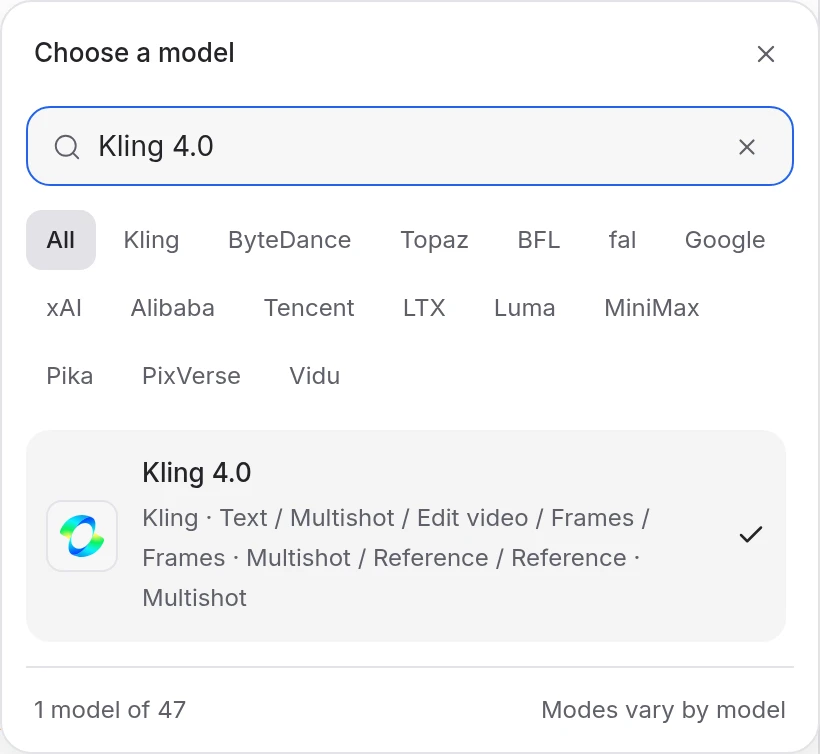
Open Video Studio and select Kling 4.0. Choose Text for a written scene, Frames for an image sequence, Reference for a scene guided by supplied media, or Edit video for existing footage.
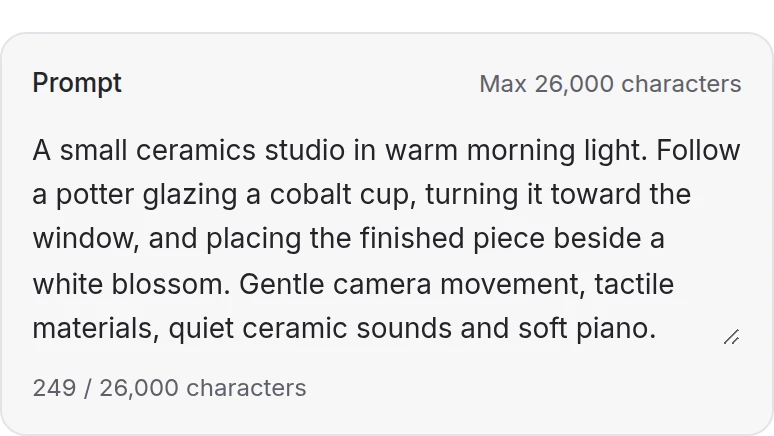
Add the media required by your mode and describe the scene, movement and sound. Text, Frames and Reference also support multiple shot prompts with individual durations.
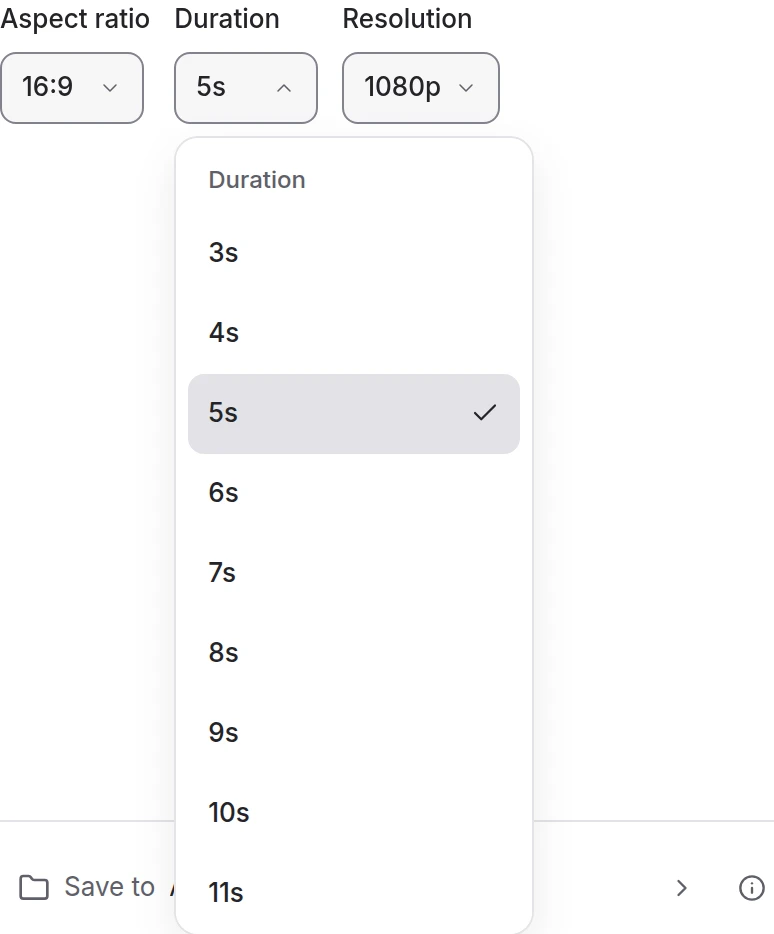
Choose 720p or 1080p and 3–30 seconds in the creation modes. Edit video can follow the source duration. Review the credit quote, generate and watch the full result with sound.
Choose a mode below to see supported media and creative controls, then open that profile in Mozify.
Describe the scene and sound, or build a sequence of shot prompts totaling 3–30 seconds. Choose 720p or 1080p and a supported aspect ratio. Audio direction belongs in the prompt.
Open this mode in Mozify ↗Use this suggested exercise to start your own generation. The gallery above shows separately recorded outputs.
A suggested exercise to run in your workspace.
Text, Frames and Reference support a single prompt or a sequence of shot prompts. Set the shot durations so the total stays within 3–30 seconds, and give each beat time to finish.
Frames starts with an image and supports up to eight middle images plus an ending image. Reference combines supported images, videos and subject elements; describe what each reference should contribute.
Edit video starts from a source clip. Describe the change, add references when needed and choose 720p or 1080p. Leave duration unset to follow the source, or choose a supported duration.
Explore models from the Mozify studios.
Create from text or references, or edit existing video.
Generate, stylize, extend and edit video in 15 modes.
Make videos up to 30 seconds with generated audio.
Guide video with image, video and audio references.
Create video from text, frames or timed keyframes.
Generate clips, edit footage and reuse references.
Create shots, connect frames and extend videos.
Create video from text, frames or media references.
Build short scenes from text and references.
Create video from prompts, frames or media references.
Create clips, edit footage and change framing.
Start a video from text, an image or audio.
Open a guide to explore the inputs and a practical brief. Current availability and credit quotes are shown in your workspace.
Open the Video studio and check the model picker for Kling 4.0. Select an enabled profile, add its required inputs and review the quote before running.
Bring your product, your brief or your next big idea. Start creating in Mozify.
Explore free, no card required. A paid plan is required to generate and export.


