Give your product more ways to stand out.
Bring the product image. Explore a visual direction, create short clips, and assemble new ads with your own copy in the Video Editor.
- Image references for product scenes and campaign stills
- Short video generation with a cost quote before you run
- New hooks and 9:16, 4:5, 1:1, or 16:9 edits from existing assets
FROM PRODUCT PHOTO TO VIDEO AD
One product.
Four steps to the ad.
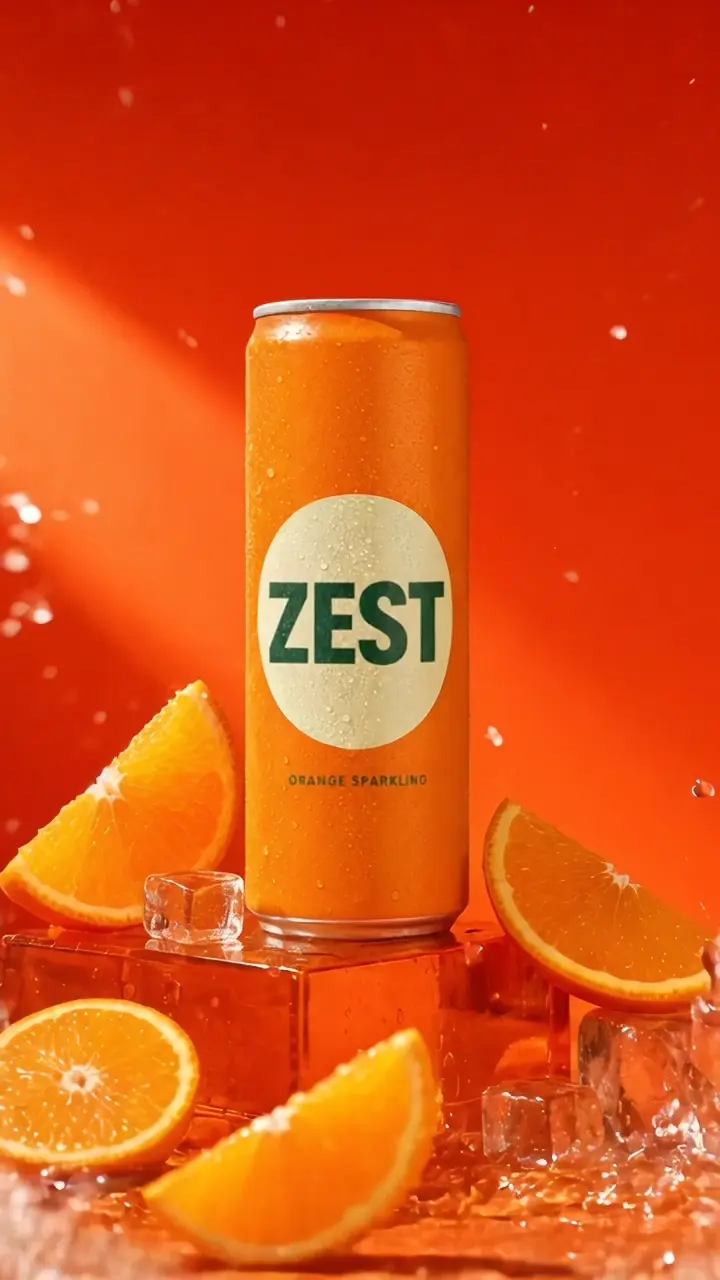
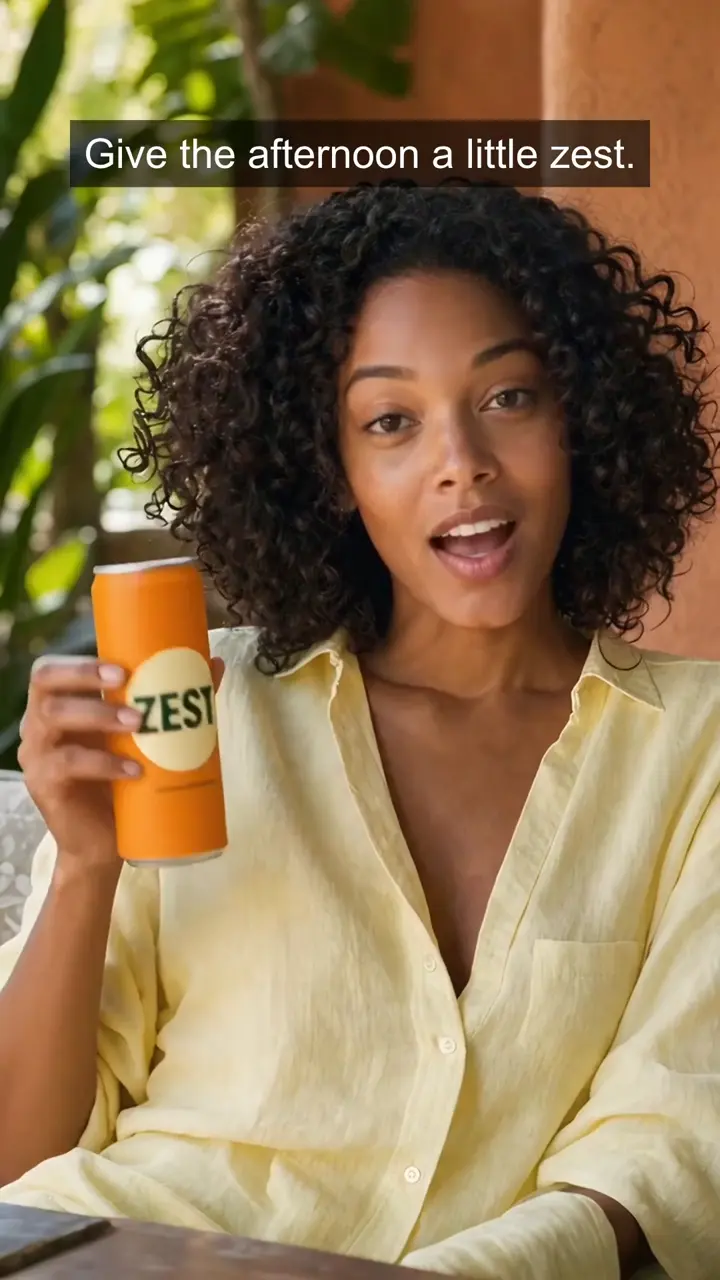
Follow the ZEST sample campaign from its starting image to a 14-second ad. AI creates the assets; you choose the takes, arrange the story and finish the edit.
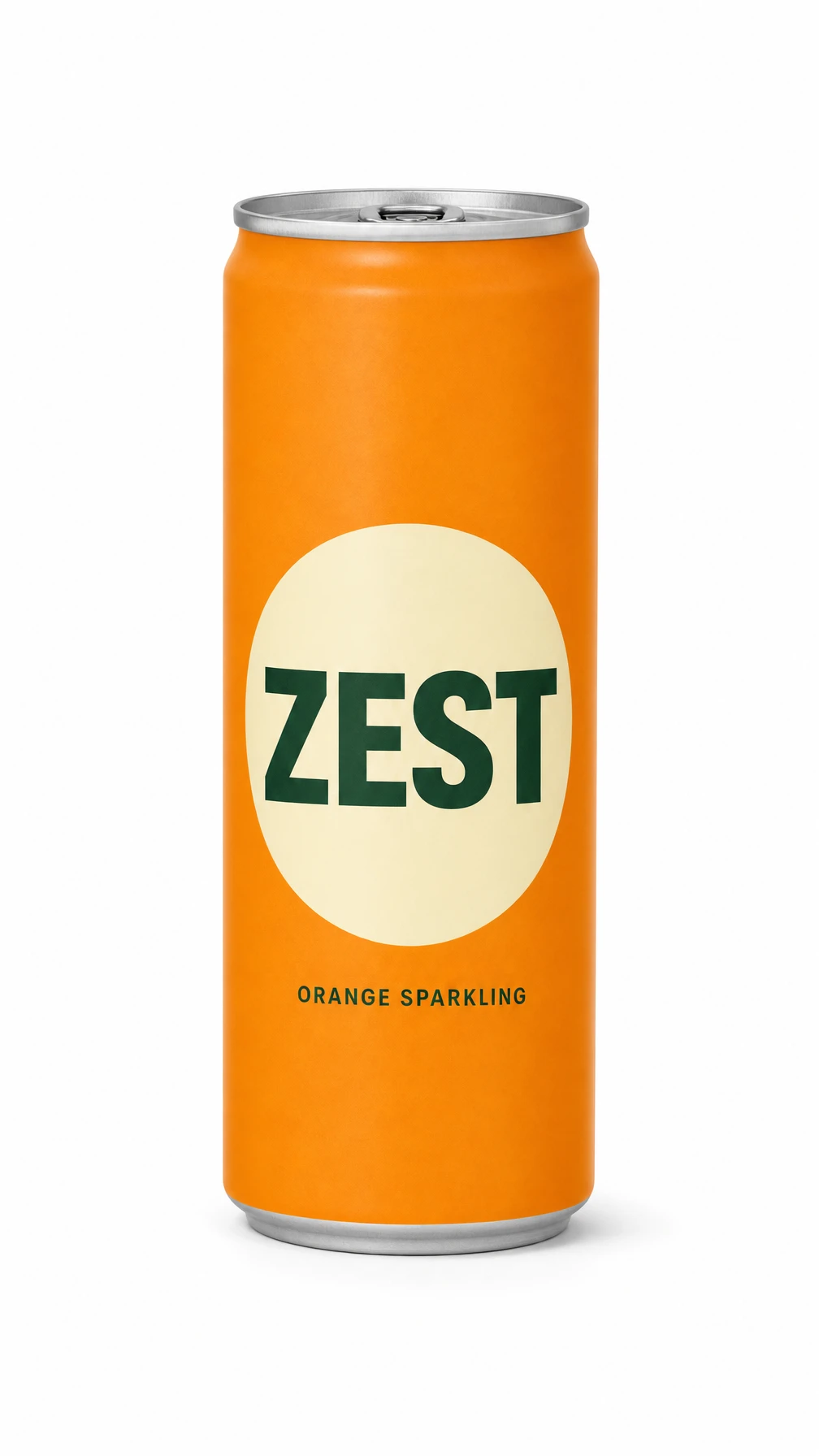 01 / Reference
The sample product packshot.
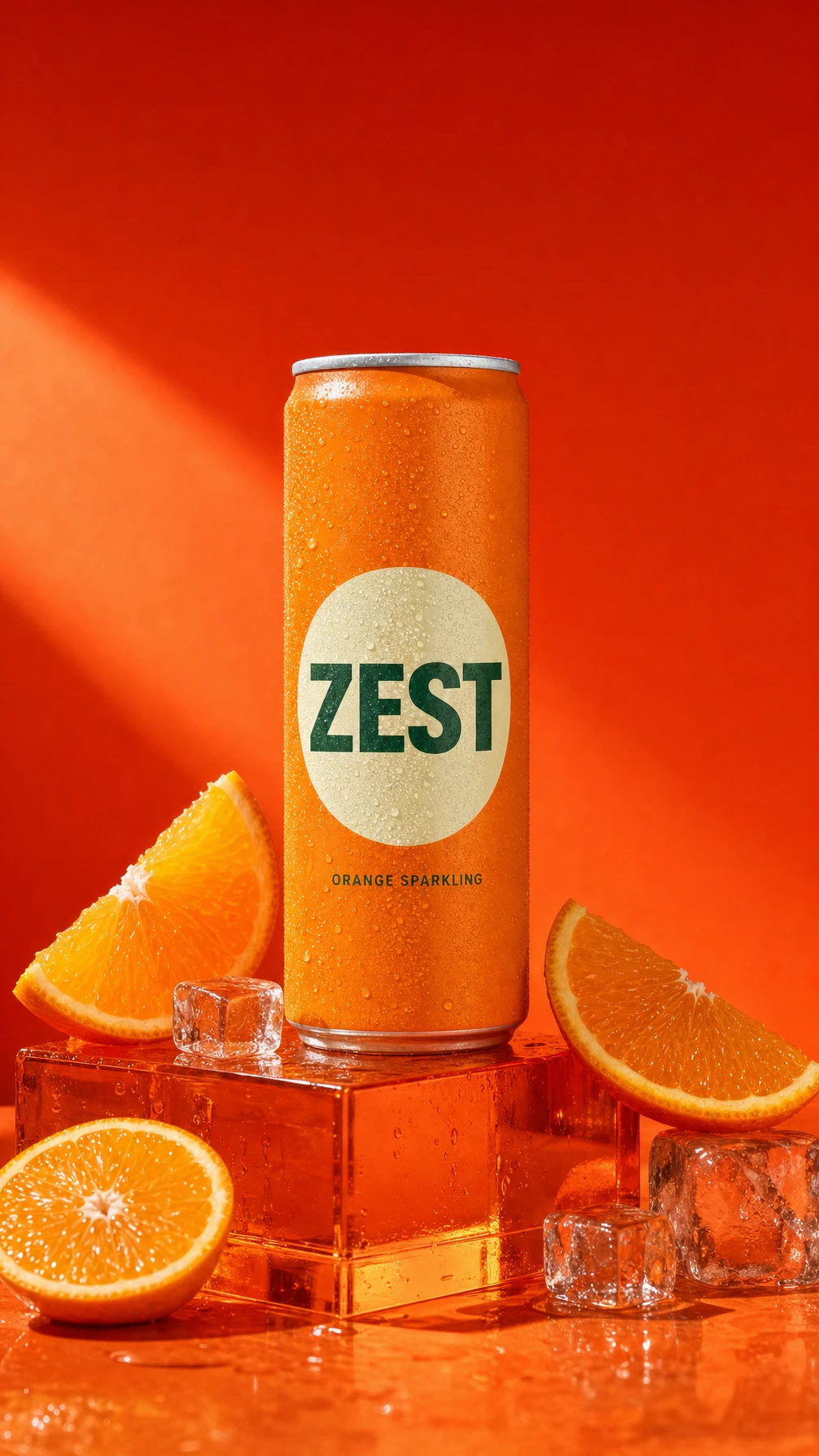 02 / AI image
Generated in Mozify · GPT Image 2
04 / FINISH IN THE EDITOR
A creator opening. A product reveal. A clear finish.
ZEST is a fictional sample product. The three exports adapt the same edit to different placements. Changing titles and formats in the Editor reuses the existing footage.
Read the full campaign breakdown ↗Questions, answered
Start with a product image and a brief. Automatic store-URL import is not available. Review product details in generated outputs before publishing.
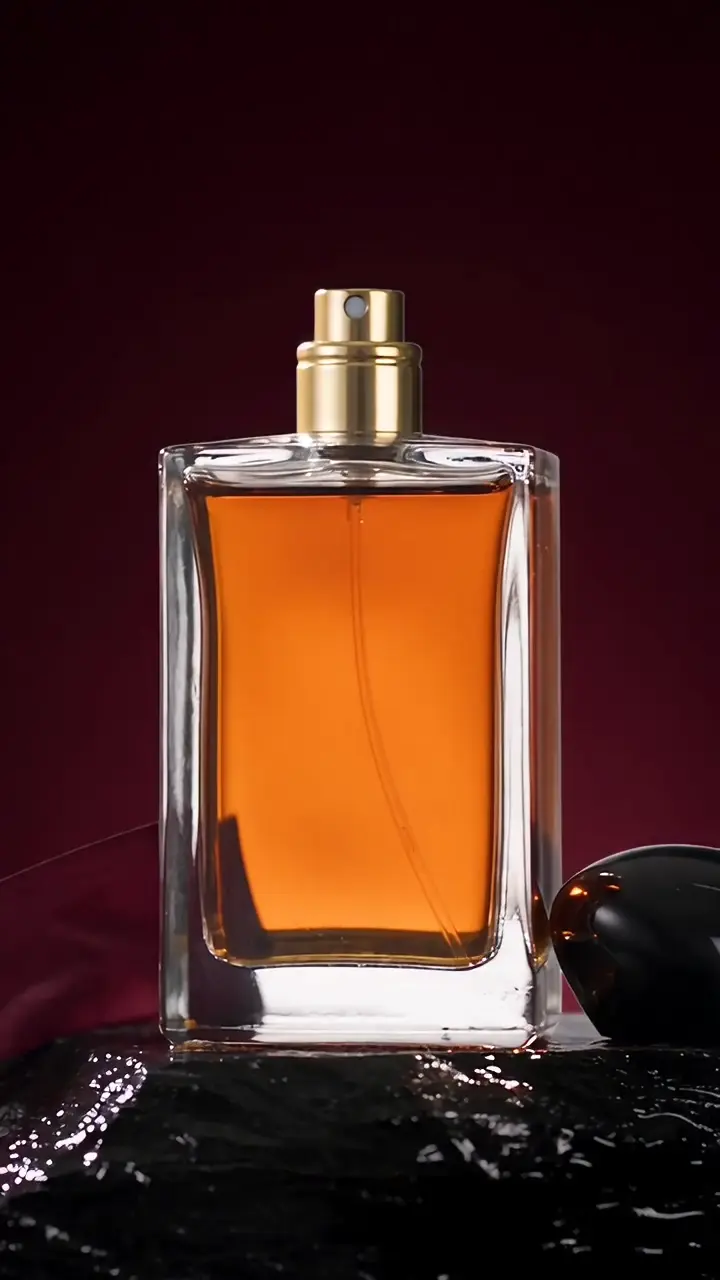
Make your next campaign stand out.
Your product, your message, your next ad. Start with an image and build the story in Mozify.